5
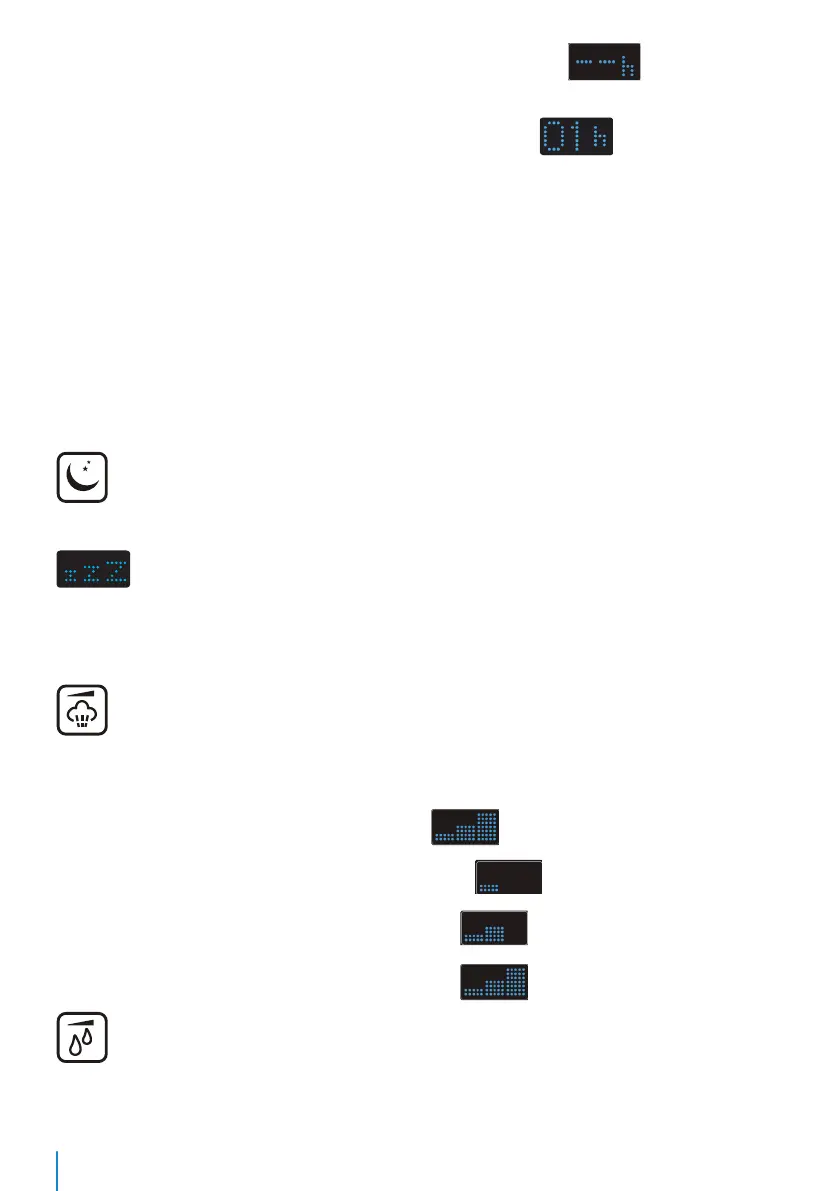
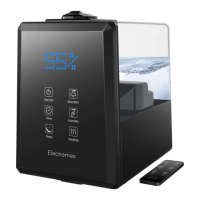
The first time the Timer button is pressed, the LED screen will display (default mode). In
default mode, the device will humidify continuously until the water runs out.
The second time the button is pressed, the LED screen will display .
The humidifier will automatically turn off after one hour. Each subsequent press of the button will
increase the time by 1 hour.
LED screen displays remaining time in Hour after you complete settings. The humidifier will
automatically stop work and enter standby state after time completes. The LED screen will display
and flash the current ambient humidity.
You need to press ON/OFF button again to restore humidifying (it doesn't work if the device is in water
shortage protection state). Once the time setting has been selected, the LED screen will display the
remaining time.
Sleep Button
Once the Sleep button is pressed, the humidifier will enter sleep mode and the LED screen will display
3 times and then will turn off. While in sleep mode, button tones will be silenced. All
functions can be activated in sleep mode, The heating function will turn off by default (to avoid
boiling noise). If you want to activate this function (in sleep mode), just press the Heating button
again. The humidifier will continue to work as sleep mode after setup completes.
Max/Min Button
Press the Min/Max button to adjust mist strength. Press Max/Min once for low, twice for medium, and
three times for high.
After once button press, the LED screen will display (default high).
After the second button press, the LED screen will display (low).
After the third button press, the LED screen will display (medium).
After the fourth button press,the LED screen will display (back to high).
Humidity Button
Press the Humidity button to set your desired humidity value(from 30% to 90%, each press increases
level 5% ). Once the room has reached your specified humidity level, the device will shut off


 To Next Page