13
WiFi Instructions
Scan and Download
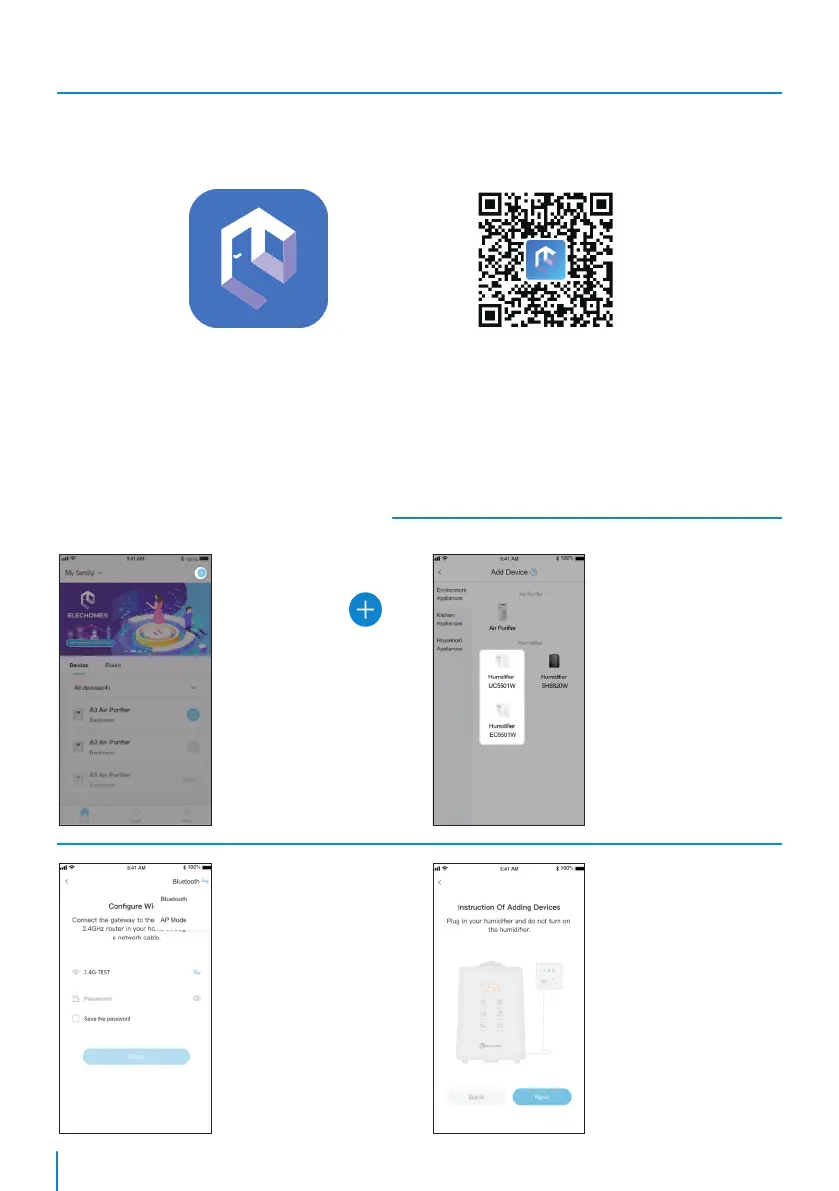
Download"Elechomes"APP
Log in the APP after registration (suitable for Android or ios system)
Note:
The rst-time conguration, please keep the device and your phone consistent WiFi, which is not
required later.
Make sure your phone is connected to a secure 2.4GHz WiFi network. The Humidier can only be set
up on a secure 2.4GHz network.
Your phone may not be able to access the internet while connecting. This is normal and temporary.
Bluetooth Mode Connection
Step 1 Step 2
Step 3 Step 4
Click the icon on
the top right corner on
the home page.
Click Humidifier on the
device list.
Click the icon on the top
right corner on the page
to change to Bluetooth
Mode. Select WiFi name
(it must be 2.4GHz WiFi),
and enter the password.
Click [Next].
Plug in your humidifier
and do not turn on the
humidier. Click [Next].


 To Next Page