13 / 18
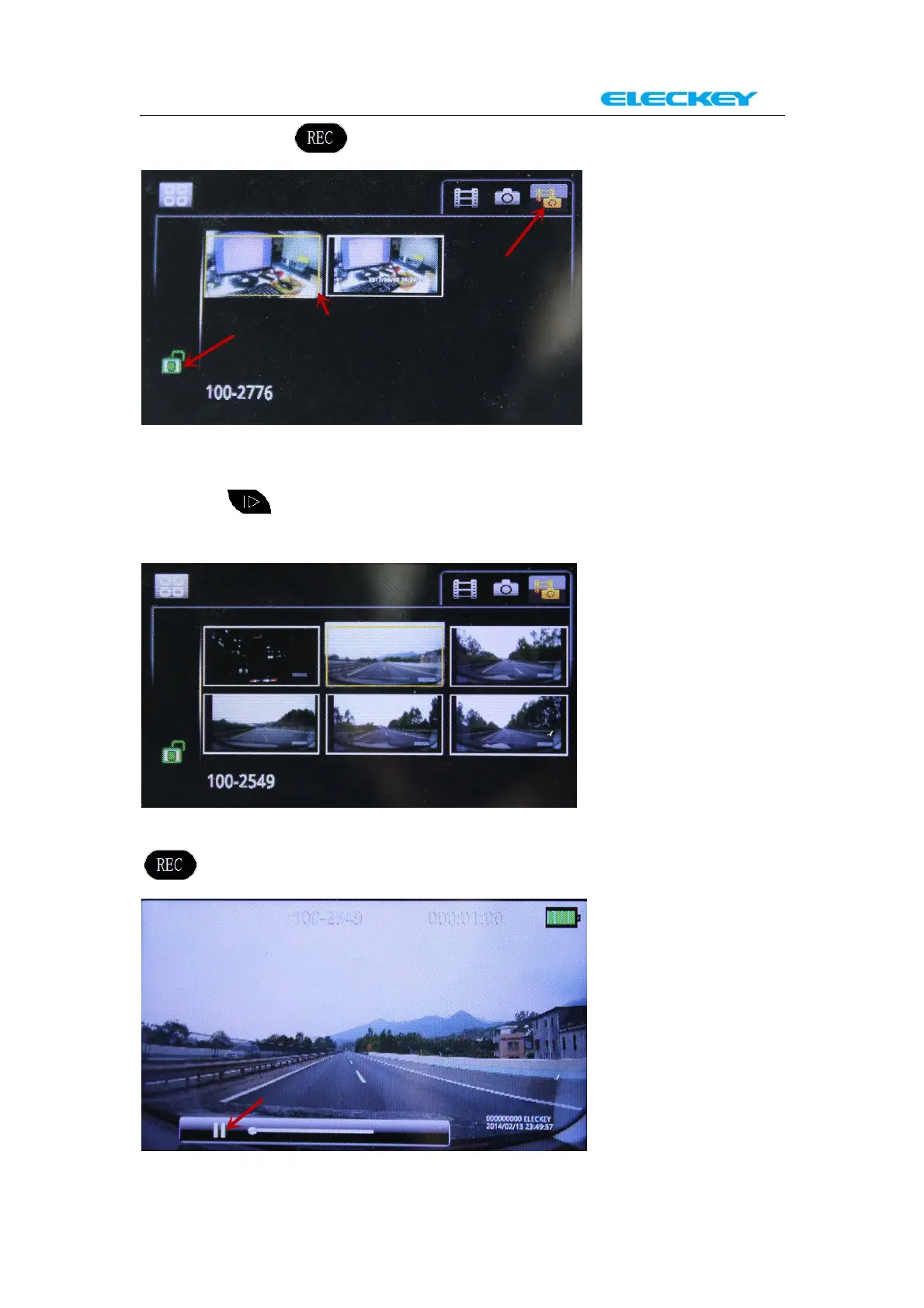
And then Press to start “Preview Mode”
You can select the video or picture by “up” and “down” button.
Please select the last file which is shown on the screen and then press
“down” button. The recording video files will show on the
screen now.(They are hidden before this step)
Please select the video that you want to view. And then press
to start “Full screen Mode”.



 To Next Page