17 / 18
Parking Mode(Not commonly use)
To use the parking mode, please connect it with an external battery
because the battery of dash cam itself is small-capacity.
Please connect the external battery to the dash cam and start the
machine.
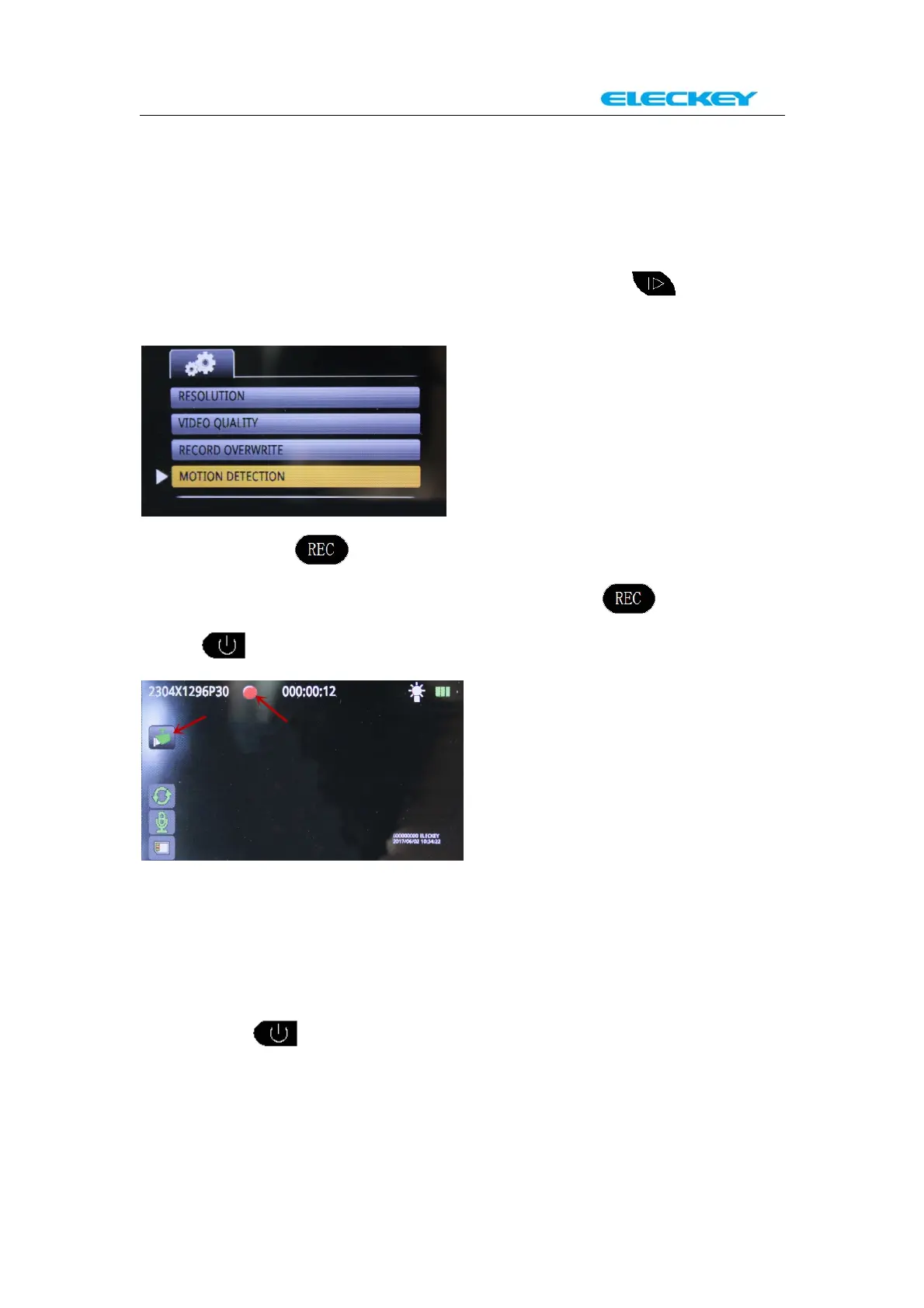
And then active the Menu selection and then press to find the
“MOTION DETECTION”
And then press to active “MOTION DETECTION” operation.
Please select “ON” and confirm it by pressing again. Then
press , the system will go into “Parking mode” as below picture.
Under the “Parking mode”, the camera w ill auto record when people or
things come closer to your car from in front. And it will automatically
stop recording when it senses no movement in 10 seconds.
You want to finish “Parking mode” and go back to normally
“Automatic recording mode”.
Long press for 3 seconds to turn the dash cam off;
Disconnect the charging cable from the external battery. And then
connect the charging cable to the dash cam again from car cigarette
lighter to start the machine and the system will automatically go to
“Automatic recording m ode”.



 To Next Page