4 / 18
Quick Guide
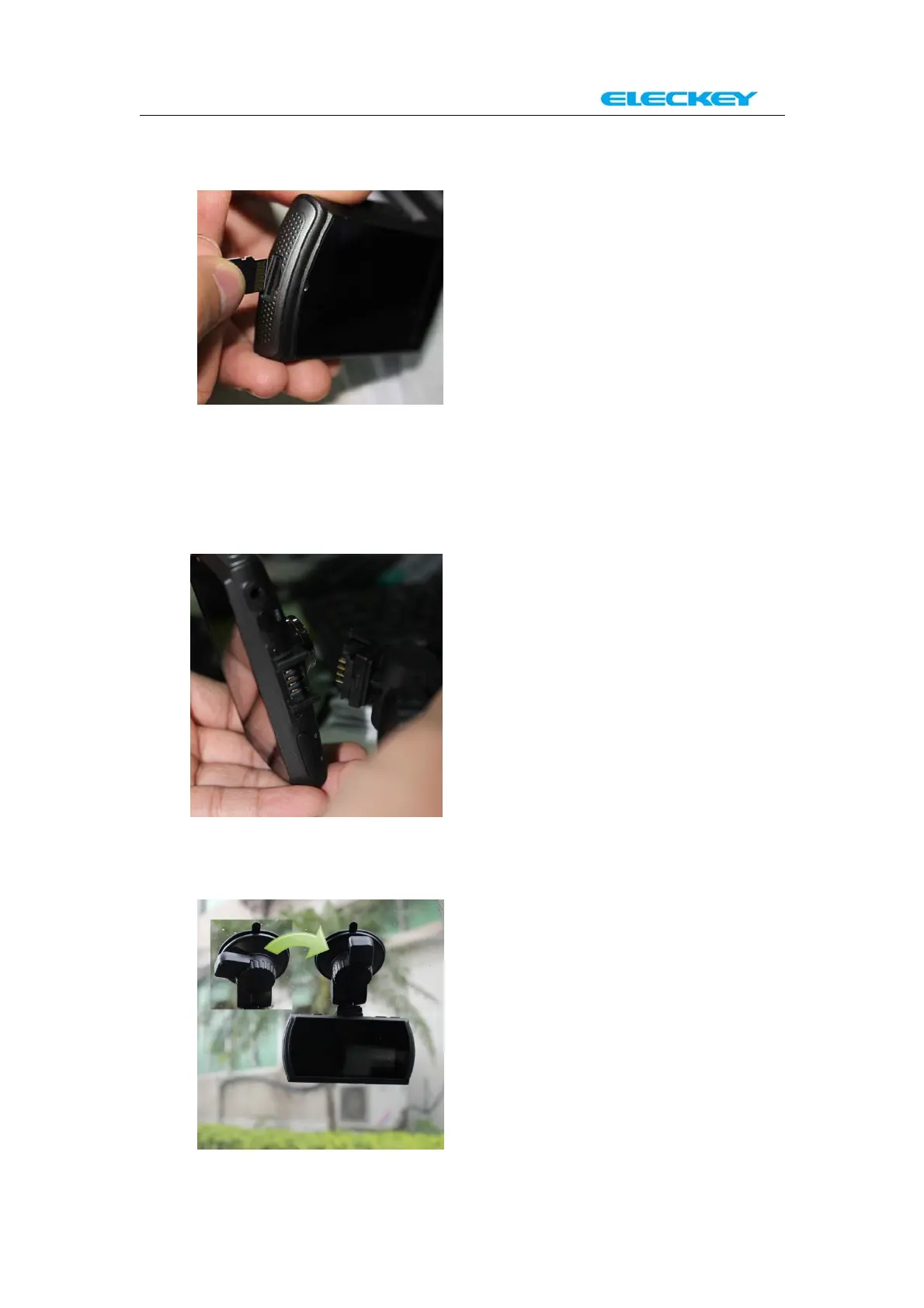
1. Install microSD card into the card slot with correct direction.
Reminder:
No memory card, Samsung Evo 32GB card is recommended. I f you
are using a 64GB card, please format it to FAT32 before use.
2. Slide the camera t o the fixed plate and adjust proper vertical
and horizontal positions.
3. Remove protection tape from the fixed plate and install plate on
the windshield glass. (Rotate the position which showed on the
below picture to make it locked)



 To Next Page