15 / 18
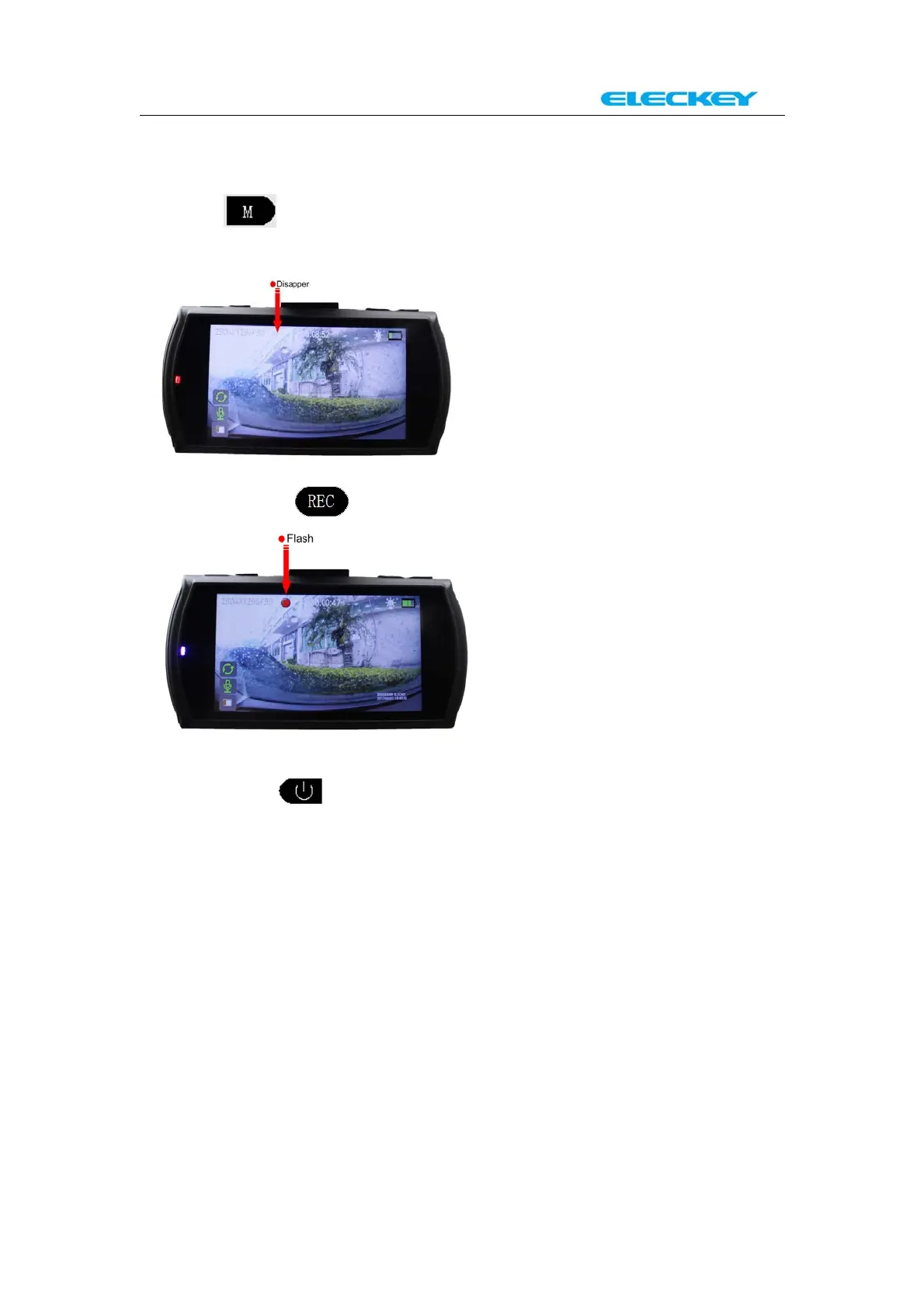
Finish viewing and want to go back to “Automatic recording
mode”
1.Press under “system files” Page or “Preview mode”, the
system will go back to “Recording Pause Mode”.
And then press to start “Automatic recording Mode”.
2. Long press for 3 seconds to turn the dash cam off;
Pull out the charging cable from the dash cam. And then connect the
charging cable to the dash cam again to start the machine and the
system will automatically go to “Automatic recording Mode”.
NOTE: This step is fit for any status when you want to go back to
“Automatic recording m ode”



 To Next Page