6
I. INTRODUCTION
USING THE BUILT-IN OPERATING MANUAL
This is a printable copy of the Elecraft K4 Operating that is
programmed in the K4 Transceiver.
Please read the fully illustrated short-form manual, Introduction to
the Elecraft K4, to become familiar with control and connector
locations. The Introduction to the Elecraft K4 manual is included
with your K4 and can also be found on the Elecraft website.
The operating manual is a compact reference to all K4 controls,
connectors, display elements, and menu entries. It also provides
context-sensitive help during operation.
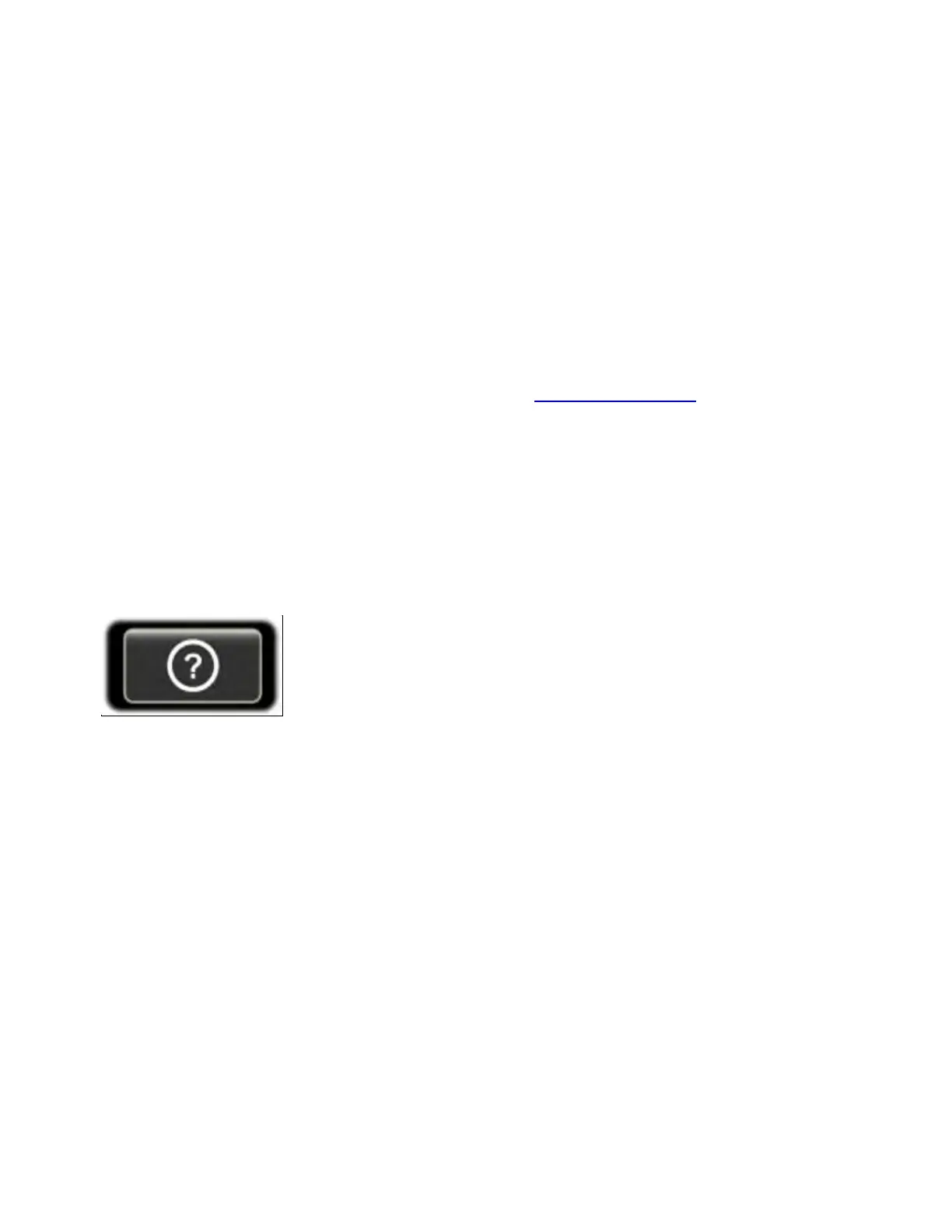
To view the built-in operating manual, tap the button labeled "?" at
the lower left-hand corner of the LCD screen:
For help with the most recent controls used, tap the LAST CTRL button
one or more times.
To scroll through text, rotate the VFO A knob. Navigate by clicking on
underlined links and using the forward/backwards buttons. Tap the
table of contents button to return to the top.
To search by topic, tap the magnifying glass button. If there's more
than one match, the up/down arrow buttons will navigate among
them. Tap the magnifying glass button again to exit match navigation
and return to scrolling.



 To Next Page