EasyManua.ls Logo

ElectrIQ eiQ72GBLCAN - User Manual

ElectrIQ eiQ72GBLCAN
13 pages
Print Icon
To Next Page IconTo Next Page
Loading...
USER MANUAL
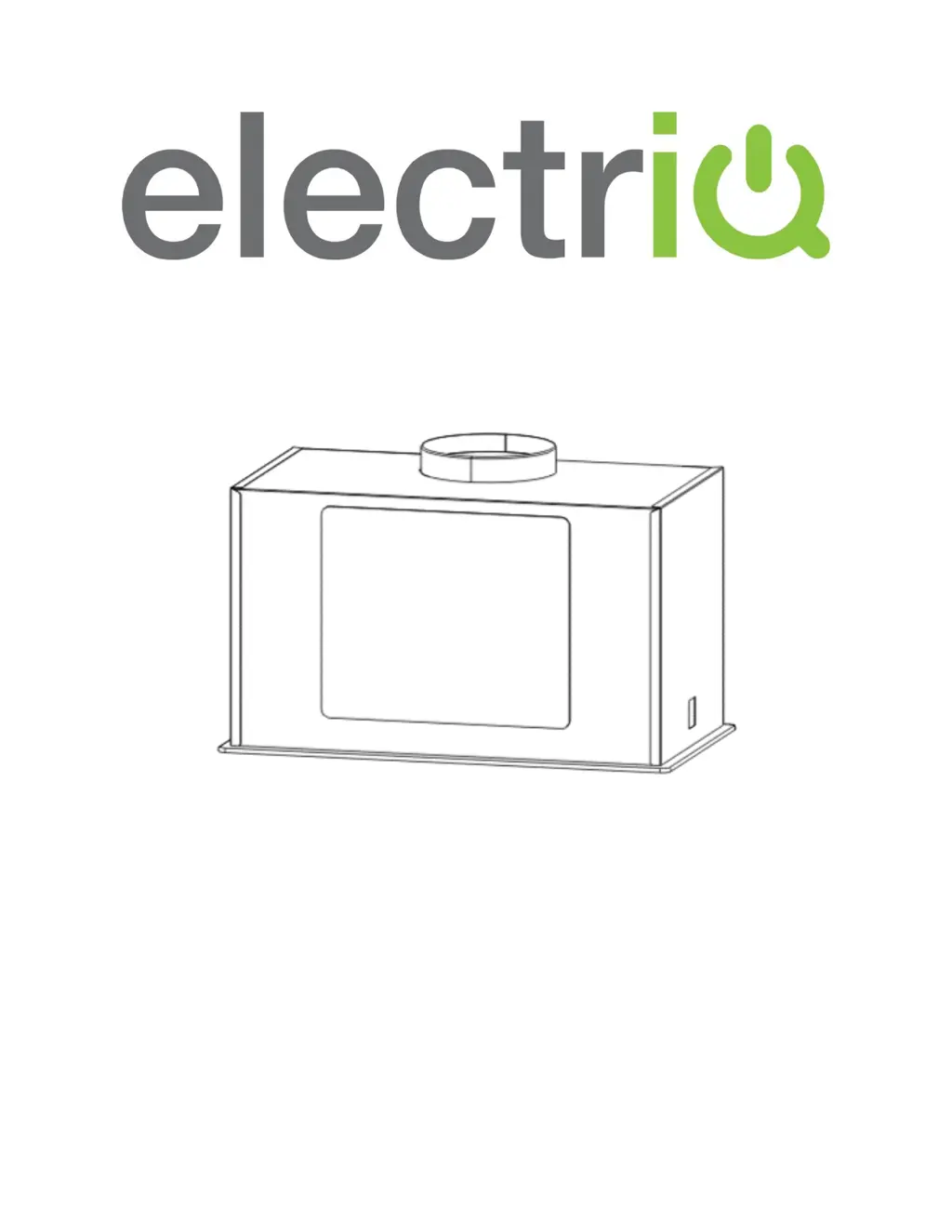
BUILT IN COOKER HOOD
eiQ52CANGW/BL eiQ72GWCAN eiQ72GBLCAN
Thank you for choosing electriQ
Please read this user manual before using this
product and keep it safe for future reference.
Visit our page www.electriQ.co.uk for our entire product range

Questions and Answers

  • J
    John MaxwellAug 10, 2025
    Why is the ElectrIQ eiQ72GBLCAN suction performance not good?
    • C
      Cody DunlapAug 10, 2025
      If your ElectrIQ Ventilation Hood's suction performance isn't up to par, it could be due to a couple of reasons. First, the grease filters might be clogged, in which case you should clean or replace them. Second, the distance between the hood and the cooking surface might be too great. The solution here is to adjust the distance to between 70cm and 80cm.
  • M
    Megan WarrenAug 17, 2025
    What to do if my ElectrIQ Ventilation Hood has excessive vibration?
    • M
      Matthew CookAug 17, 2025
      Excessive vibration in your ElectrIQ Ventilation Hood can stem from a few potential issues. It might be that the fan blade is damaged, or that the fan motor isn't tightly fixed. In either of these cases, switch off the unit and ensure that repair is carried out by qualified service personnel only. Another possibility is that the unit isn't properly hung on the bracket. To resolve this, take down the unit and check whether the bracket is in the correct location.
  • D
    David GarciaAug 25, 2025
    Why are both the light and fan not working on my ElectrIQ eiQ72GBLCAN?
    • C
      Candice JacobsonAug 26, 2025
      If both the light and fan on your ElectrIQ Ventilation Hood aren't working, there are a couple of things to check. First, the halogen light bulb might have blown, so replace it with one of the correct rating. Also, make sure the power cord is securely plugged into the power supply.
  • B
    Brent MaloneSep 1, 2025
    How to fix an ElectrIQ eiQ72GBLCAN Ventilation Hood when the light is on, but the fan does not work?
    • R
      Robert GrahamSep 1, 2025
      If the light on your ElectrIQ Ventilation Hood is on but the fan isn't working, the fan blade may be jammed. Switch off the unit and ensure that repair is carried out by qualified service personnel only.

Summary

Safety Precautions

Before Usage

Unpacking Your Appliance

Product Overview - Parts Supplied

Installation

Carbon Filter Information

Details on using optional activated carbon filters for odor trapping.

Operation

Touch Control Interface

Explains the touch control buttons and their functions for operating the cooker hood.

Maintenance

Regular Cleaning

Instructions for cleaning the cooker hood using mild soap and water.

Light Bulb Replacement

Step-by-step guide for replacing the light bulb in the cooker hood.

Troubleshooting

Specification

Information for Dismantling

electriQ UK Support

ElectrIQ eiQ72GBLCAN Specifications

General IconGeneral
Width72 cm
ColourBlack
Number of Motors1
Noise Level62dB
LightingLED
Energy Efficiency ClassA
Filter TypeAluminium

Related product manuals