14
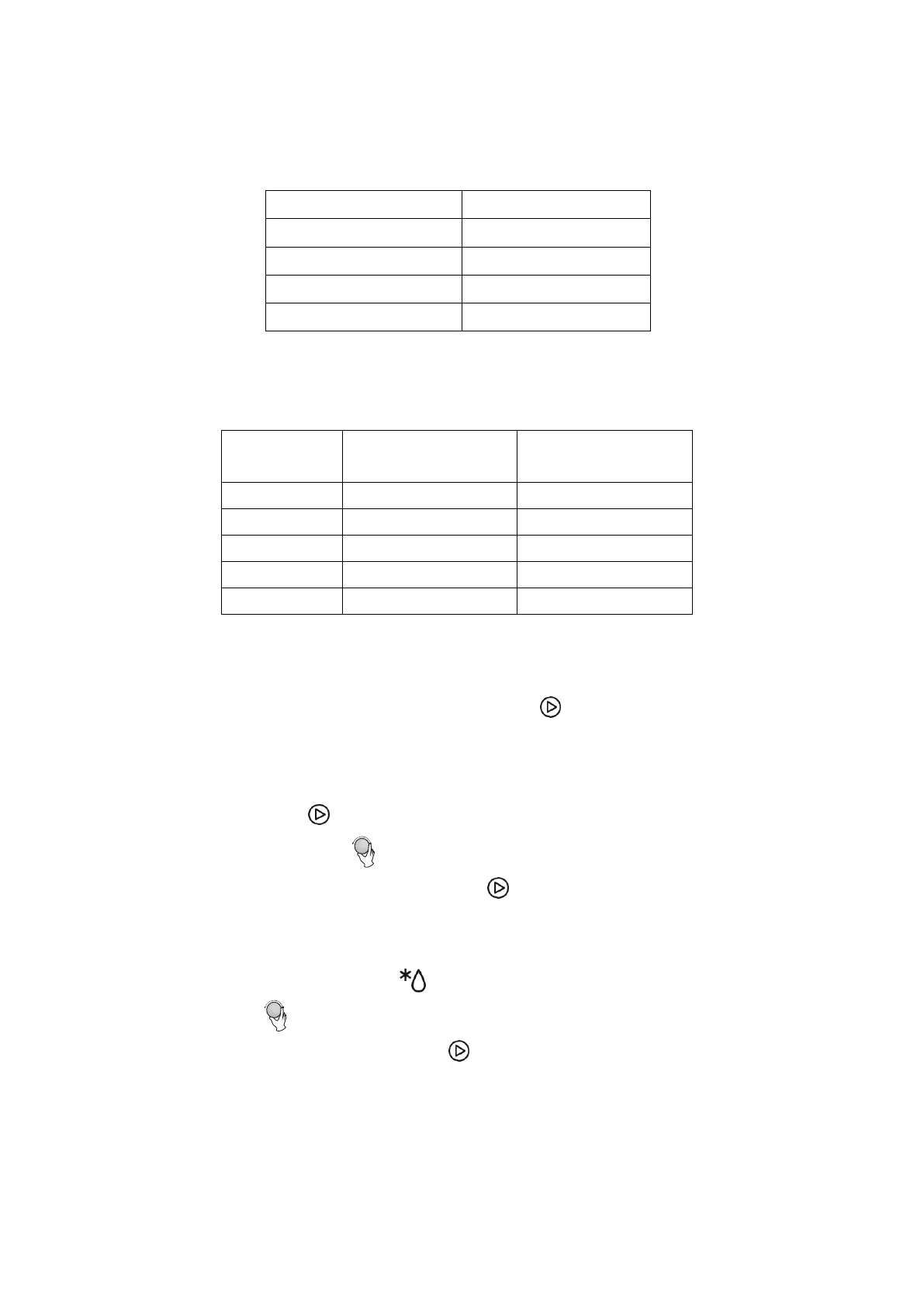
Note: The step quantities will increase as the time set increases, following the
table below:
MICROWAVE POWER LEVELS
QUICK START
1) In standby, Press “Start/+30 seconds/Confirm” to start cooking for 30 seconds
with 100% power, each additional press will increase the cooking time by 30
seconds, up to a maximum of 95 minutes.
2) While using the microwave or time defrost functions, each press of “Start/+30
seconds/Confirm” will increase the cooking time by 30 seconds.
3) In standby, turn the dial left to set cooking time with 100% microwave power,
then press “Start/+30 seconds/Confirm” to start cooking.
DEFROST BY WEIGHT
1) Press “Weight/Time Defrost” once, and the oven will display "dEF1".
2) Turn the dial to select the weight of the food between 100 and 2000g.
3) Press “Start/+30 seconds/Confirm” to start defrosting.


 To Next Page