4
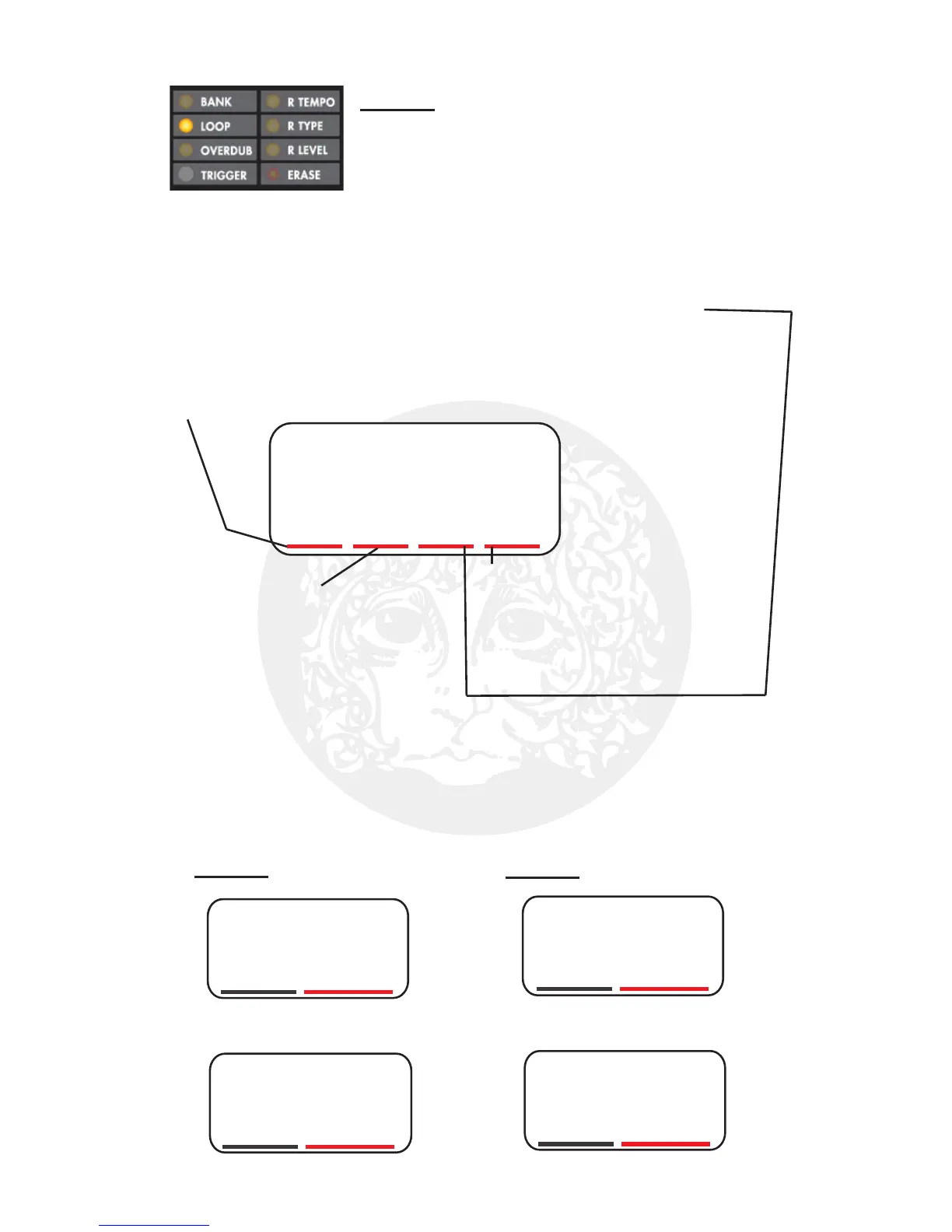
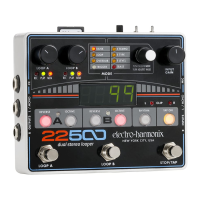
L24P
Digit 1:
L: Loop-Lock Mode
F: Freeform Loop Mode
Digit 2:
Loop Lock Multiple: When
set to Loop Lock Mode,
digit 2 automatically sets the
length of Loop B as a multiple
of Loop A, such as .5x, 1x, 2x
up to 9x. When set to U, the
multiple can be any whole number
set by the user when creating LOOP B.
Digit 2 is blank when set to Freeform mode.
Digit 3:
n: Non-Quantize mode, Quantize is off
2: Quantize to 2/4 bar lengths, each bar 2 beats
3: Quantize to 3/4 bar lengths, each bar 3 beats
4: Quantize to 4/4 bar lengths, each bar 4 beats
6: Quantize to 6/8 bar lengths, each bar 6 beats
b: Quantize to the beat, this is an expert setting
Digit 4:
P: Parallel Mode – the loops
can play simultaneously, in
parallel with each other.
S: Sequential Mode – only
one loop plays at a time.
A1of
A1oF: 1-Shot mode is OFF for LOOP A
A1on
A1on: 1-Shot mode is ON for LOOP A
b1of
b1oF: 1-Shot mode is OFF for LOOP B
b1on
b1on: 1-Shot mode is ON for LOOP B
LOOP Mode Explanation
Page 1: Quantize, Parallel/Sequential,
Loop Lock Settings
The settings in LOOP mode dictate how loops are rec-
orded, played back, and interact with each other. In this
mode the following settings can be adjusted:
Page 2 - Loop A 1-Shot Page 3 - Loop B 1-Shot
1-Shot mode: In 1-shot mode the loop audio is played one time
through and then stops; the loop does not continue to play.
• Lock Loop B’s length to Loop A
• Play and record the loops in parallel or sequentially
• Quantize loops to exact bar lengths, synchronized to the 22500’s Rhythm
1
/
8th


 To Next Page