19
4.1 Digital analog converter PD1
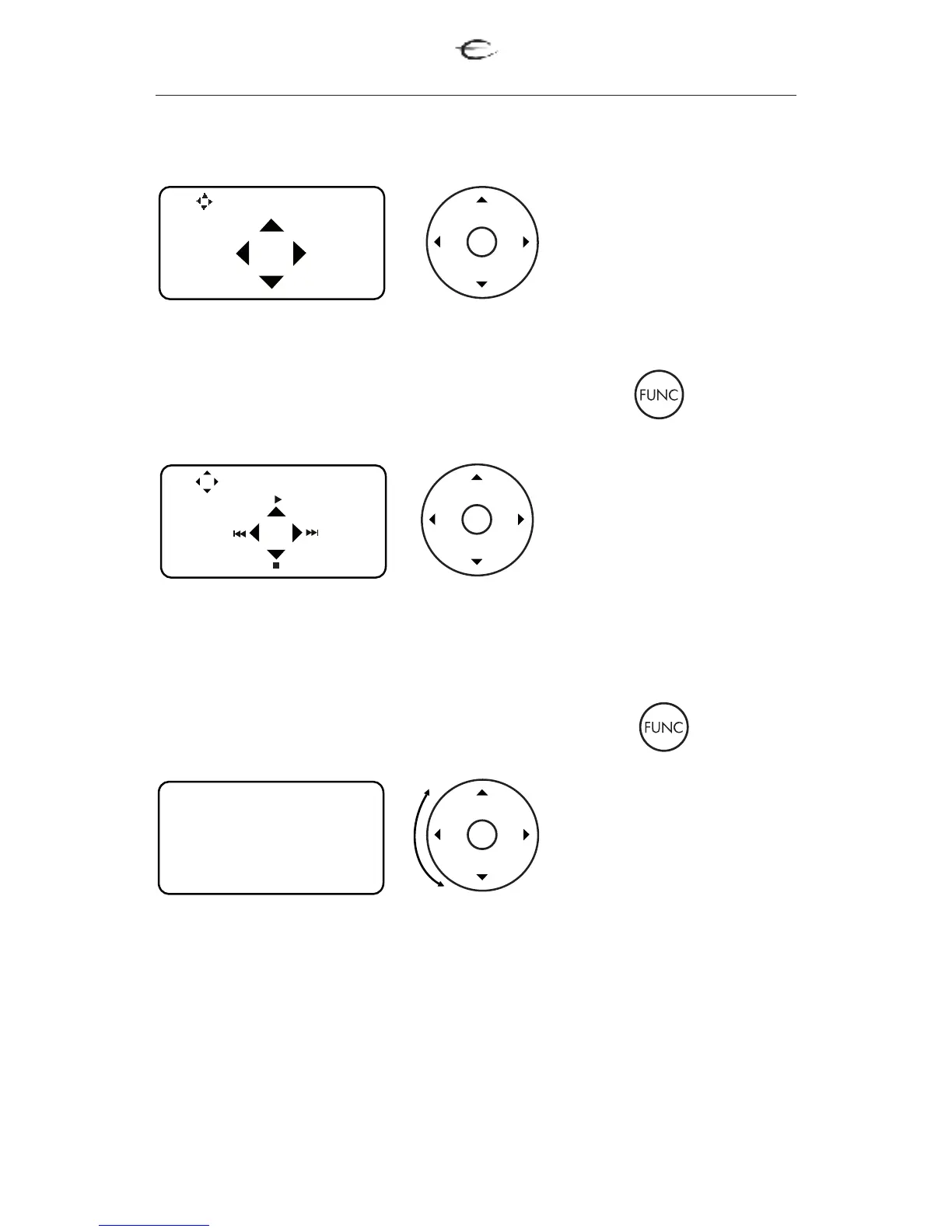
For Media player mode press function button once
For Media player mode press function button twice
By using the wheel you
can scroll through all
function of the PD 1.
Pressing OK will activate
the chosen function.
1. DIM - use to select from 3 different brightness levels for the display.
2. STDBY - use for Standby mode.
3. MUTE - use for muting the sound.
PD 1
Media player
Select IR function
DIM STBY
MUTE
Press the LEFT/RIGHT
to change between the
sources.
Prees UP/DOWN
to adjust the volume.
Press the LEFT/RIGHT
to change between the
tracks.
Press UP for PLAY and
PAUSE.
Press DOWN for STOP.


 To Next Page