EasyManua.ls Logo

ELECTROCOMPANIET ECT 3 - Normal Mode

ELECTROCOMPANIET ECT 3
28 pages
Print Icon
To Next Page IconTo Next Page
To Previous Page IconTo Previous Page
Loading...
22
Extra menu
Special mode.
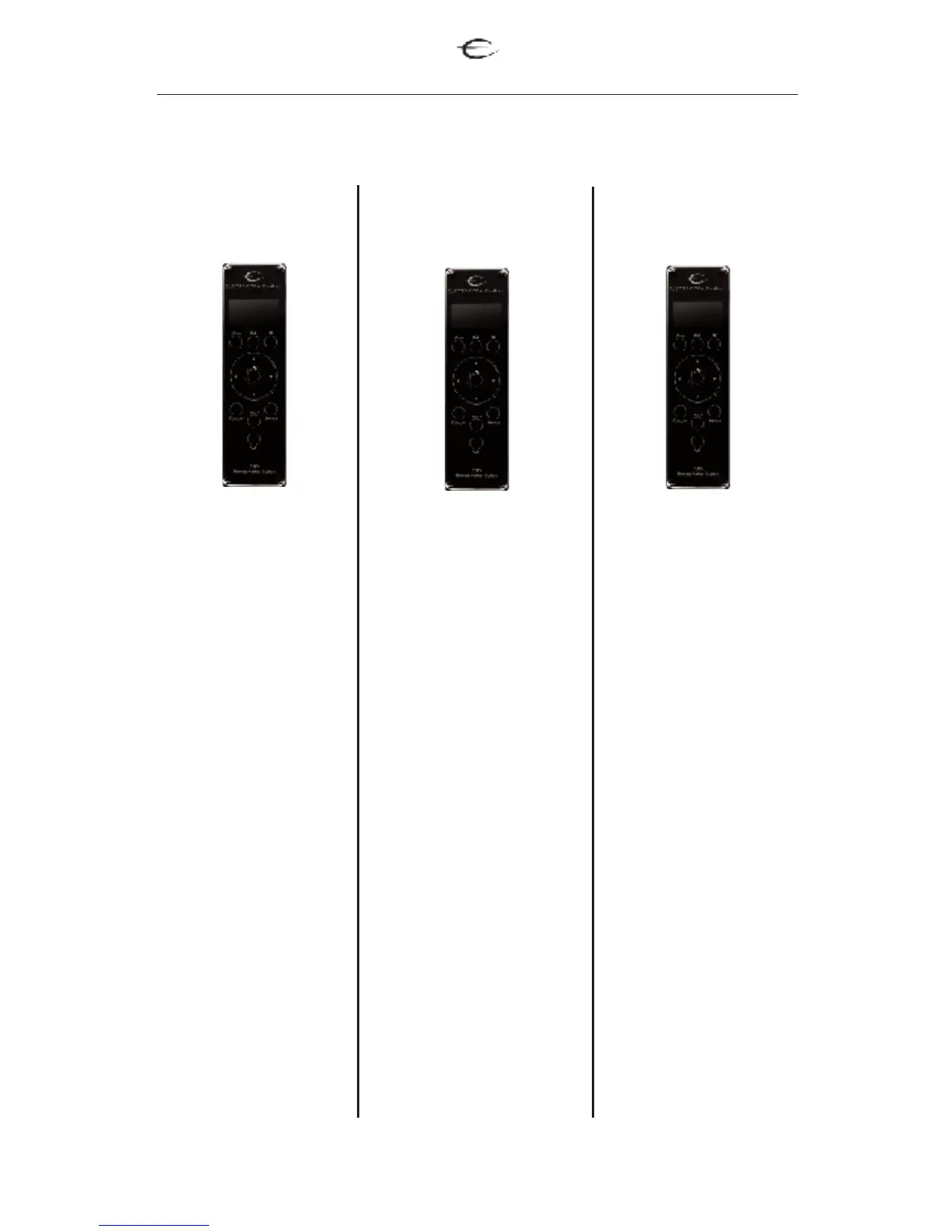
Normal Mode
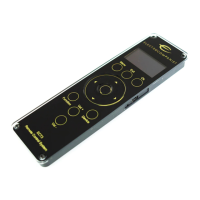
Used for operation of
cd/dvd players.
OSD mode
On Screen Display.
Used for DVD menus.
Device:
Used for selection
of products.
Wheel selector:
Used for controlling
play/stop/pause,
step, open and
close.
Vol+
Used for adjusting
the volume
Vol-
Used for adjusting
the volume
OK
Confirm of choice
Menu
Used to select on
screen menu and
root DVD menu.
Device:
Used for selection of
products.
Wheel selector:
1.Used to navigate on
the menus on the televi-
sion screen menu.
2. Used for slow mode
and fast mode while
playing video.
Vol+
Used for adjusting the
volume
Vol-
Used for adjusting the
volume
OK
Confirm of choice
Menu:
Used to select on screen
menu and root DVD
menu.
Device:
Used for selection
of products
Wheel selector:
Scrool, bring you
trough all possible
setup commands.
Vol+
Used for adjusting
the volume
Vol-
Used for adjusting
the volume
OK
Confirm of choice
Menu:
no function
Function on buttons for different mode
Multi player