21
Multi player
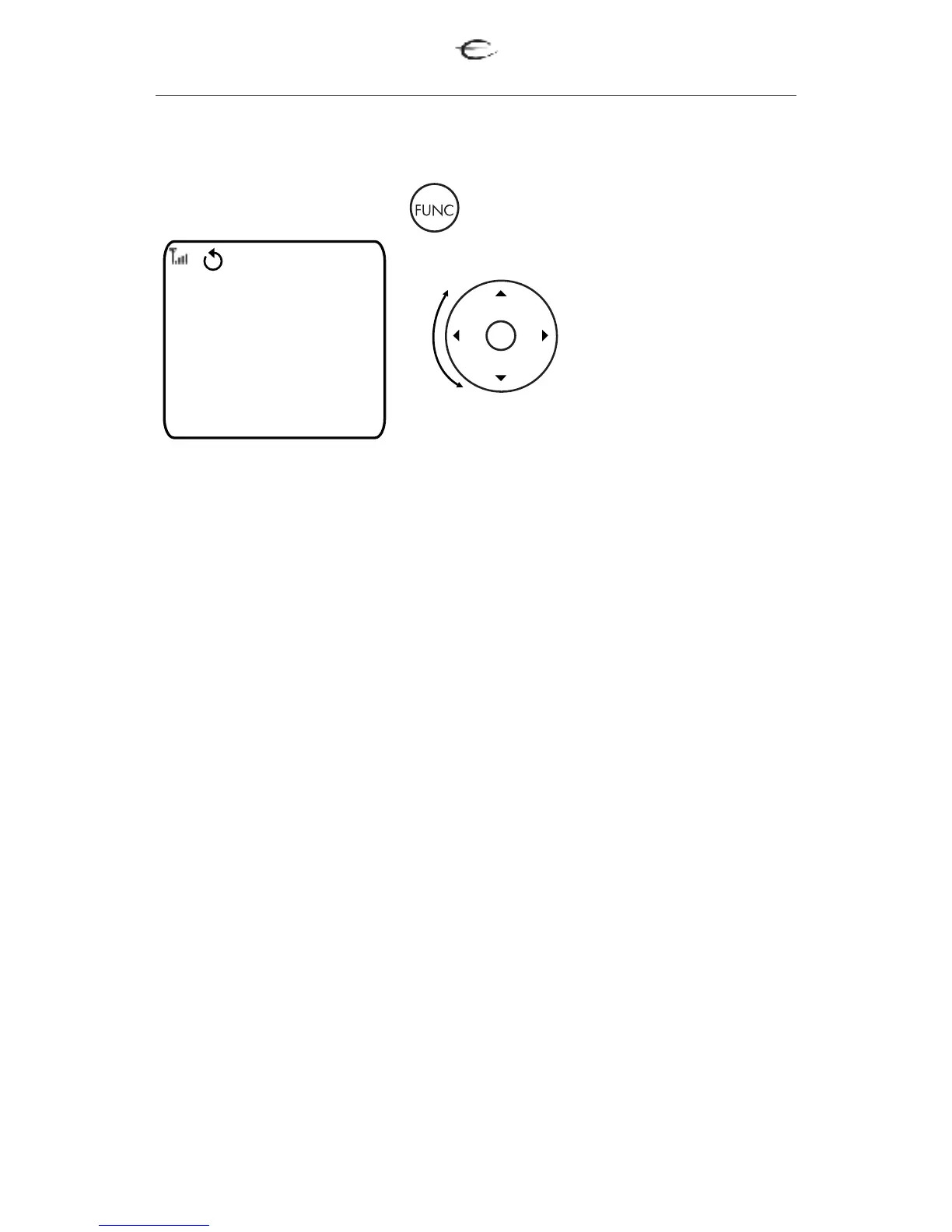
5.3 EMP 1 Multiplayer Extra Menu
Scroll the wheel to
select the desired
menu.
Press OK to confirm
your selection.
1.Power - Power ON/OFF the EMP 1.
2.Repeat - Repeats the track or all tracks.
3.Audio - Selects the audio language or format selector
4.Subtitile - Selects the language for subtitles.
5.S.Mode - Selects a sound mode:
• Selects a sound mode:Stereo, Virtual Surround or Multi-channel.
• Changes the SA-CD playback area
6.Mute - for activating and deactivating MUTE function.
Read more about functions of the buttons in different modes (page 22)
For extra functions press button twice.
EMP 1
Power
Repeat
Audio
Subtitle
S.Mode
Mute
NORMAL OSD EXTRA


 To Next Page