11
Changing Frame Settings
The system settings let you customize and configure your Digital Photo Frame.
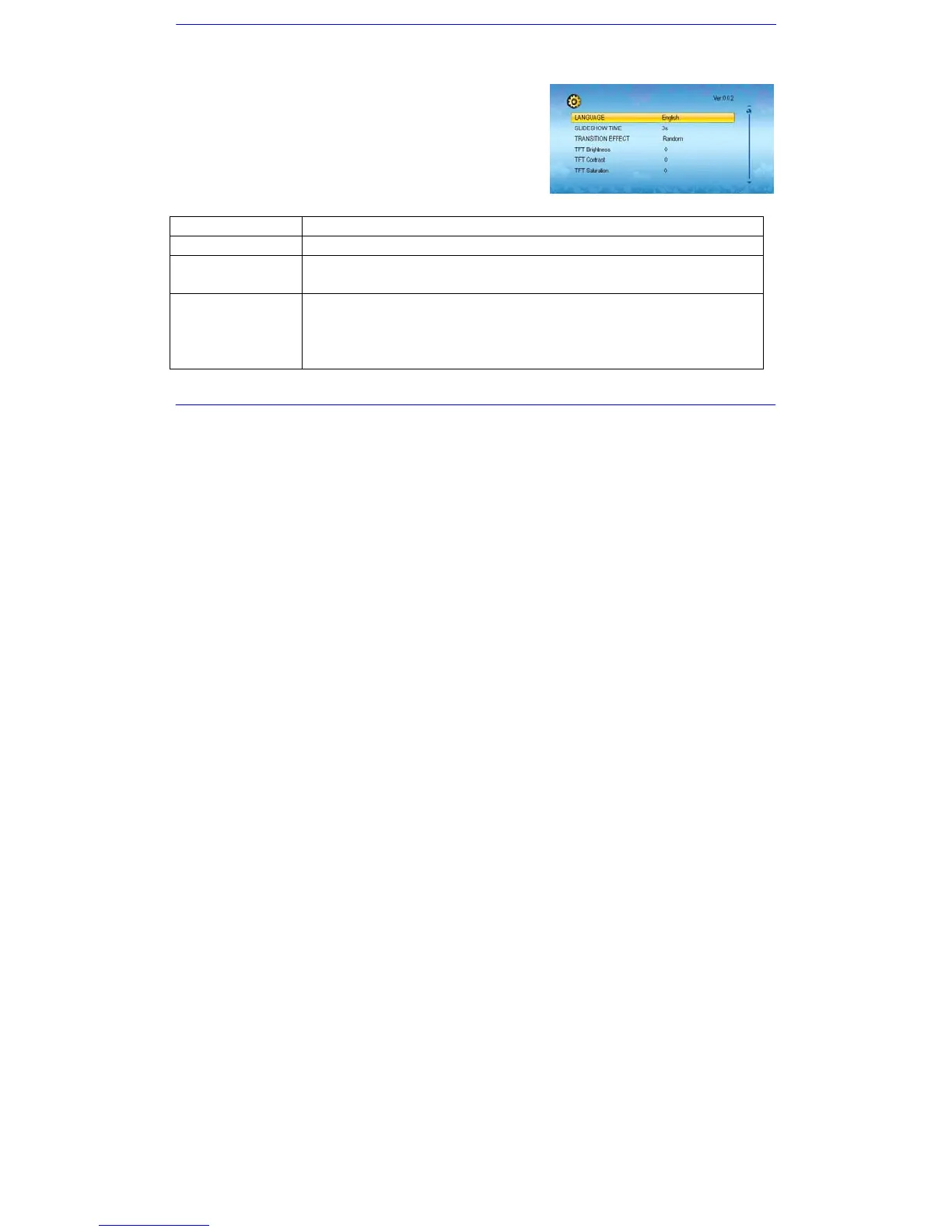
1. Select the SETUP icon in the main screen and touch [X] to confirm. The Setup
Menu and software version appear on the screen.
2. To select a setting option, touch [i] or [j]
3. To change the value, touch [g] or [h] and touch [X] to confirm.
4. Touch [2] to exit.
Settings menus
Setting options Description
LANGUAGE Choose the on-screen language.
SLIDESHOW TIME
Specify how long each picture is displayed in the slideshow.
The available options include: 3s, 5s, 15s, 1 min, 15mins, 1 hour.
TRANSITION EFFECT
Specify the transition effect between pictures in the slideshow.
The available options include: Random, Fading, Vexpand_Top, Vexpand_Bottom, Vexpand_Middle, Off,
Bottom_To_Top, Top_To_Bottom, Left_To_Right, Right_To_Left, Door_Close, Door_Open, Hori_Cross, and
Verti_Cross.


 To Next Page