7
Inserting Media
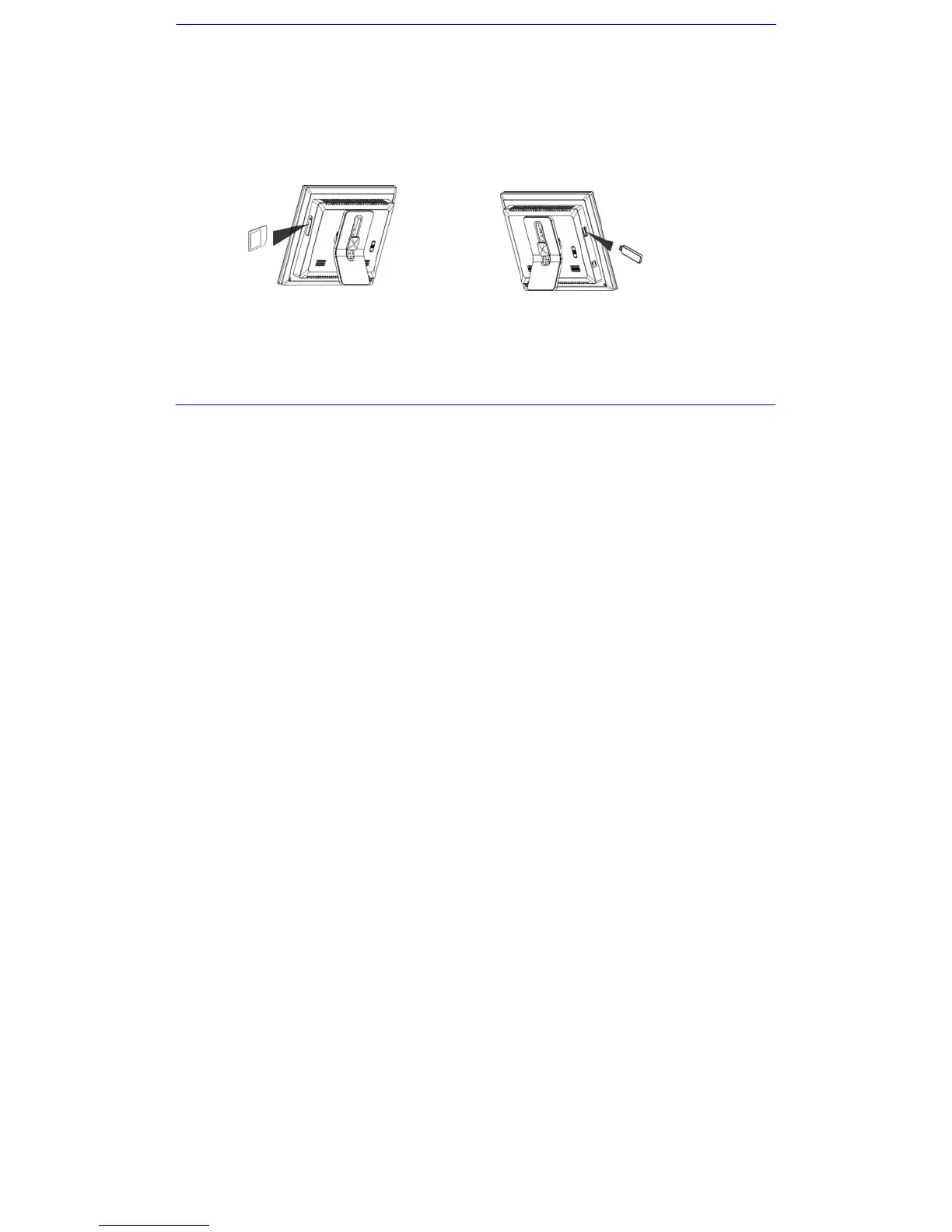
Remove the rubber cover on 3-in-1 card slot and insert an SD, MMC or MS card with the metallic contacts facing towards the display.
Insert a USB drive into the USB Jack slot as shown.
Note:
y Do not force the memory card into the memory card slot.
y The 3-in-1 card slot only reads one memory card at a time. Do not insert more than one card into the memory card slot.
y To remove the cards, pull out the card slowly.


 To Next Page