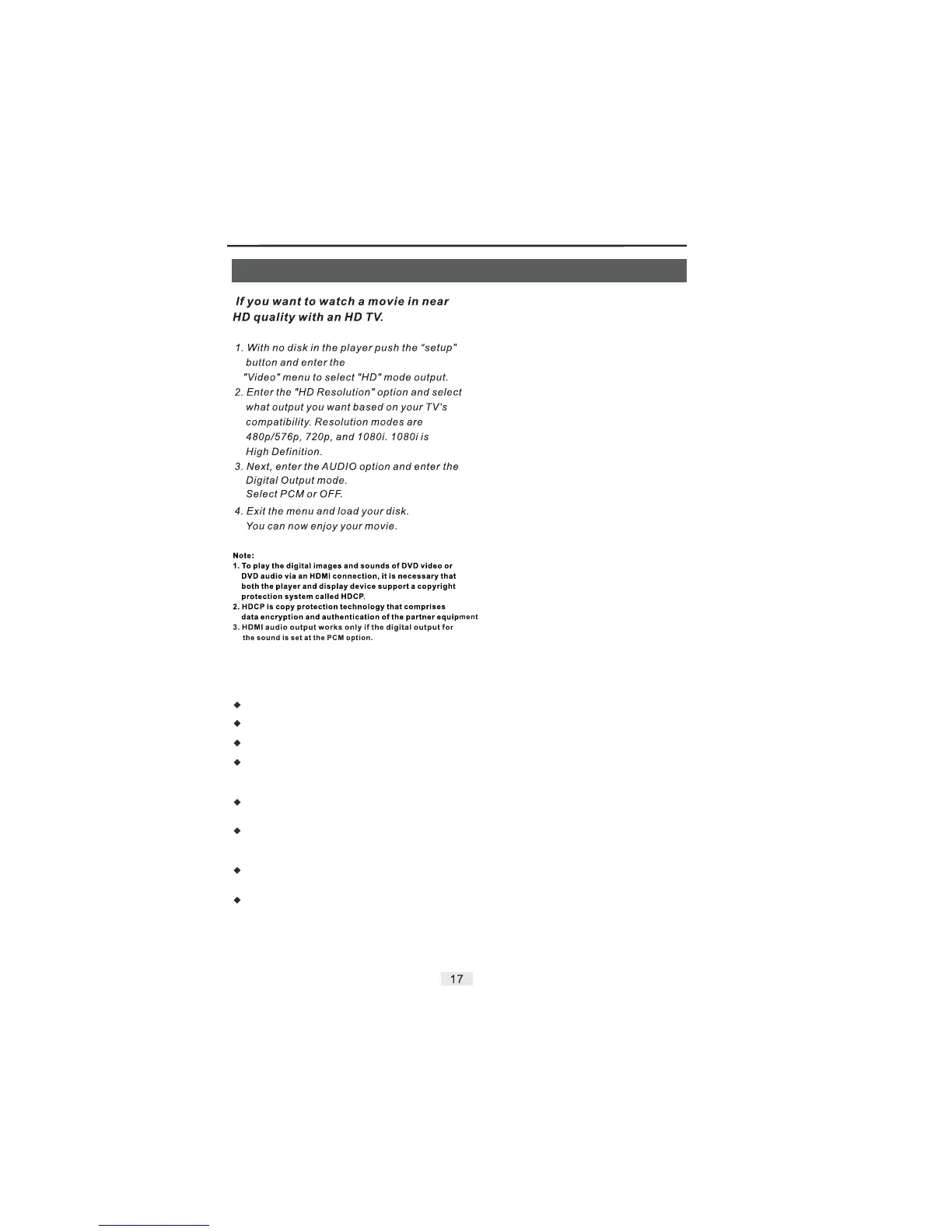
HDMI & Karaoke Operation
To play disc with Karaoke function (DVD, VCD, CDG).
Insert a microphone to front panel into MIC hole.
Press the Karaoke button on remote control.
Press the button on remote control to select “ON”
status (the icon is appearred on the TV screen upper left
side).
Press the button to select the Audio channel for your
choice.
Press the buttons every once, you can get the
control function of Karaoke for your need (Volume, Shift,
etc).
Press the buttons to control the advance or
reduce.
If you finish the Karaoke than you must press the Karaoke
button and enter again and switch to “OFF” status.
ENTER
AUDIO
UP/DOWN
LEFT/RIGHT
Karaoke Operation
If you want to enjoy Karaoke function please read the
following items:


 To Next Page