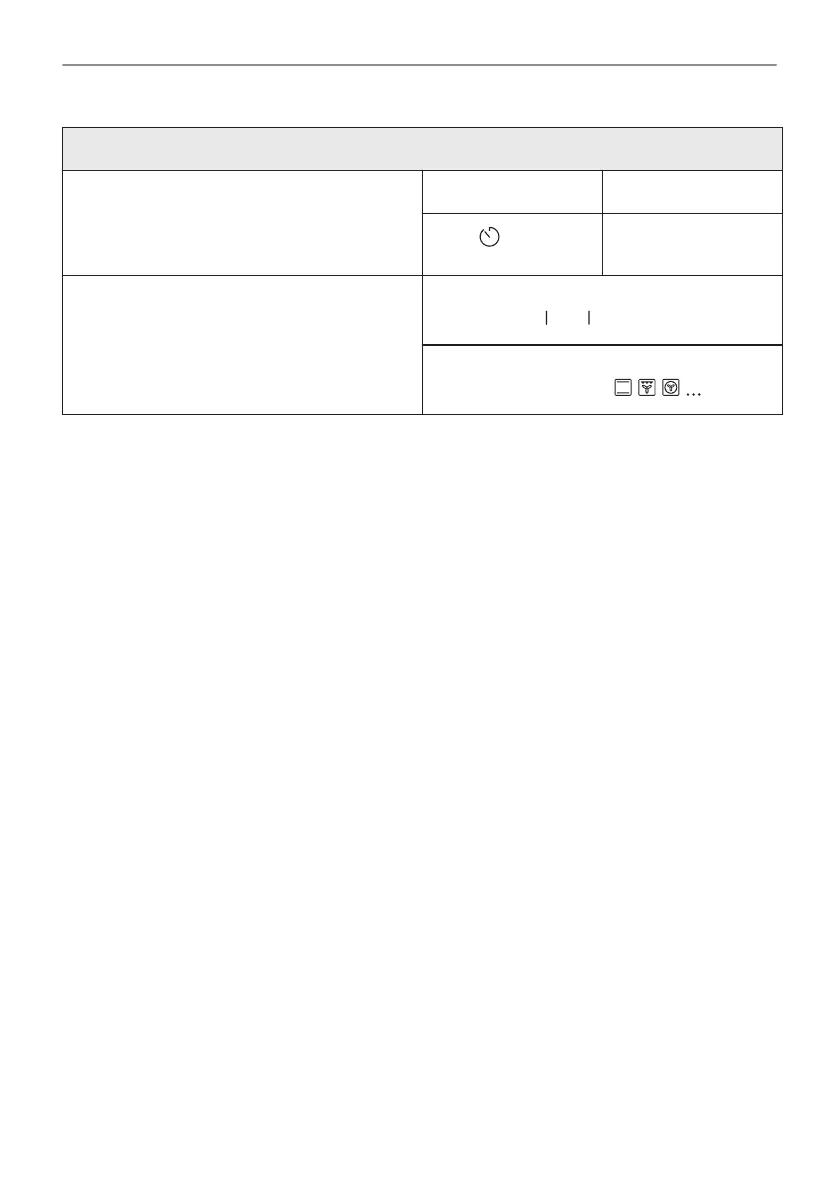
Use quick functions to set the cooking time or change the cooking function
Quick timer settings
Use the most used timer settings by choosing
from the shortcuts.
Step 1 Step 2
Press .
Press the preferred
timer value.
10% Finish assist
Use 10% Finish assist to add extra time or
change cooking function when 10% of the
cooking time is left.
To extend the cooking time press the preferred
time icon:
.
Change function:
Press preferred function .
52/56
IT'S EASY!



 To Next Page