How to cancel: Clock functions
Step 1
- press repeatedly until the clock function symbol starts to flash.
Step 2
Press and hold: .
The clock function turns off after few seconds.
8. USING THE ACCESSORIES
WARNING!
Refer to Safety chapters.
8.1 Inserting accessories
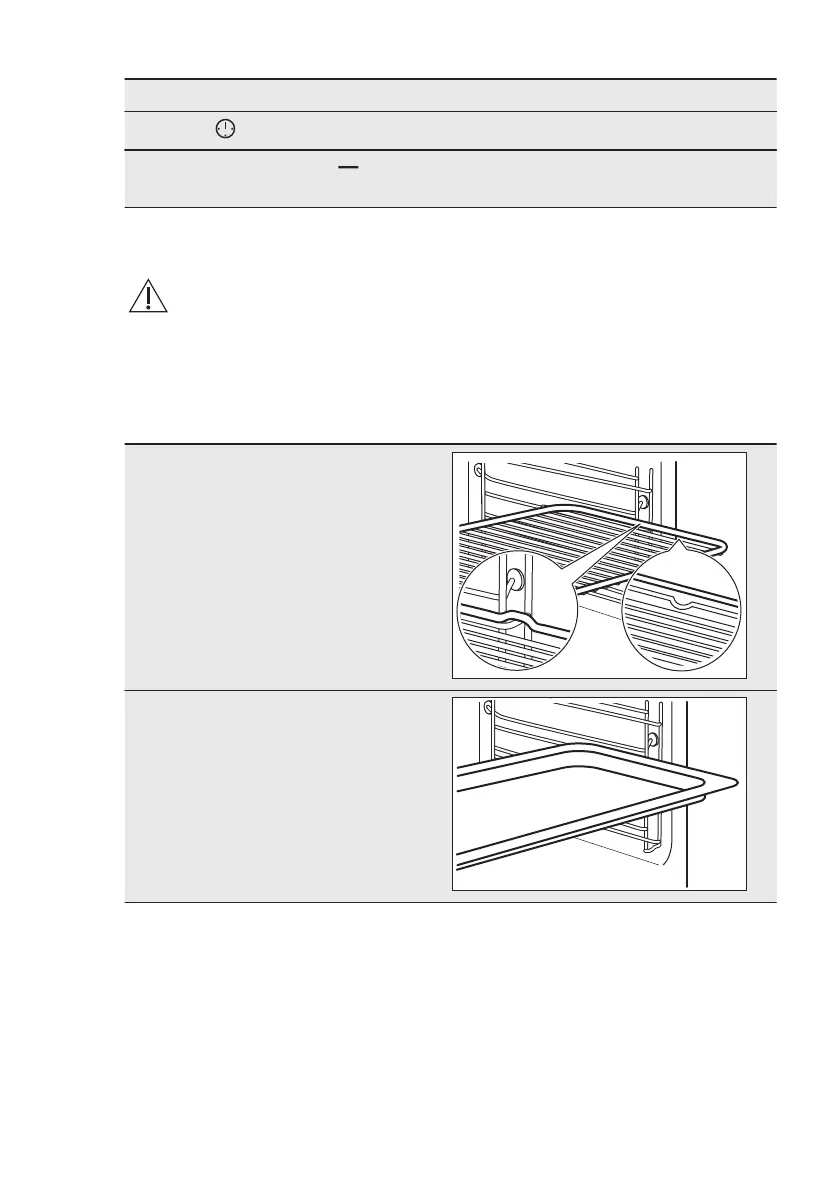
A small indentation at the top increases
safety. The indentations are also anti-tip
devices. The high rim around the shelf
prevents cookware from slipping of the
shelf.
Wire shelf:
Push the shelf between the guide
bars of the shelf support.
Baking tray:
Push the tray between the guide bars
of the shelf support.
www.electrolux.com12



 To Next Page