EasyManua.ls Logo

Electrolux EDC2086PDW - 4. CONTROL PANEL; 4.1 Indicators

Electrolux EDC2086PDW
20 pages
Print Icon
To Next Page IconTo Next Page
To Previous Page IconTo Previous Page
Loading...
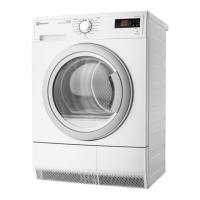
The load door can be
installed by the user in the
opposite side. It can help to
easily put and remove the
laundry or if there is a limit to
install the appliance (see
separate leaflet).
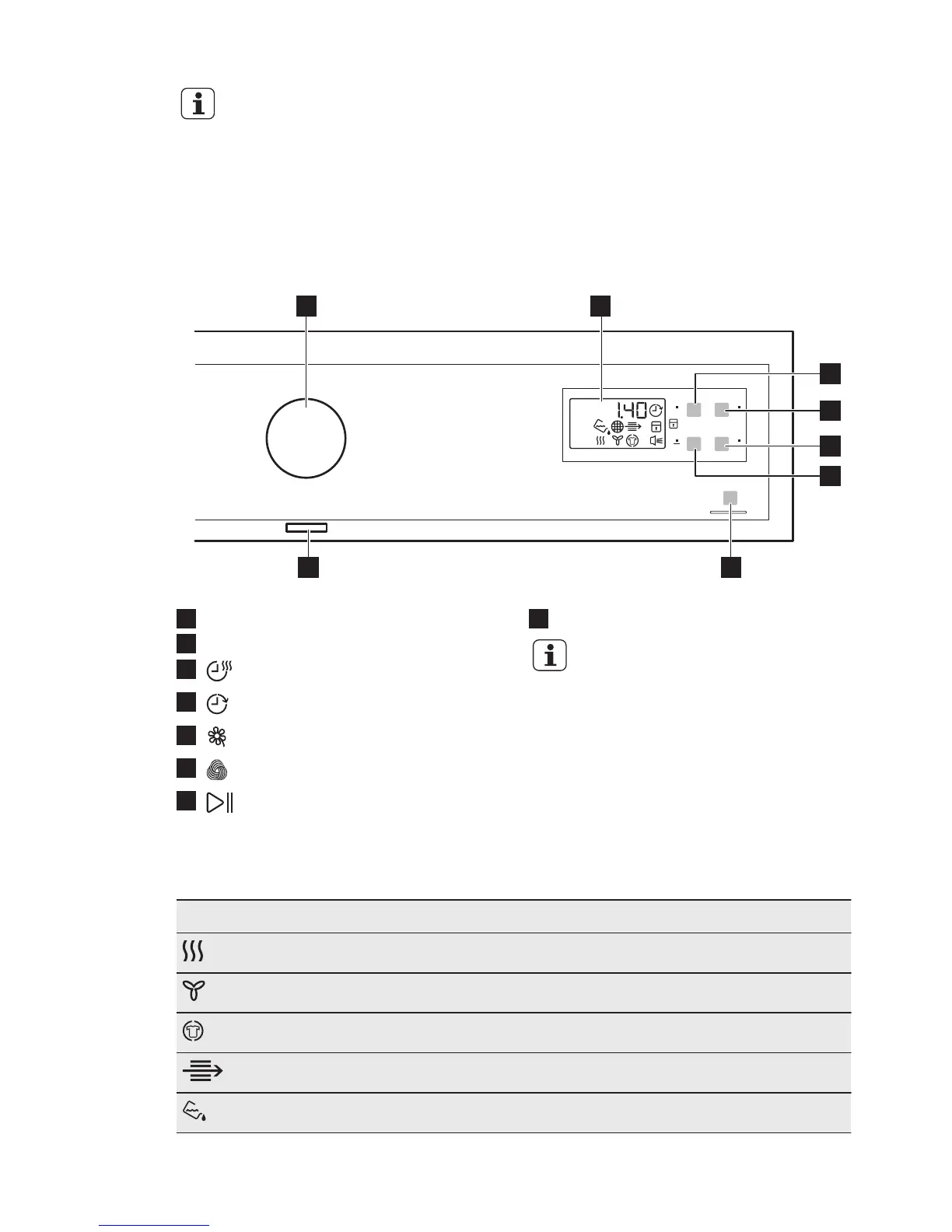
4. CONTROL PANEL
1 2
7
3
6
5
4
8
1
Programme knob
2
Display
3
Time touchpad
4
Delay touchpad
5
Delicate touchpad
6
Wool Load touchpad
7
Start/Pause touchpad
8
On/Off button
Touch the touchpads with
your finger in the area with
the symbol or name of the
option. Do not wear gloves
when you operate with the
control panel. Make sure
that the control panel is
always clean and dry.
4.1 Indicators
Indicators Description
Drying phase
Cooling phase
Crease guard phase
Condenser
Water container
ENGLISH 7

Related product manuals