14 electrolux operating the appliance
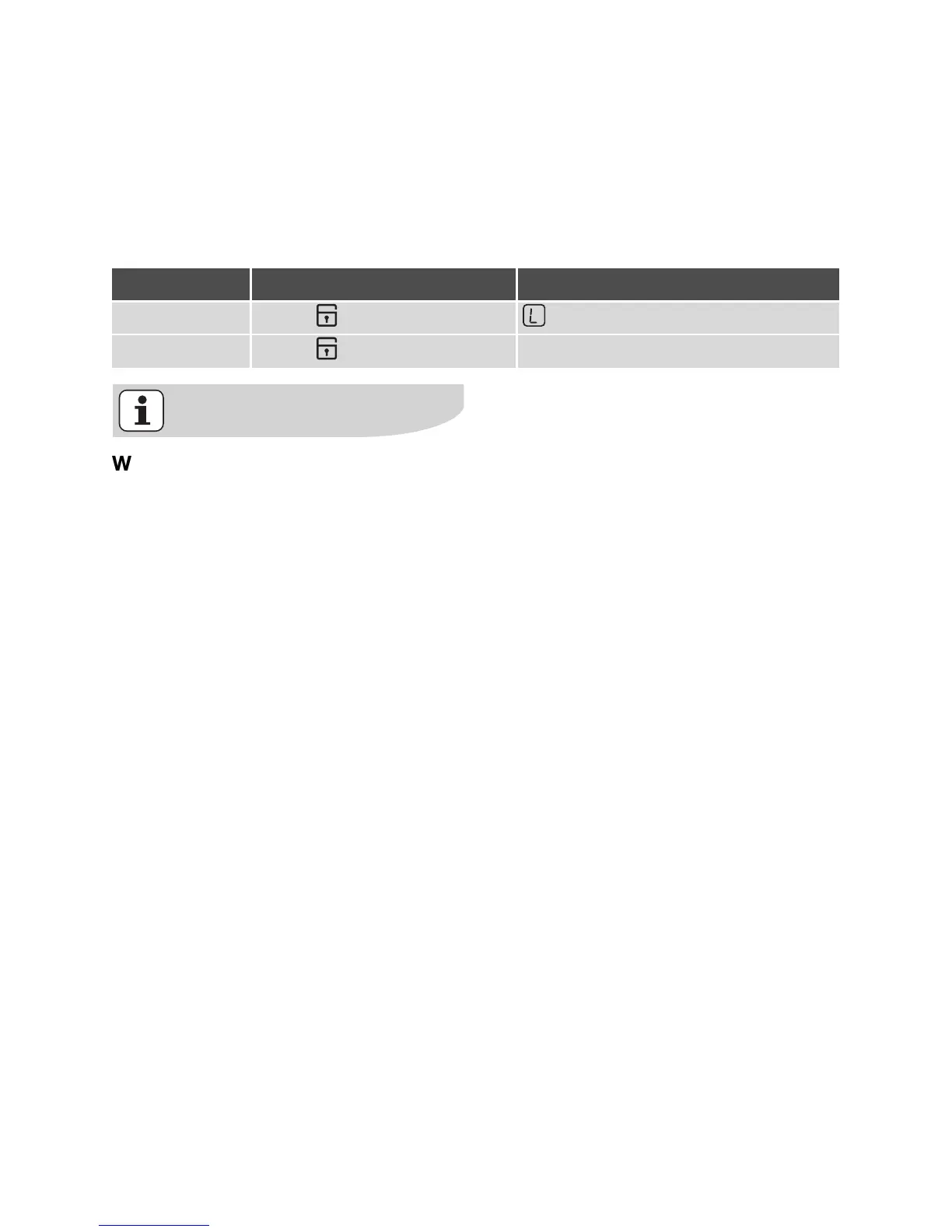
Locking/unlocking the control panel
The control panel, with the exception of
the “On/Off” sensor field, can be locked
at any time in order to prevent the set-
tings being changed e.g. by wiping over
the panel with a cloth.
When you switch the appliance off,
the locking function is automatically
switched off.
Control panel Display
Switch on Touch (for 3 seconds)
Switch off Touch previously set heat setting




 To Next Page