If the appliance is installed
above a drawer, the hob
ventilation can warm up the
items stored in the drawer
during the cooking process.
4. PRODUCT DESCRIPTION
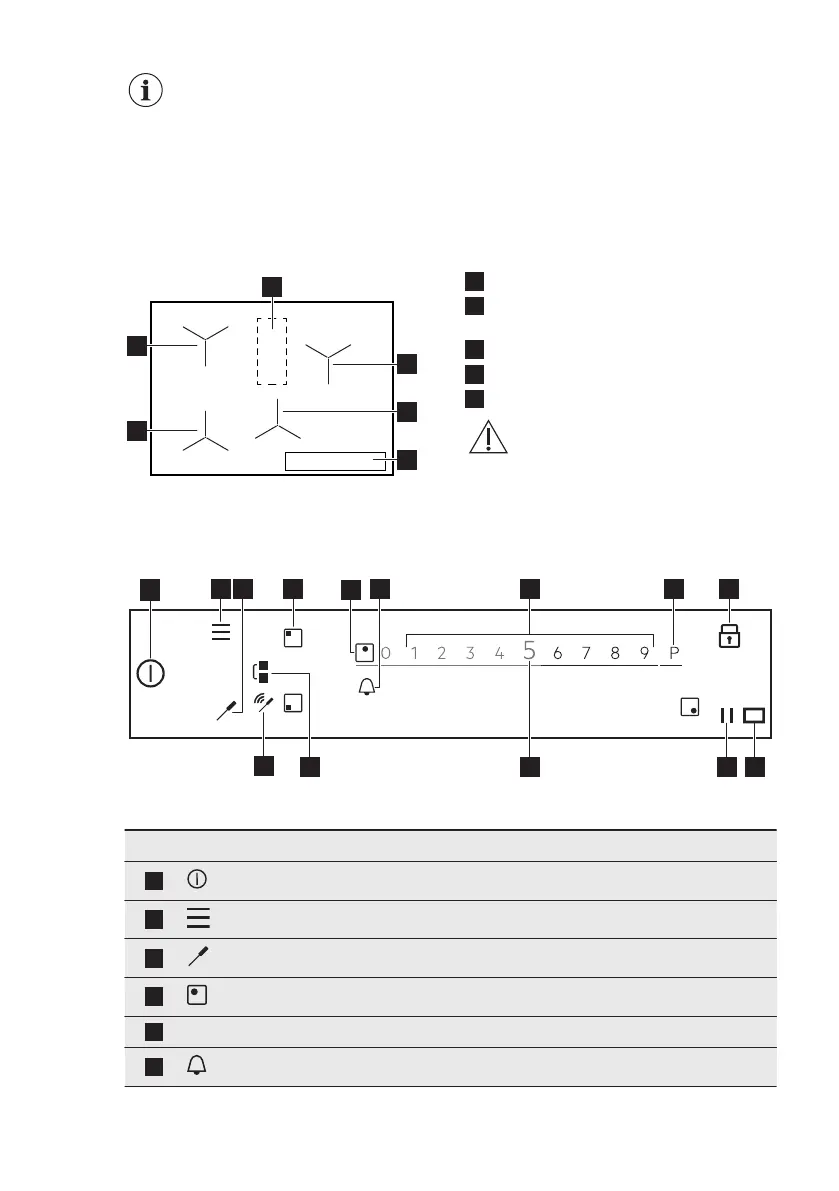
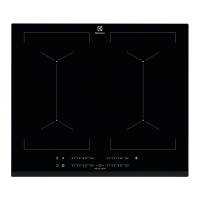
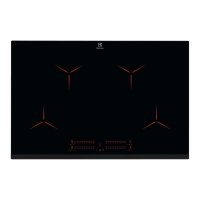
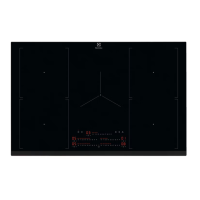
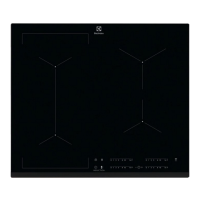
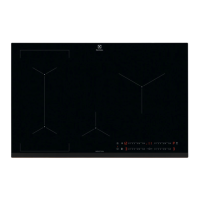
4.1 Cooking surface layout
1
Induction zone with Assisted Cooking
2
Induction zone with Assisted Cooking
and Pan Fry
3
Control panel
4
Induction cooking zone
5
Area with antenna
CAUTION!
Do not put anything on
the hob in this area.
4.2 Control panel layout
To see the available settings touch the appropriate symbol.
Symbol Comment
1
ON / OFF To activate and deactivate the hob.
2
Menu To open and close the Menu.
3
Food Sensor To open the Food Sensor menu.
4
Zone selection To open the slider for the selected zone.
5
- Zone indicator To show for which zone the slider is active.
6
- To set the timer functions.
www.electrolux.com8



 To Next Page