electrolux 7
Using the Oven
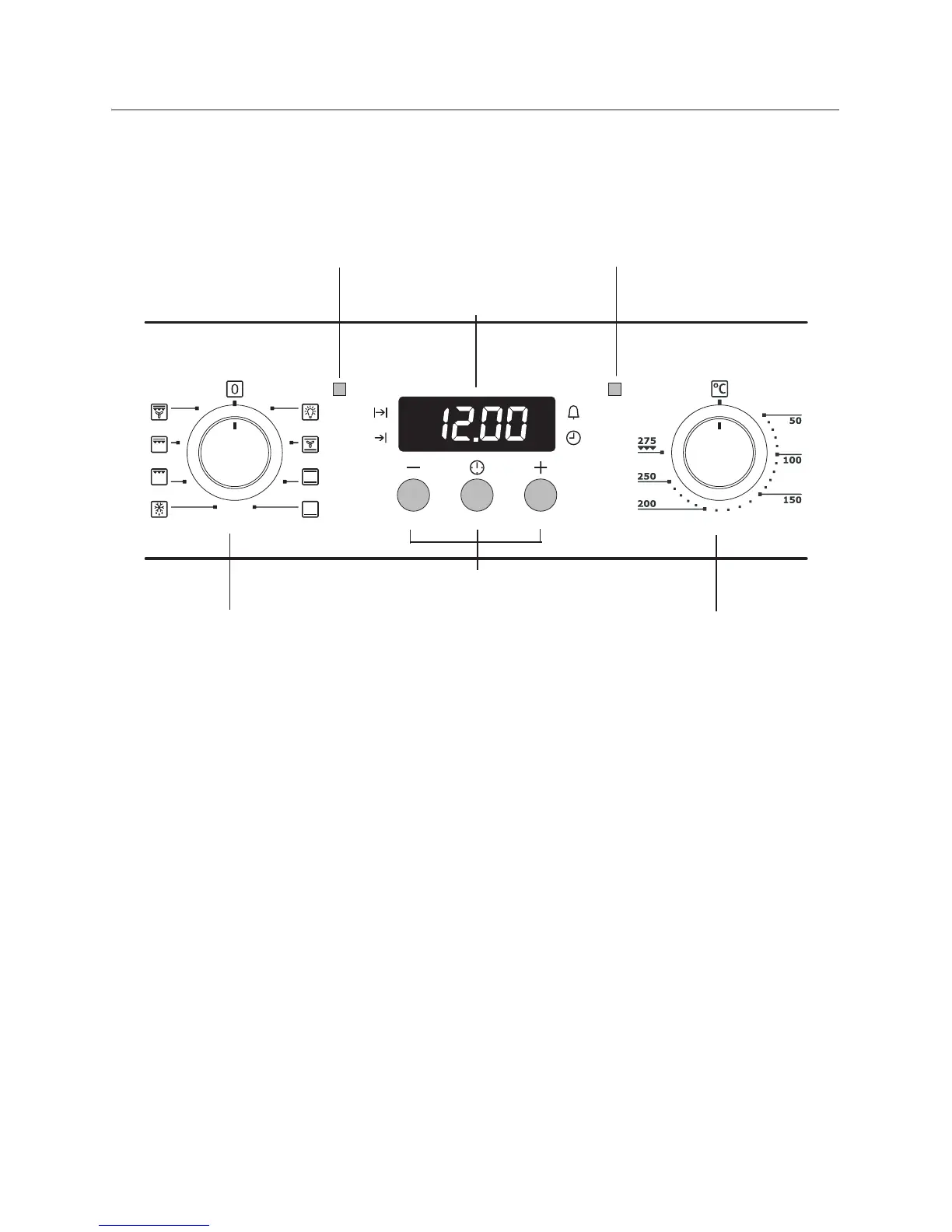
3The oven is equipped with retractable
buttons for “Oven functions” and “Tempera-
ture selection”. To use, press the relevant
button. The button then sticks out.
Switching the Oven On and Off
1. Turn the oven functions dial to the de-
sired function.
2. Turn the temperature selector to the de-
sired temperature.
The power indicator is lit as long as the oven
is in operation.
The temperature pilot light is lit as long as the
oven is heating up.
3. To turn the oven off, turn the oven func-
tions dial and the temperature selector
to the Off position.
3 Cooling fan
The fan switches on automatically in or-
der to keep the appliance’s surfaces
cool. When the oven is switched off, the
fan continues to run to cool the appli-
ance down, then switches itself off auto-
matically.
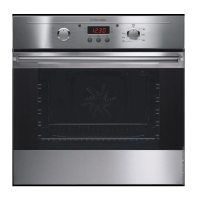
Oven function selection
Temperature selector
Clock function buttons
Oven Power Indicator Temperature Pilot Light
Time display



 To Next Page