16 electrolux operating the oven
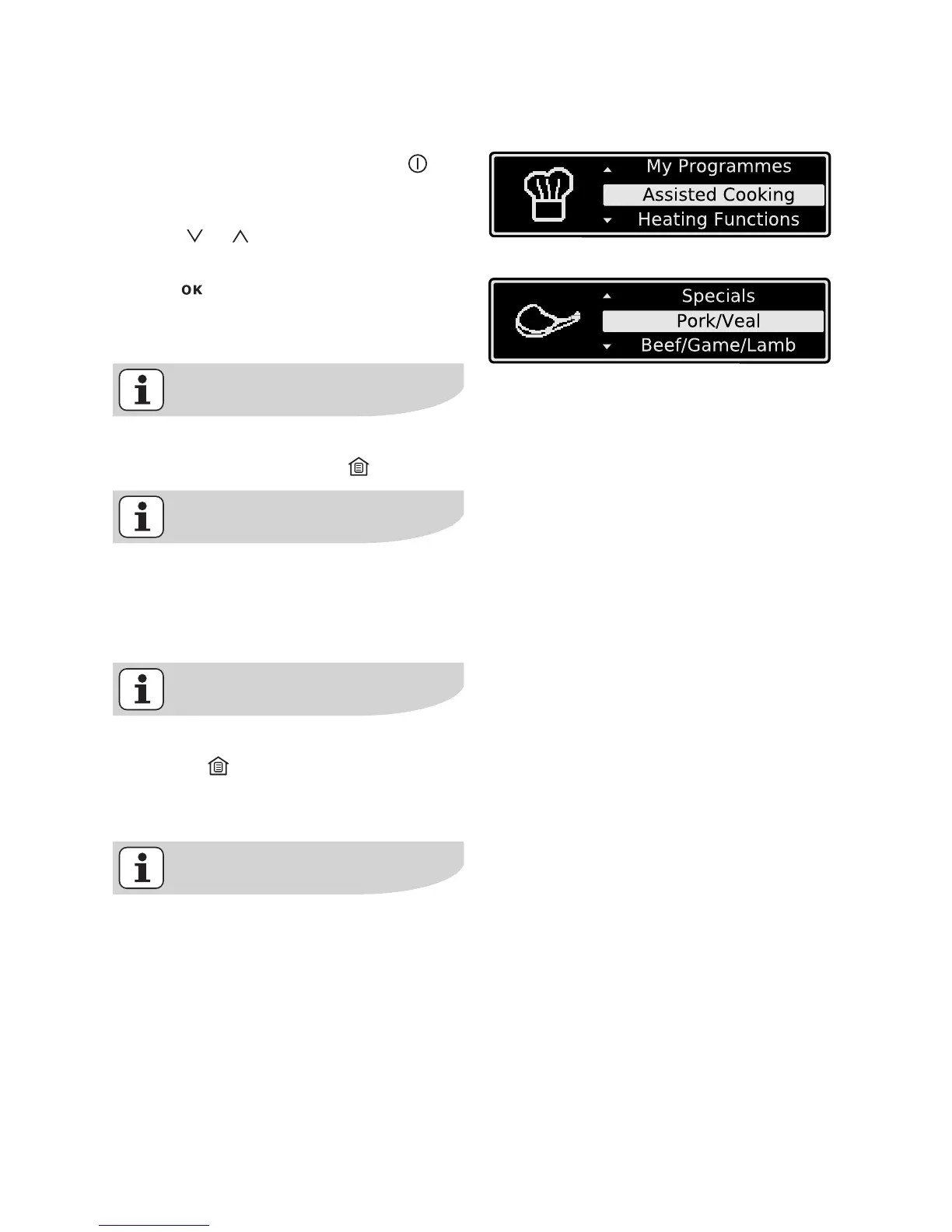
Operation of the menus
Example
1. Switch the appliance on with .
You will find yourself in the main
menu.
2. With or select the desired main
menu.
3. Use to move to the appropriated
sub-menus.
The sub-menu selected is displayed.
At every point you can get back to
the the main menu with .
At the end of most menus there is
the menu option Back.
You use this to go back to the higher
menu.
You can cancel a procedure by
pressing .
Then you will find yourself back in
the main menu.
Cooling fan
The fan switches on automatically
in order to keep the appliance’s sur-
faces cool. When the oven is
switched off, the fan continues to
run to cool the appliance down, then
switches itself off automatically.






 To Next Page