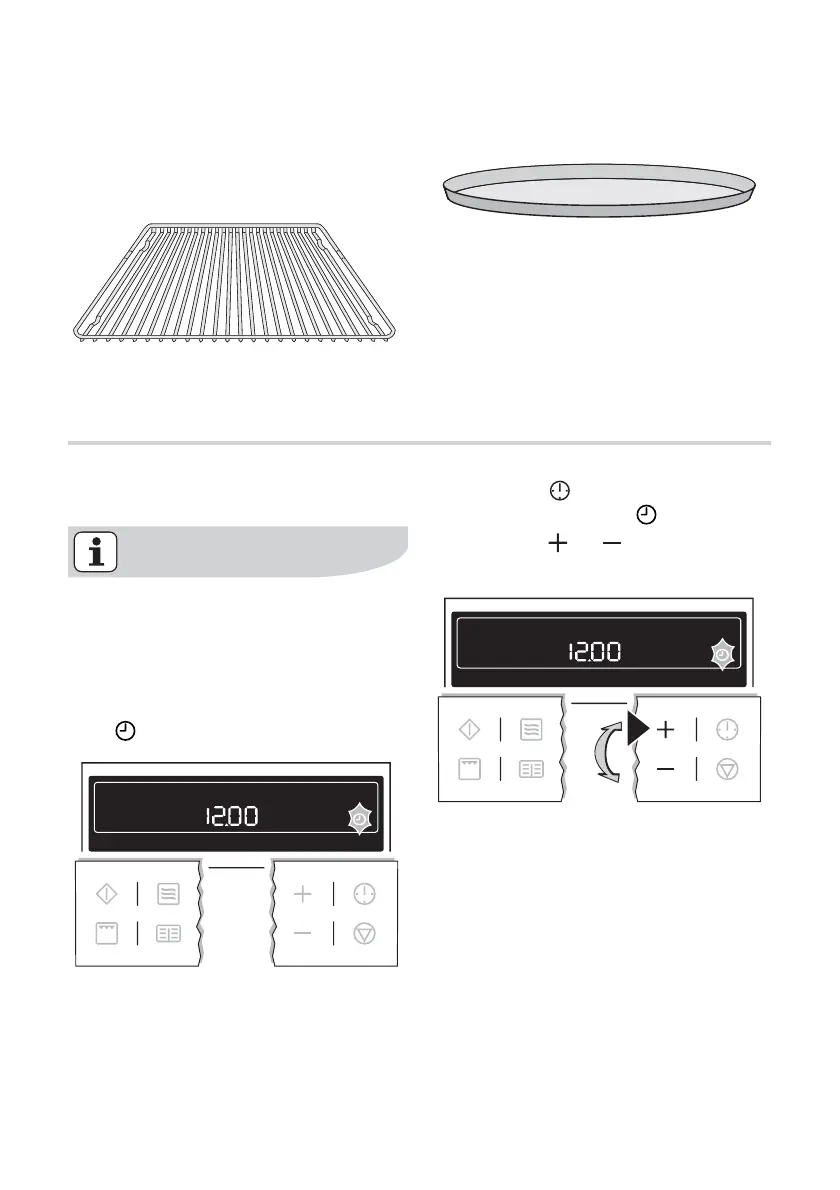
Oven accessories
Oven shelf
For cookware, cake tins, roasts and gril-
led foods.
Crunch plate
(non scratch and cut resistant)
Before Using for the first time
Setting and changing the time
The oven only operates when the
time has been set.
When the appliance has been connec-
ted to the electrical supply or when there
has been a power cut, the symbol for
Time
automatically flashes.
1. To change a time of day that has al-
ready been set, press the Clock
Functions
button repeatedly until
the symbol for Time
flashes.
2. Using the
or button, set the
current time.
After about 5 seconds, the flashing
stops and the clock displays the time of
day set.
before using for the first time electrolux 11



 To Next Page