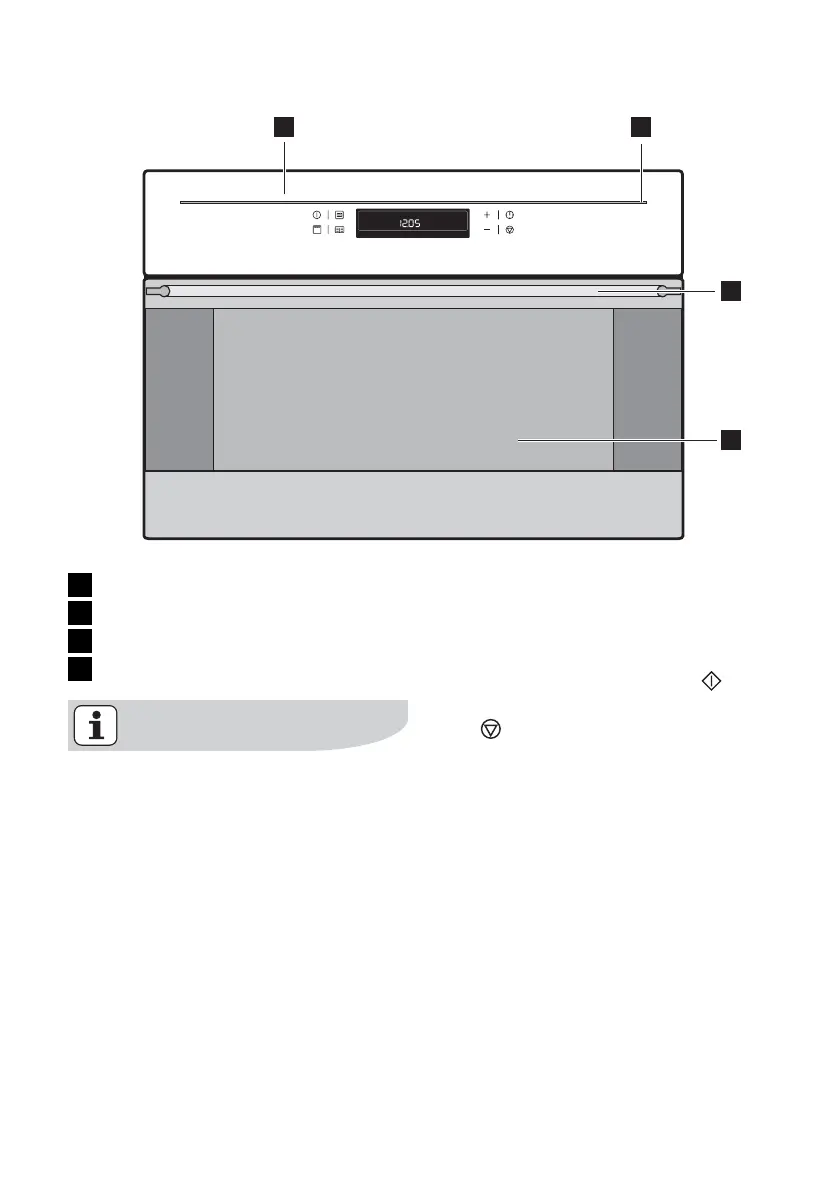
1 2
3
4
1 Control panel
2 Light bar
3 Door handle
4 Oven door
If no function is selected and noth-
ing is changed on the appliance, the
appliance switches itself off after 2
minutes, but the light bar remains
on.
To switch the light bar off, switch the
appliance on using the Start
but-
ton and switch it off again using the
Stop
button (press twice).
Control Panel
description of the appliance electrolux 9



 To Next Page