3
Electrolux 8183821-00/1
Installing the cabinet 15........................
When the water system is started for the first time 16.
Door Reversa l 16.............................
Electrical connection 16........................
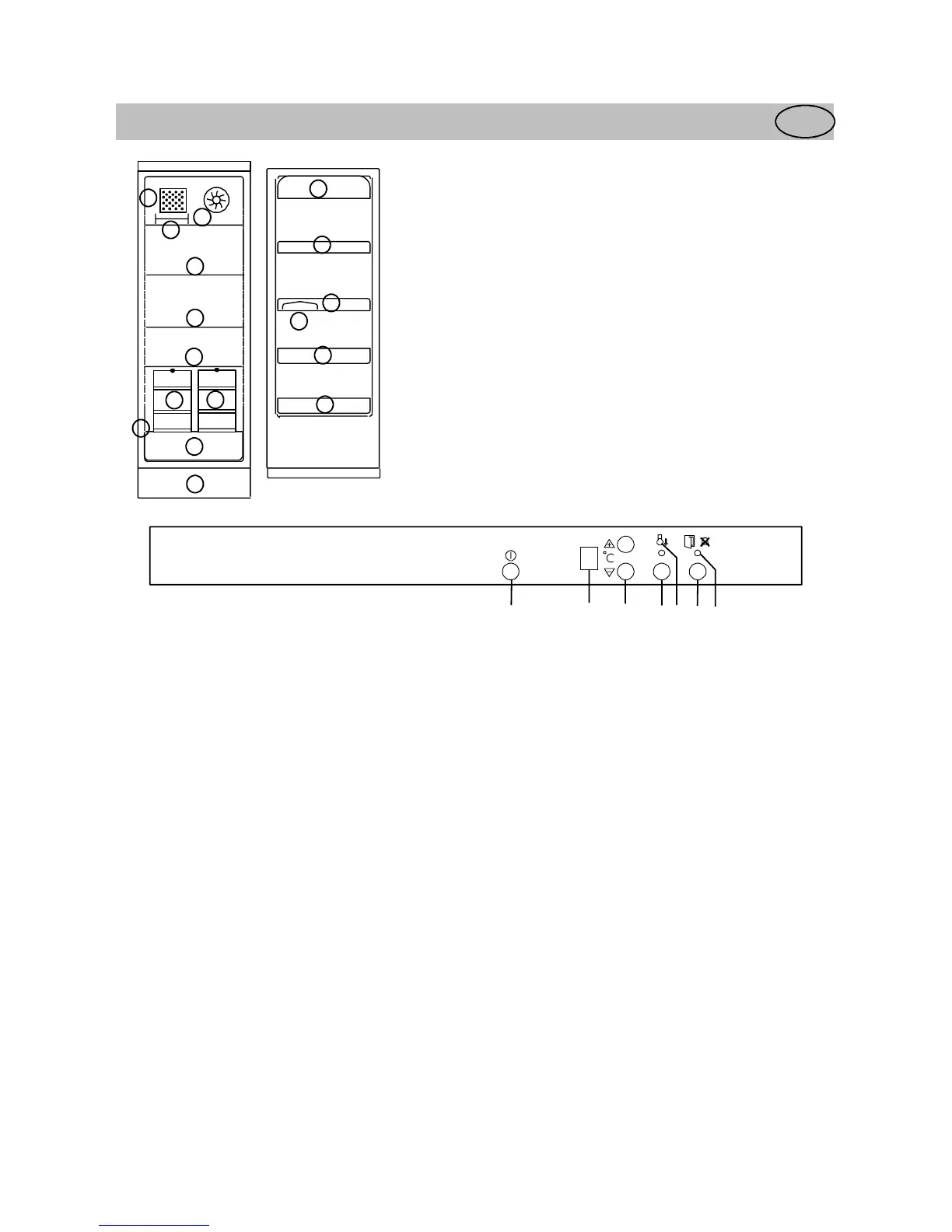
Description of the
ppliance
GB
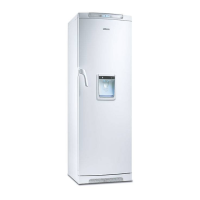
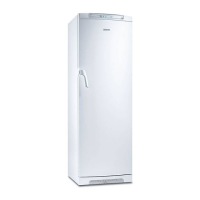
Modell ERES3500/ERES3500X
6
1
11
2
3
4
7
8
9
10
4
4
5
5
9
9
4
1. grid
2. bottle- and can holder
3. quick chill shelf
4. glass shelf
5. wire basket
6. vegetable drawer
7. ventilation grille
8. butter compartment
9. door shelf
10. egg holder
11. bottle shelf
Control Panel (Control panel)
ACTION
COOL
5
A BCDEFG
A. Refrigerator power switch
Switches the refrigerator on and off.
B. Temperature display
Shows the average temperature inside the
refrigerator.
C. Temperature adjustment button/thermostat
Used to set the temperature in t he refrigerator.
D. ACTION COOL button
Used to switch the Action Cool feature on and off.
E. Yellow indicator lamp
Lights when Action Cool is operating.
F. Alarm shut-off button
Used to turn the audible alarm off.
G. Red warning lamp
Flashes when one of the alarms in the cabinet has
been triggered.



 To Next Page