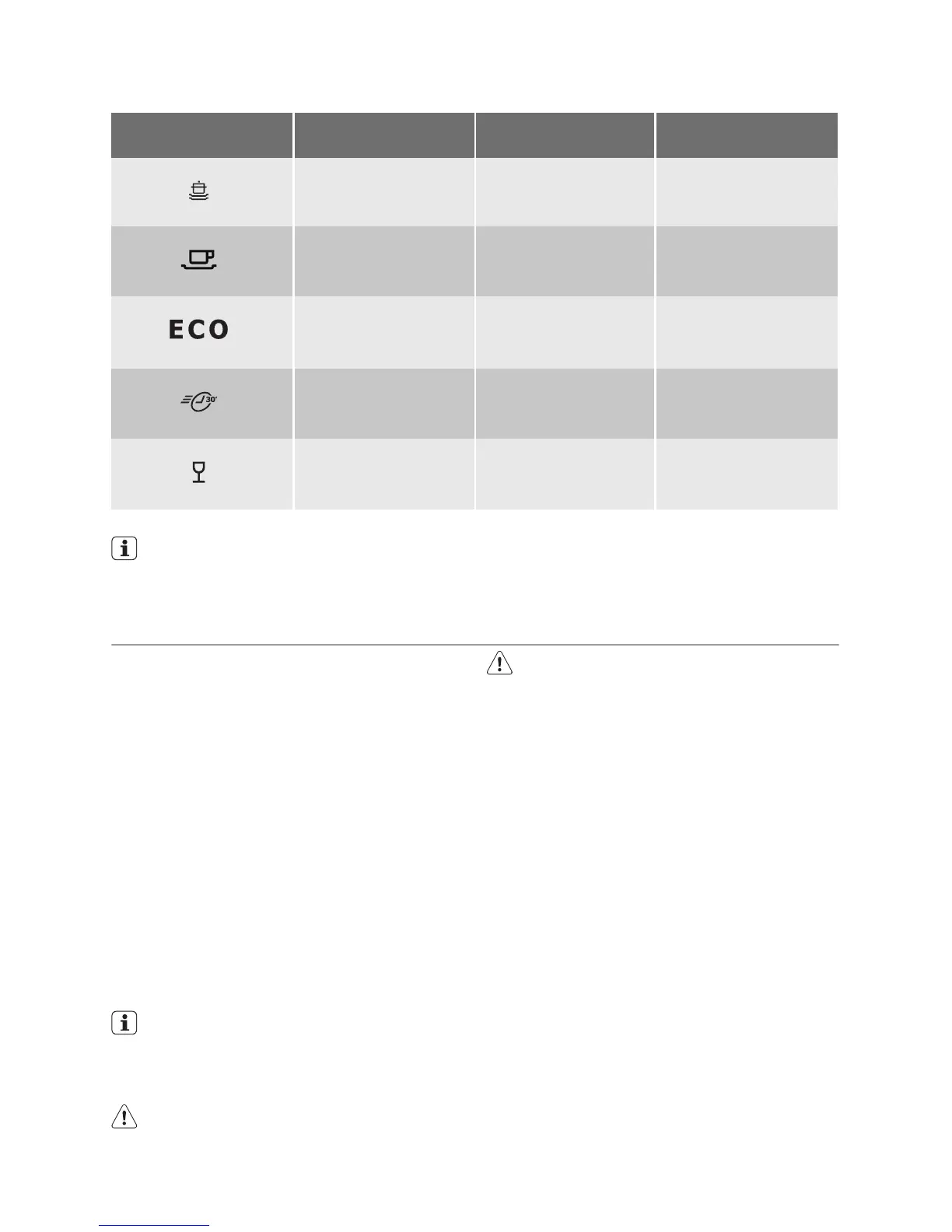
Consumption values
Programme Programme duration
(in minutes)
Energy consumption
(in kWh)
Water consumption
(in litres)
A
70°
117 1,15 9
B
65°
94 0,80 7
C
55°
1)
157 0,63 7
D
50°
36 0,40 6
E
40°
31 0,35 6
1) Test programme for test institutes
The consumption values are intended
as a guide and depends on the pres-
sure and the temperature of the water
and also by the variations of the power
supply and the amount of dishes.
SETTING AND STARTING A WASHING PROGRAMME
Do these steps to set and start a washing
programme:
1. Close the door.
2. Turn the programme knob to set the
washing programme. Refer to the
chapter 'Washing programmes'.
– The on/off indicator light comes on.
– The phase indicator light for the
washing programme starts to flash.
3. Press the start/cancel button.
– The washing programme starts auto-
matically.
– The start/cancel indicator light
comes on.
– When the programme starts, only the
phase in progress indicator light
stays on.
When the washing programme oper-
ates, you cannot change the pro-
gramme. Cancel the washing pro-
gramme.
Warning! Only interrupt or cancel a
washing programme if necessary.
Caution! Open the door carefully. Hot
steam can come free.
Cancelling a washing programme
• Press and hold the start/cancel button for
approximately 5 seconds.
– The start/cancel indicator light goes
off.
– The phase indicator lights starts to
flash.
The washing programme is cancelled.
At this time you can do these steps:
1. Switch off the appliance.
2. Set a new washing programme.
Fill the detergent dispenser with deter-
gent before you set a new washing pro-
gramme.
Interrupting a washing programme
Open the door.
• The programme stops.
Close the door.
• The programme continues from the point
of interruption.
10 electrolux



 To Next Page