33
EVEP616, EVEP618, EVEP626
BEFORE USING THE APPLIANCE
Setting the time
The time of day must be set before the appliance
can operate.
After the appliance has been electrically connected the
display will cycle through the welcome screen, then ‘Set
Clock’ will illuminate under the clock display and the Hour
digits will flash.
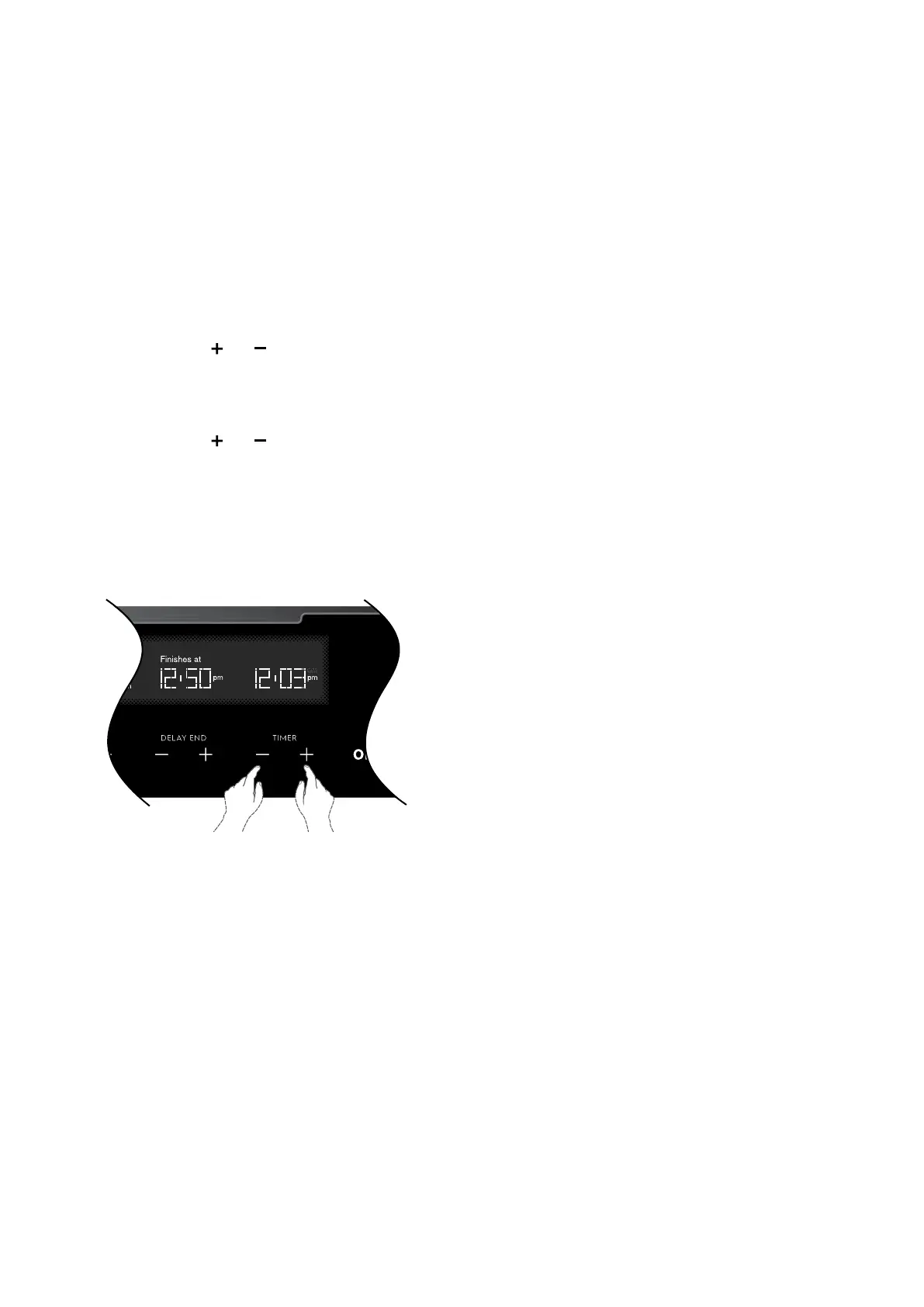
1. Use the timer
and to set the hour portion of the
current time (including AM/PM).
2. Press OK when the hours are set correctly. The
Minute digits will flash.
3. Use the timer
and to set the minutes portion of
the current time.
4. Press OK when the minutes are set correctly.
You can turn off the oven or it will do so automatically
after 8 seconds.
Once the time has been entered, the clock advances
minute by minute.



 To Next Page