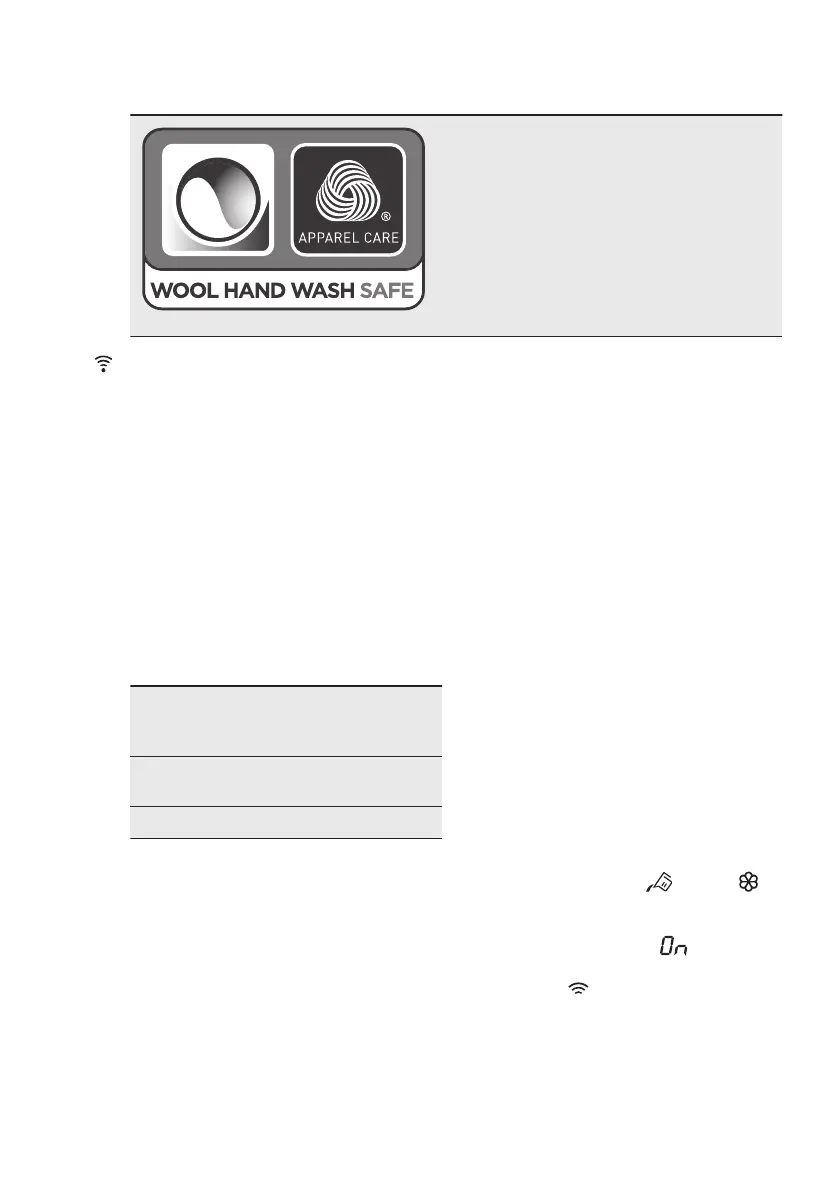
8.2 Woolmark Apparel Care - Blue
The wool wash cycle of this machine has
been approved by The Woolmark Compa‐
ny for the washing of wool garments label‐
led as «hand wash» provided that the gar‐
ments are washed according to the instruc‐
tions issued by the manufacturer of this
washing machine. Follow the garment care
label for drying and other laundry instruc‐
tions. M1512
The Woolmark symbol is a Certification
mark in many countries.
9. WI-FI - CONNECTIVITY SETUP
This chapter describes how to connect
the smart appliance to the Wi-Fi network
and to link it to mobile devices.
By this functionality you can receive
notifications, control and monitor your
washing machine from your mobile
devices.
To connect the appliance to enjoy the full
range of features and services you need:
• Wireless network at home with
internet connection enabled.
• Mobile device connected to wireless
network.
Frequency 2.412 - 2.472 GHz
for European mar‐
ket
Protocol IEEE 802.11b/g/n
two stream radio
Max Power <20dBm
9.1 Installing and configuring
"My Electrolux"
When connecting the washing machine
to the application, stand near it with your
smart device.
Make sure that your smart device is
connected to the wireless network.
1. Go to the App Store on your smart
device.
2. Download and install the App "My
Electrolux".
3. Make sure you started a Wi-fi
connection in the washing machine.
If not, read the next paragraph
'Configuring the washing machine
wireless connection'.
4. Start the application. Select the
country and language and login with
Your email and password. If you do
not have an account, create a new
one following the instructions in "My
Electrolux".
5. Follow the instructions on the App for
the washing machine registration and
configuration.
9.2 Configuring the washing
machine wireless connection
1. Press the On/Off button for a few
seconds to activate the appliance.
Wait about 10 seconds before
proceeding with wireless
configuration.
2. Select a programme by turning the
programme dial.
3. Press and hold the and the
buttons simultaneously for a few
seconds until a 'click' sounds.
Release the buttons. appears on
the display for 5 seconds and the
indicator starts blinking.
The wireless module begins starting up.
ENGLISH 29



 To Next Page