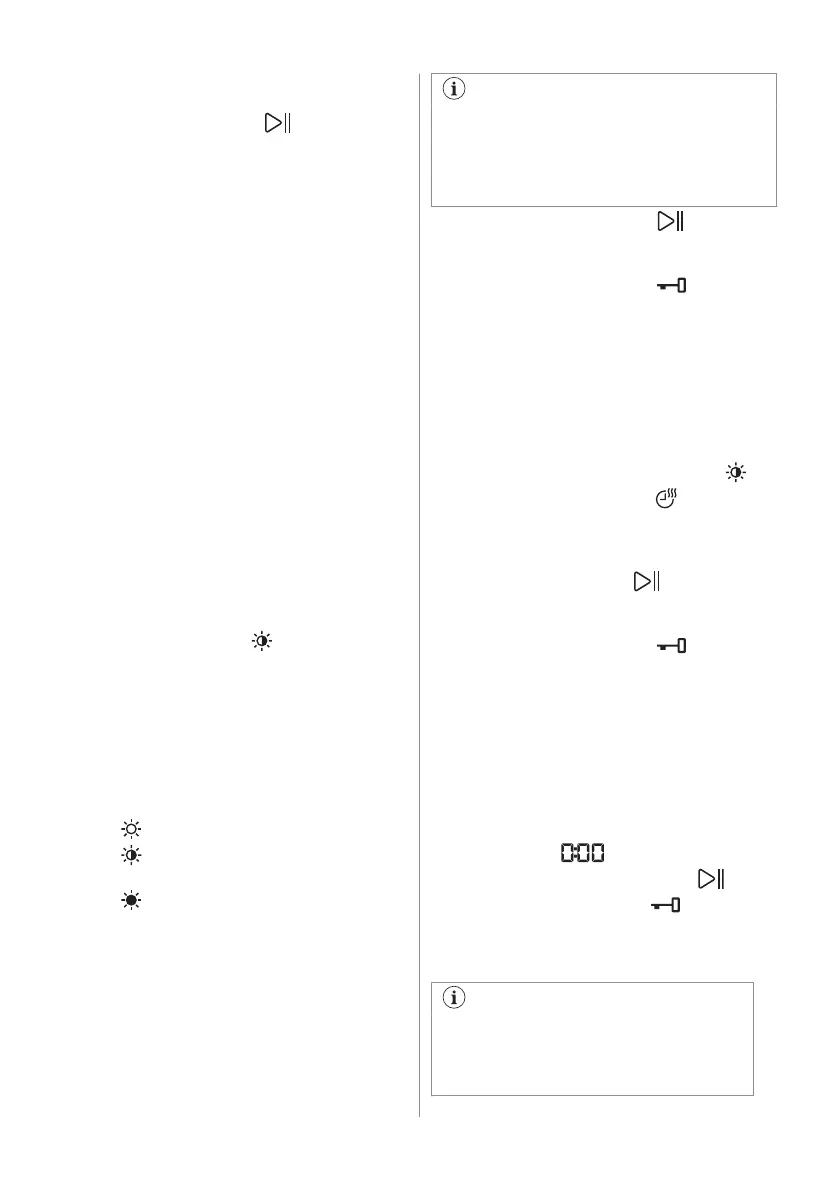
2. Set the One GO 1h 1kg programme by
means of the programme dial.
3. Touch the Start/Pause button to start
the programme.
Non-automatic wash&dry programmes
In some washing programmes, you can
combine Mode - Wash and Mode - Dry for
running a complete wash&dry programme.
Proceed as follows:
1. Press the On/Off button for some
seconds to activate the appliance.
2. Load the laundry one item at a time.
3. Put the detergent and the additives in the
appropriate compartment.
4. Turn the programme dial to the washing
programme. The appliance defaults to the
washing only mode and the indicator of
the Mode - Wash button is on. The
display shows the default temperature
and spin. If necessary, change them
according to your laundry.
5. Set the desired options, if there are
available.
6. Tap on the Mode button once to activate
also the drying function. Both indicators of
the Mode - Wash and Mode - Dry buttons
are on. The indicator
appears on the
display.
12.2 Washing and Drying -
Automatic levels
1. Tap on the Auto Dry button repeatedly
until the display shows the required
dryness level. The indicators in the
display illuminate accordingly:
a. Iron dry: for cotton items;
b.
Cupboard dry: for cotton and
synthetic items;
c.
Extra dry: for cotton items.
The time value on the display is the
duration of both cycles washing and
drying, calculated on a default load size.
To have a good drying by using less
energy and in a shorter time, the
appliance does not let you set a too low
spin speed for the items to be washed
and dried.
2. Touch button Start/Pause to start the
programme. The SensiCare estimation
starts.
In the display the door locked indicator
comes on.
The display also shows the remaining
programme time.
12.3 Washing and Timed Drying
1. Tap on the Time Dry button repeatedly to
set the desired time value (see the
"Timed drying" table in the "Programmes"
chapter). The drying level indicator
goes off and the indicator comes on.
Each time you tap on this button the time
value increases by 5 minutes. The display
shows the set new time value.
2. Touch the Start/Pause
button to start
the programme. The SensiCare
estimation starts.
In the display the door locked
indicator
comes on.
The display also shows the remaining
programme time.
12.4 At the end of the drying
programme
• The appliance stops automatically.
• The acoustic signals operate (if they are
active).
• In the display comes on.
• The indicator of the Start/Pause button
goes off. The door locked
indicator
goes off and the door unlocks.
• Press the On/Off button for some seconds
to deactivate the appliance.
After some minutes from the end of
the programme, the energy saving
function deactivates the appliance
automatically.
ENGLISH 37



 To Next Page