13
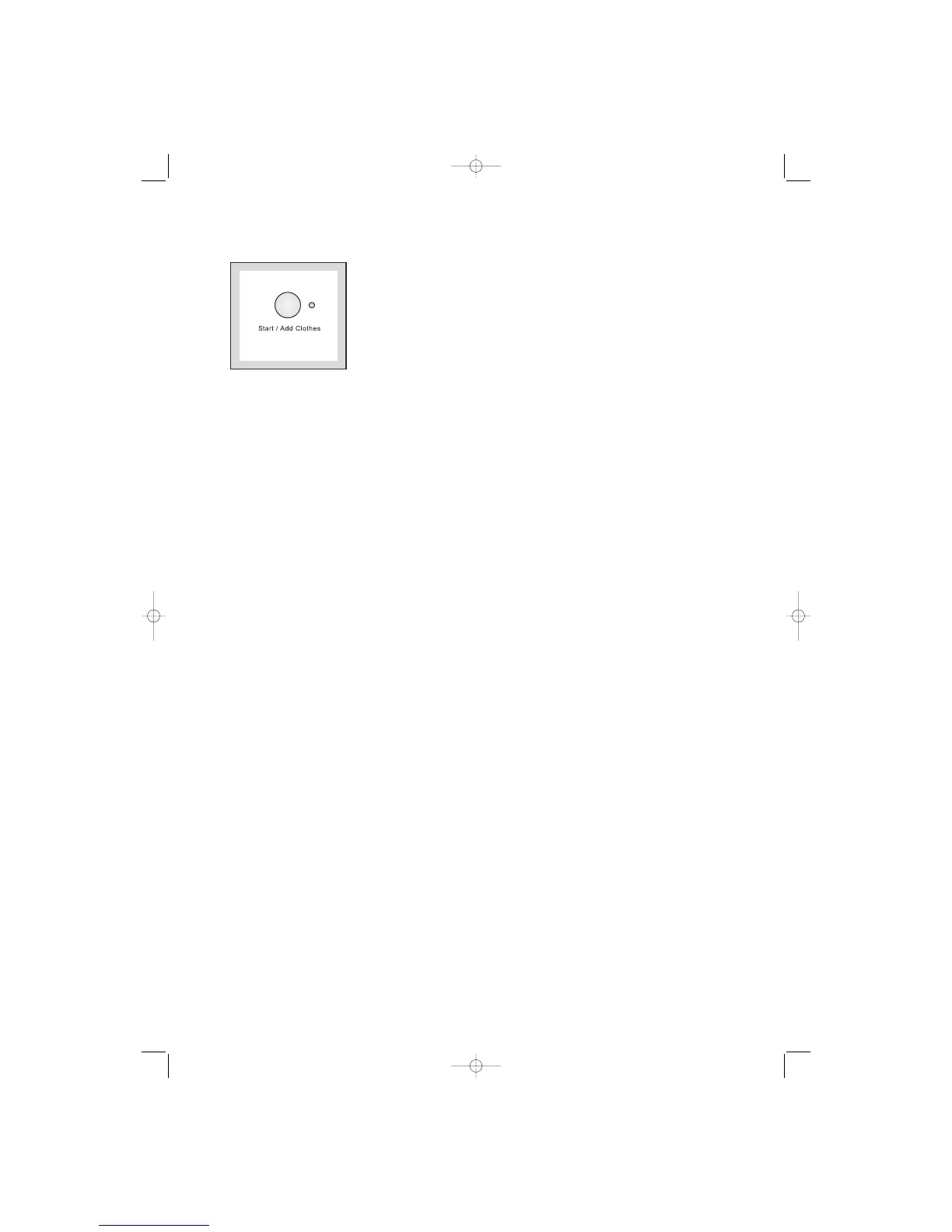
7. Start/Add Clothes button
This button has 2 functions:
Start: after you have selected the desired
programme and options, press this button to start
the washing machine. The light close to the button
will stop flashing and remain lit.
If you have selected a delay time option, the
countdown will begin and will be shown on the
display.
Add Clothes: When you press this button again, the
programme in progress is interupted . The light close
to the button will start flashing. To restart the
programme, press the button again.When you press
“Start/Add clothes”button, it becomes possible to
open the door only if:
The washing machine is not in the heating phase;
The level of the water is not high;
The drum is not turning.
Important! You must pause the washing machine
before you make any change in the programme in
progress, by pressing “Start/Add clothes” button.



 To Next Page