4:5
Calibration of level control system
5
• Closethedoor.
• Godownto”Calibrationoflevelsensor”.
• Press”Select”.
• Press”Open”tollthemachinewithwateruntilthelevelreachesthebotton
of the inner drum where the ruler is placed.
• Press”OK”.
• EnterthevaluereadontherulerinRUunits(Therstsettingis0=levelin
drum.
• Press”OK”.
• Press”Open”tollmorewater.
• Press”OK”.
• EnterthevaluereadontherulerinRUunits.(Ifyouenteranincorrectvalue,
press ”CLR”. Enter new value.
• Press”OK”.
• Enteranotherthreevalues,makingveintotal.
• Onceallvalueshavebeenentered,press”Save”.
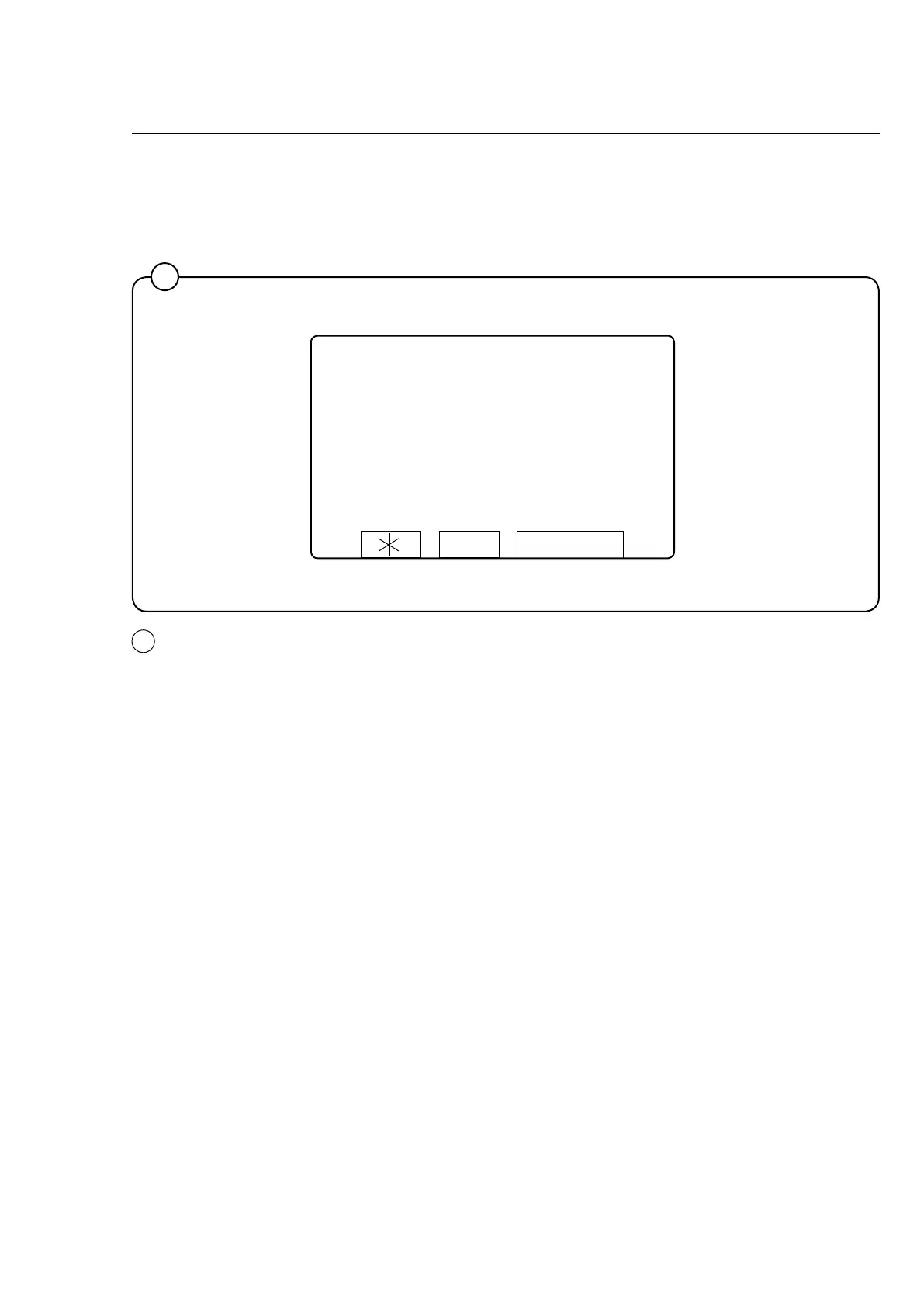
LEVEL CALIBRATION
FILL WATER TO
DESIRED LEVEL
LEVEL: 0 SCU
OPEN
OK
5




 To Next Page