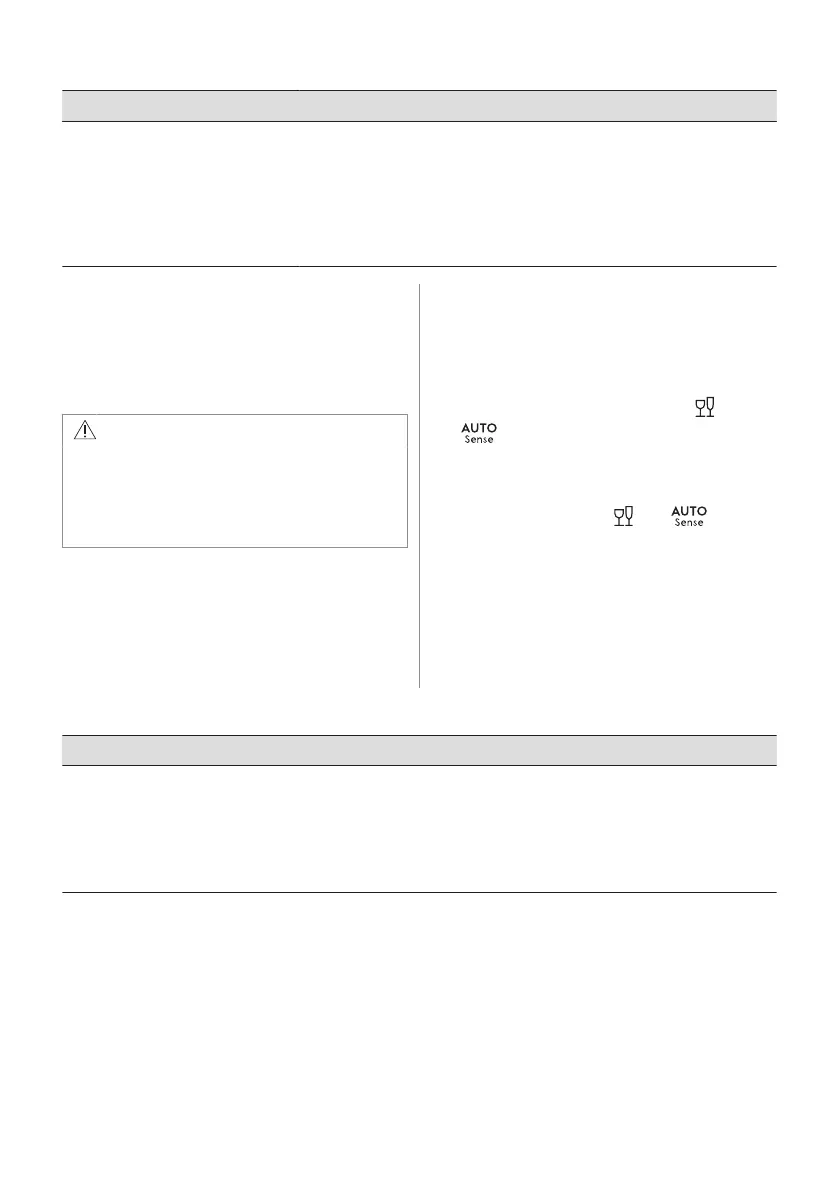
Problem and alarm code Possible cause and solution
The display shows upd. All buttons
are inactive except for the on/off
button.
• The appliance downloads and installs the firmware update automatical‐
ly when it is available. The display shows upd for the duration of the
updating process. Wait for the process to be complete. If you interrupt
the update process by deactivating the appliance, it resumes when you
activate the appliance.
The firmware update does not change the appliance performance dec‐
laration values.
Once you have checked the appliance,
deactivate and activate the appliance. If the
problem occurs again, contact an Authorised
Service Centre.
For alarm codes not described in the table,
contact an Authorised Service Centre.
WARNING!
We do not recommend using the
appliance until the problem has been
completely fixed. Unplug the appliance
and do not plug it in again until you are
certain that it operates correctly.
13.1 The product number code
(PNC)
If you contact an Authorised Service Centre,
you need to provide the product number code
of your appliance.
The PNC can be found on the rating plate on
the appliance door. You can also check the
PNC on the control panel.
Before checking the PNC, make sure the
appliance is in the programme selection.
1. Press and hold simultaneously and
for about 3 seconds.
The display shows the PNC of your
appliance.
2. To exit the PNC presentation, press and
hold simultaneously and for
about 3 seconds.
The appliance returns to the programme
selection.
13.2 The dishwashing and drying results are not satisfactory
Problem Possible cause and solution
Poor washing results.
• Refer to "Daily use", "Hints and tips" and the basket loading leaf‐
let.
• Use more intensive washing programme.
• Activate the ExtraPower option to improve the washing results of a
selected programme.
• Clean spray arm jets and filter. Refer to "Care and Cleaning".
28 ENGLISH



 To Next Page