www.youtube.com/electrolux
www.youtube.com/aeg
How to install your Electrolux
induction hob flush installation
4. PRODUCT DESCRIPTION
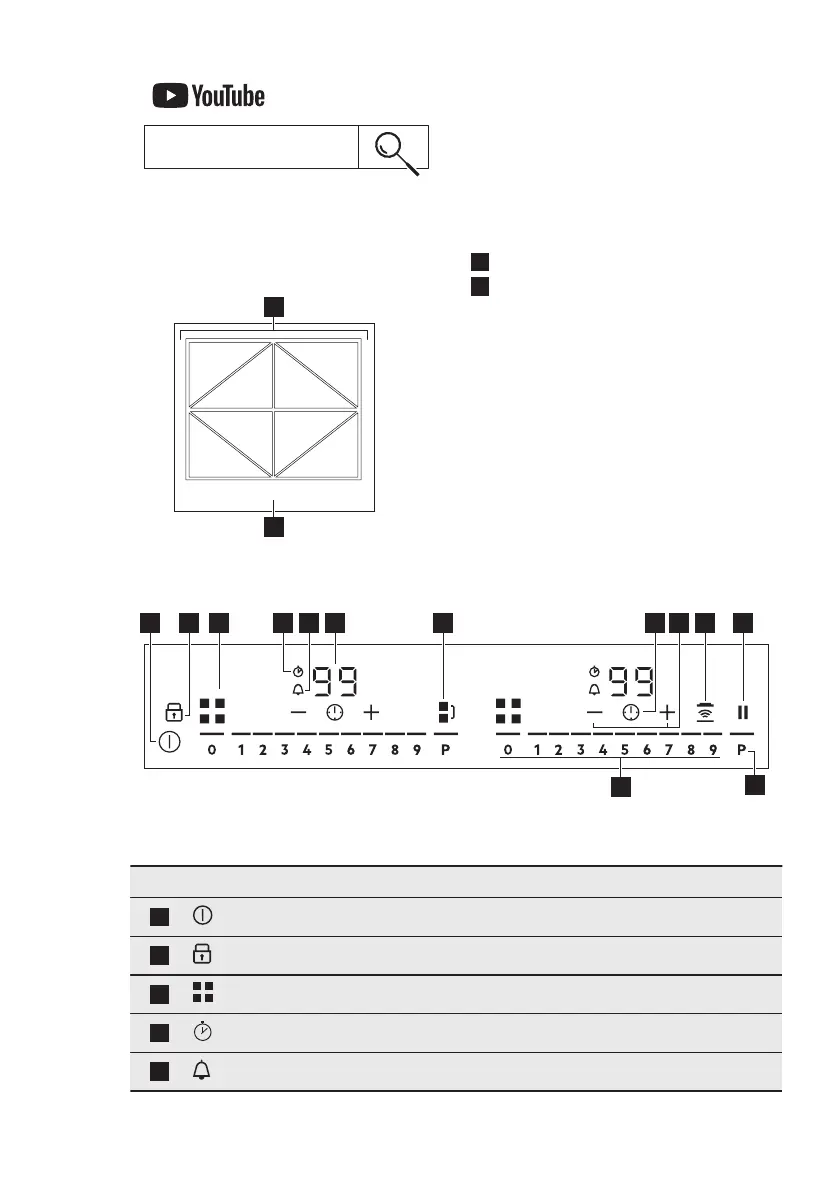
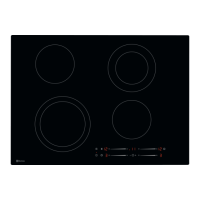
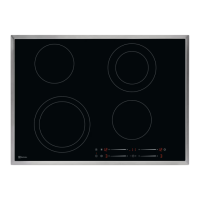
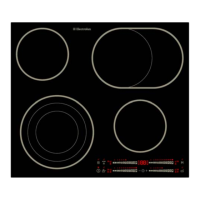
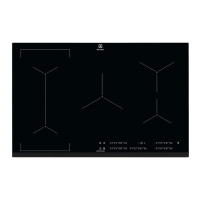
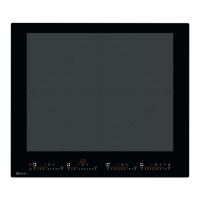
4.1 Cooking surface layout
1
Induction cooking surface
2
Control panel
4.2 Control panel layout
Use the sensor fields to operate the appliance. The displays, indicators and sounds
tell which functions operate.
Sensor field Comment
1
To activate and deactivate the hob.
2
To activate and deactivate Lock or Child Safety Device.
3
To show the active zone.
4
CountUp Timer indicator.
5
Count Down Timer indicator.
ENGLISH 9




 To Next Page