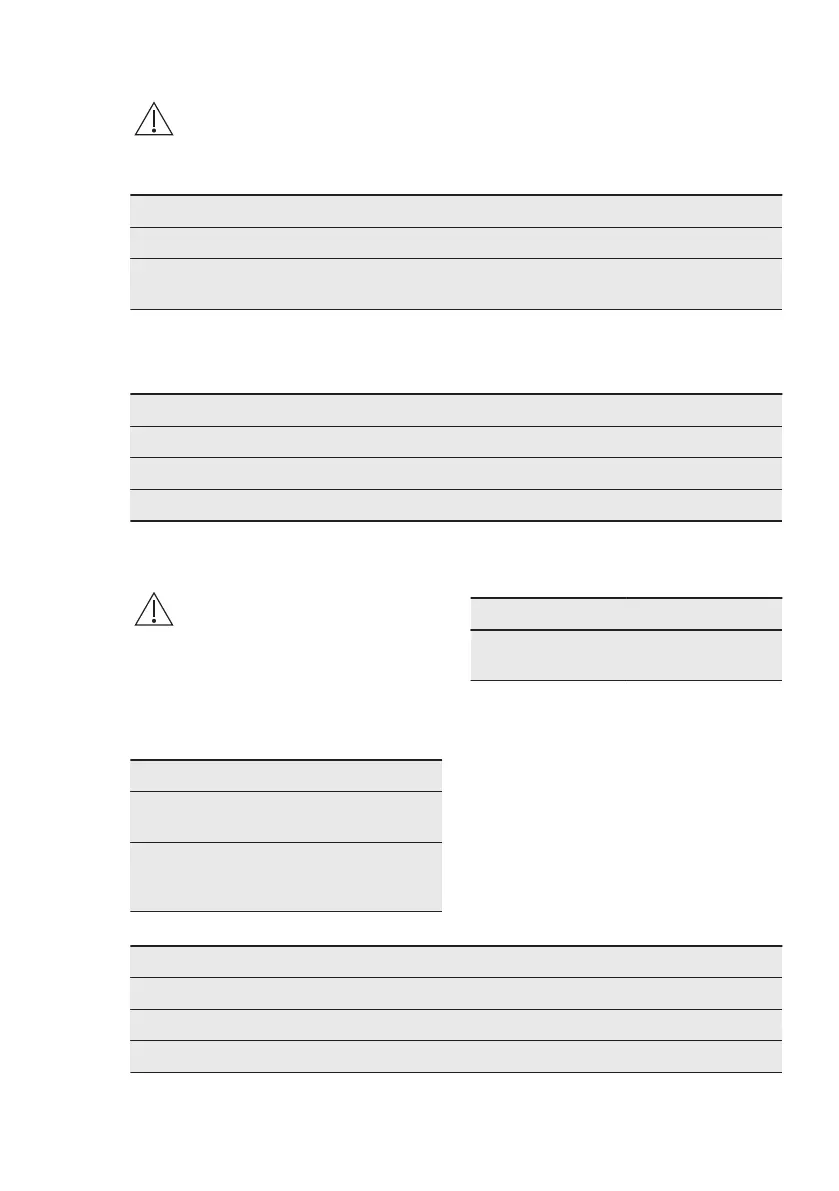
11.5 How to replace: Lamp
WARNING!
Risk of electric shock.
The lamp can be hot.
Before you replace the lamp:
Step 1 Step 2 Step 3
Turn off the oven. Wait un‐
til the oven is cold.
Disconnect the oven from
the mains.
Put a cloth on the bottom
of the cavity.
Back lamp
Step 1 Turn the glass cover to remove it.
Step 2 Clean the glass cover.
Step 3 Replace the lamp with a suitable 300 °C heat-resistant lamp.
Step 4 Install the glass cover.
12. TROUBLESHOOTING
WARNING!
Refer to Safety chapters.
12.1 What to do if...
In any cases not included in this table
please contact with an Authorised
Service Centre.
Problem Check if...
The oven does not
heat up.
The fuse is blown.
The display shows
"12.00".
There was a power
cut. Set the time of
day.
Problem Check if...
The lamp does not
work.
The lamp is burnt
out.
12.2 Service data
If you cannot find a solution to the
problem yourself, contact your dealer or
an Authorised Service Centre.
The necessary data for the service
centre is on the rating plate. The rating
plate is on the front frame of the oven
cavity. Do not remove the rating plate
from the oven cavity.
We recommend that you write the data here:
Model (MOD.) .........................................
Product number (PNC) .........................................
Serial number (S.N.) .........................................
ENGLISH 25





 To Next Page