4.1 Plug in
When the oven is plugged in for the first
time you have the option of setting the
clock. The oven has a 24hr clock.
1. The oven will beep and all of the
display icons will be switched on for half
a second.
Press the MORE/LESS keys until ‘on’
or ‘oFF’ is displayed.
2a. To turn the clock off, press the
MORE/LESS keys until ‘oFF’ is
displayed then press the START key.
The oven is ready to use.
If you have turned the clock off and
want to turn it back on, press the
KITCHEN TIMER key twice and follow
2b.
2b. To turn the clock on, press the
MORE/LESS keys until ‘on’ is
displayed then press the START key.
Example: To set the clock to 18:45.
1. Press the MORE/LESS keys to adjust
the hour.
2. Press the START key to confirm.
3. Press the MORE/LESS keys to adjust
the minutes.
4. Press the START key to confirm.
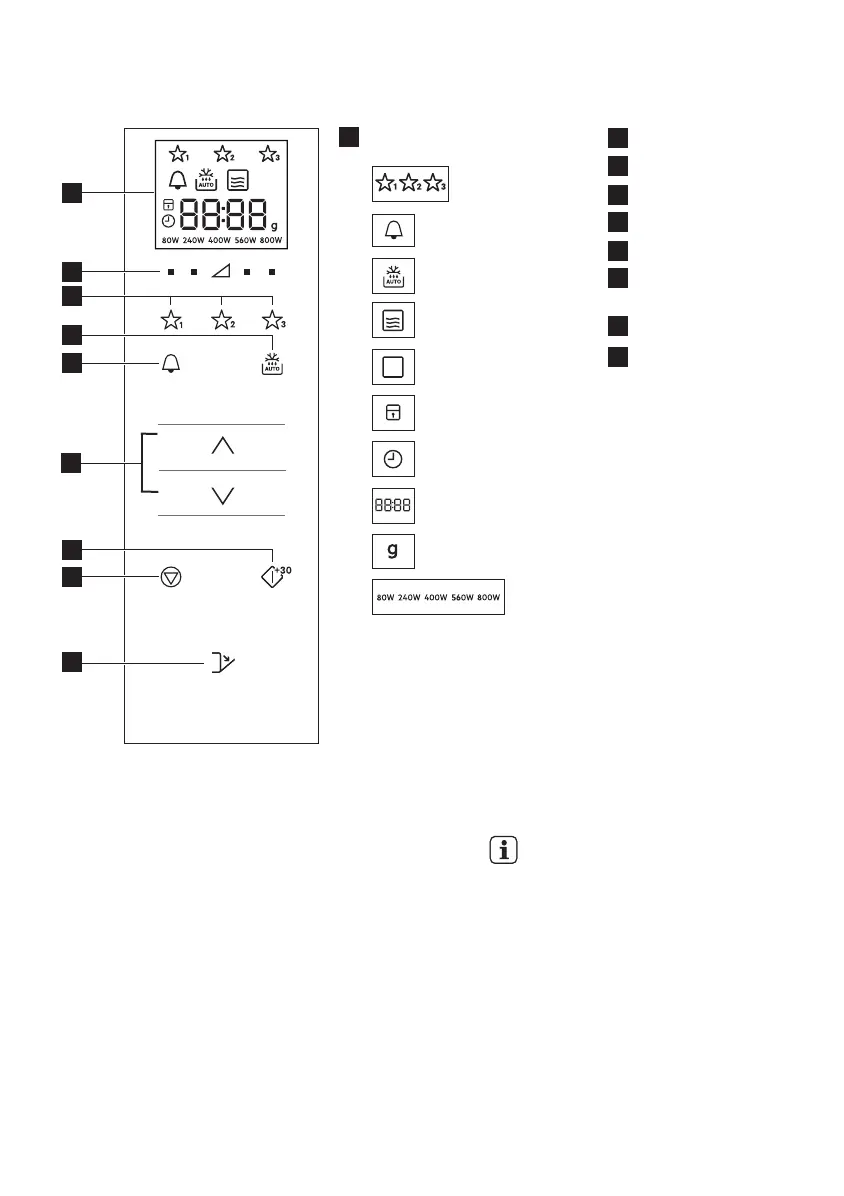
Digital display indicators:
Favourites
Kitchen timer
Auto defrost
Microwave
Stop/Cancel
Child safety lock
Set clock
Display segments
Weight
Power levels
Power level keys
Favourites keys
Auto defrost key
Kitchen timer key
More/Less keys
Start/Confirm/
Quick start key
Stop key
Door open key
12
www.electrolux.com
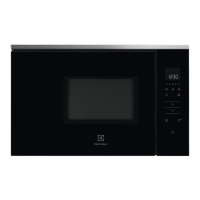
3.3 Control panel
1
2
3
4
5
6
7
8
9
4. BEFORE FIRST USE
2
8
9
3
4
7
1
5
6







 To Next Page