SOI 03.06 FV 9/38 599 36 78-45
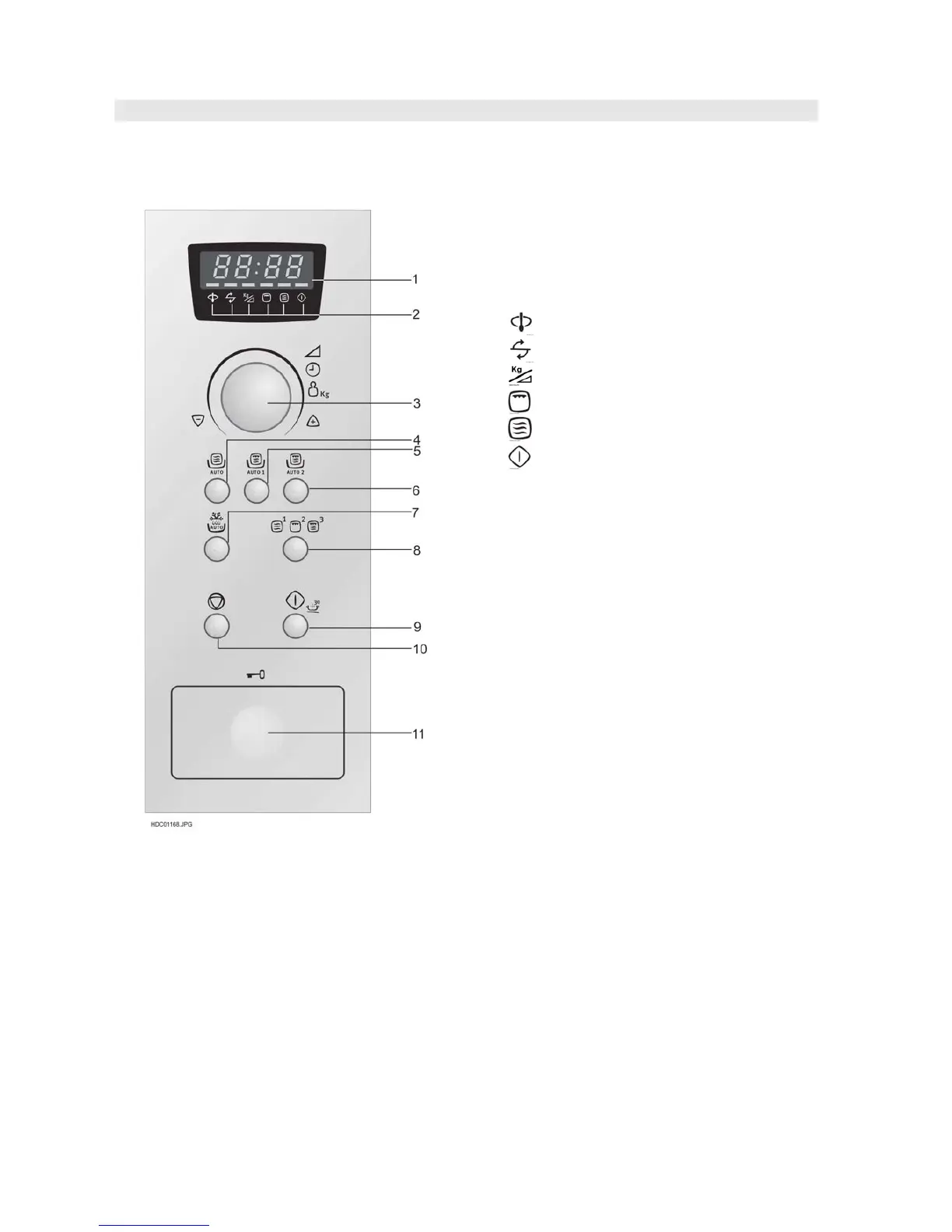
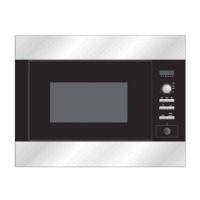
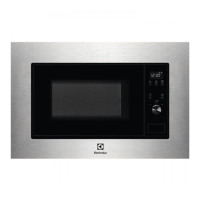
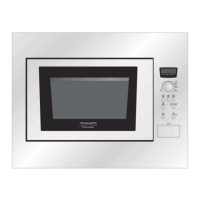
APPEARANCE VIEW
CONTROL PANEL
EMS2685
1 Digital Display
2 Indicators
The appropriate indicator will flash or light up, just
above each symbol according to the instruction.
When an indicator is flashing, press the
appropriate button (having the same symbol) or
carry out the necessary operation.
Stir
Turn over
Weight/Power level
Grill
Microwave
Cooking in progress
3 TIMER/WEIGHT/POWER knob
4 AUTO COOK button
Press to select one of the 2 automatic programmes
5 AUTO COOK PLUS GRILL 1 button
Press to select one of the 2 automatic programmes
6 AUTO COOK PLUS GRILL 2 button
Press to select one of the 3 automatic programmes
7 AUTO DEFROST button
Press to select one of the 5 automatic programmes
8 COOKING MODE button
Press to select either microwave, grill or dual grill,
or use to set the clock.
1. press once to select microwave
2. press twice to select the grill
3. press tree times to select dual grill mode,
microwave with grill.
9 START/QUICK button
10 STOP button
11 DOOR OPENING button



 To Next Page