12
Handling
3
2
1
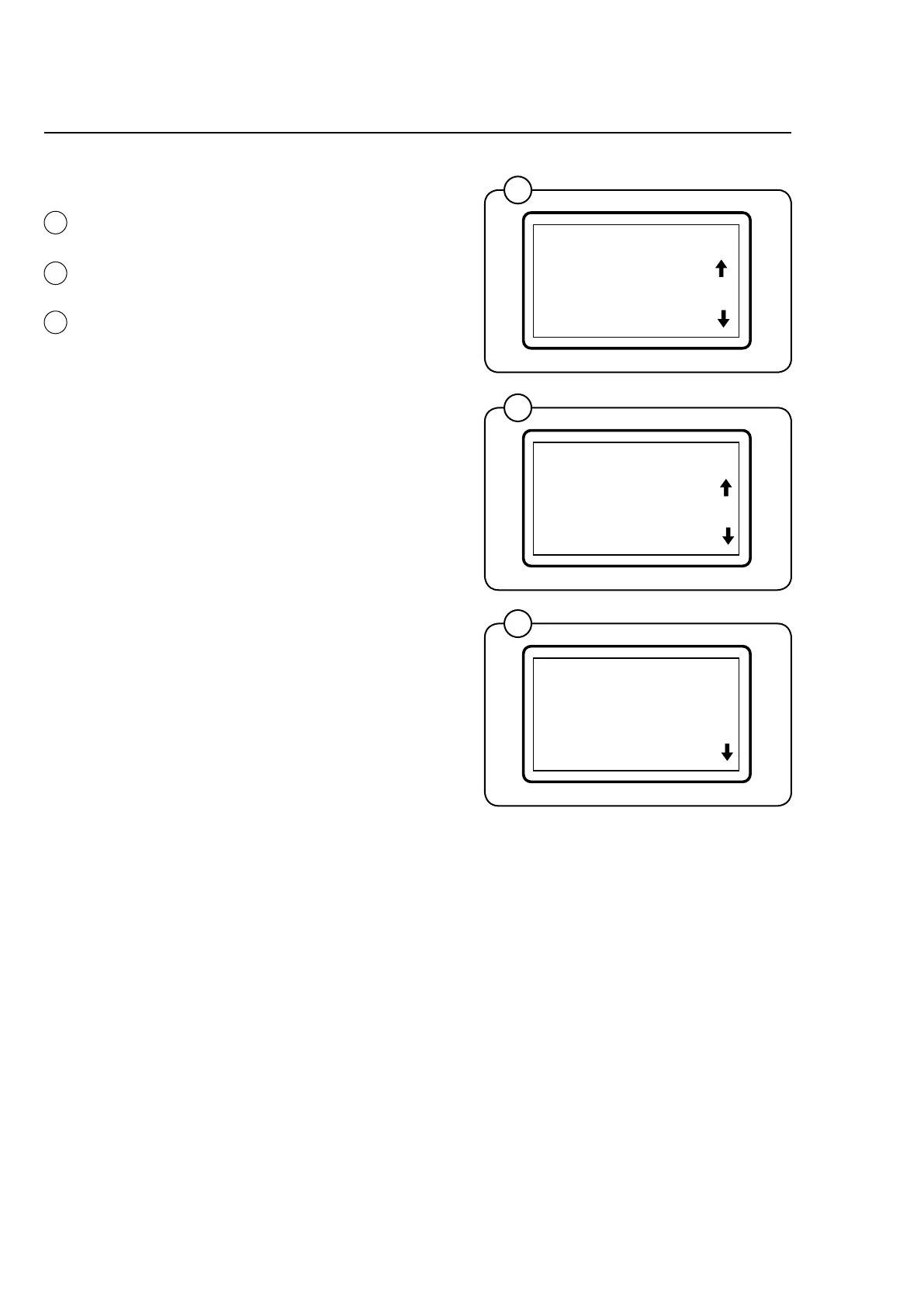
Starting with control knob
• Selectthedesireddryingprogramwiththe
controlknobandconrmbypressingthe
knob.
• Turnknobclockwisetochangedryingtem-
perature.
• Pressknobandselectdesiredtemperature:
HIGH (70 °C), MEDIUM (60 °C) or LOW (50
°C).
• Pressknobtostart.
On coin-operated machines the duration of the
program is controlled by the coin/token inserted
• Payforthedesiredtime.
• Selecttemperatureandconrmbypressing
the knob.
• Pressknobtostart.
Note!
The programmes EXTRA DRY, DRY and IRON
DRY 5% are not available on machines where
payment is done before the dryer is started.
SELECT TEMP.
HIGH TEMP.
MEDIUM TEMPERATUR
EXTRA DRY
HIGH TEMP.
CHANGE TEMP.
EXIT
EXTRA DRY
DRY
1
2
3








 To Next Page