8
4
General
4
EXTRA DRY
DRY
Display
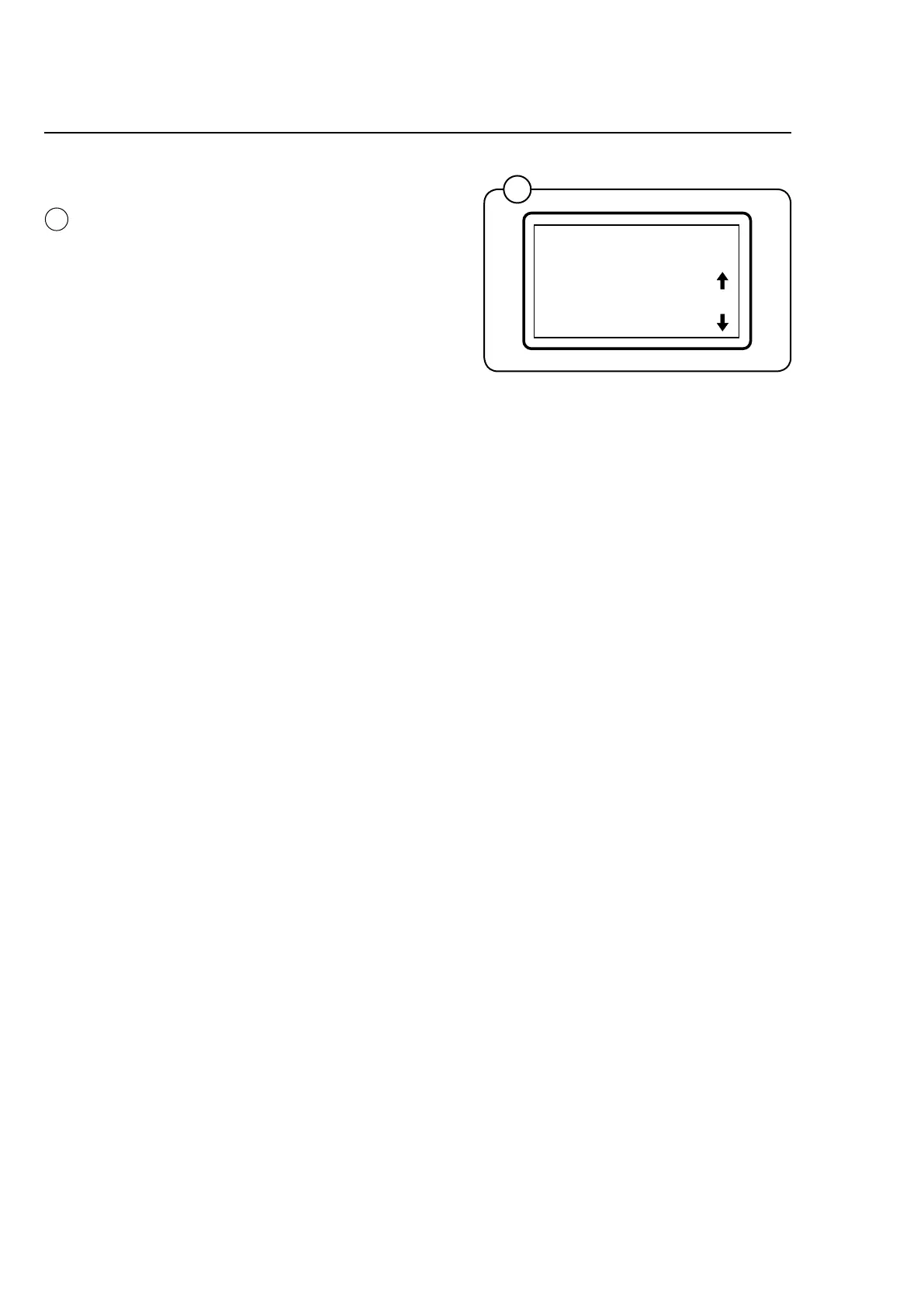
The display presents the drying programs and
additional functions. The up and down arrows on
the right-hand side of the display indicate that
there are more options available in the current
menu. Turn the knob for next program.
Note!
If there is not enough room to show all the
text on the display, the rst part will be dis-
played briey before the text scrolls to the
side to display the second part. This sequen-
ce will be repeated as long the text in ques-
tion is activated.








 To Next Page