Doc. No.: 560001 EG
Page:17 Ed.1" 08-2014
From ser. no.:
rd
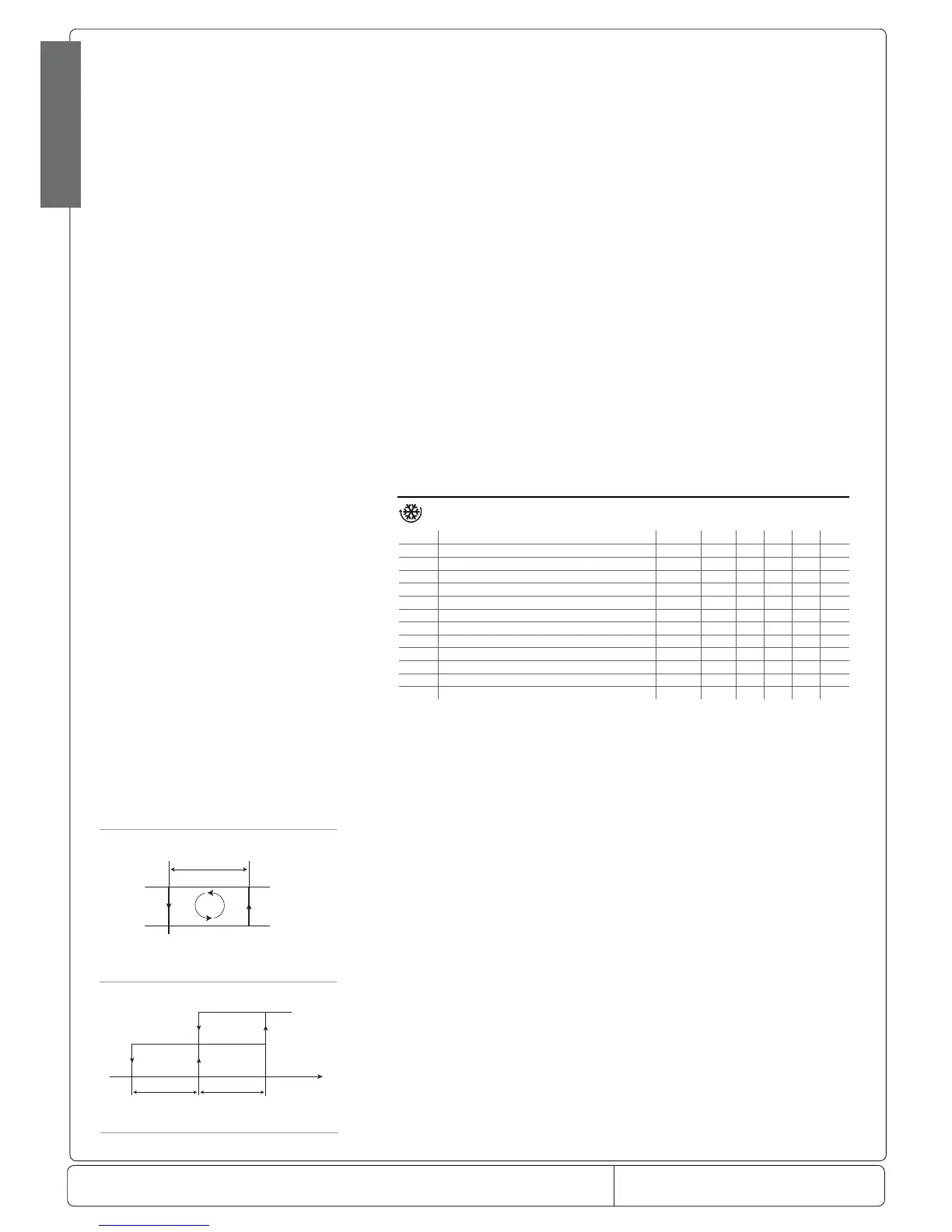
Set Point
OFF
ON
DIRECT Freddo
attuatore
D
St
rd/2 rd/2
Sonda virtuale
Direct
ENGLISH
Fig. 7.b
Fig. 7.a
/A2: Con guration of probe 2
Used to con gure the operating mode of probe 2.
/A2= 0 => probe 2 absent
/A2= 1 => product probe (used for display only)
/A2= 2 => defrost probe
/A2= 3 => condenser probe
/A2 = 4 => antifreeze probe
In any case, probe 2 is used for calculating the virtual control probe.
Default: /A2= 2 => defrost probe; /A2= 0 on models M and S => probe 2 absent.
/A3: Con guration of probe 3
As above, but relating to probe 3.
Important note: the input is enabled for use with a probe only if the parameter corresponding to digital input A4 is set to 0.
Default: /A3= 0 => Probe 3/Digital input absent.
/C1: Calibration or o set for probe 1
/C2: Calibration or o set for probe 2
/C3: Calibration or o set for probe 3
These parameters are used to correct the temperature measured by the probes, using an o set: the value assigned to these
parameters is in fact added to (positive value) or subtracted from (negative value) the temperature measured by the probes. The
temperature value is corrected by the o set before checking if the reading is out-of-range.
Example: to decrease the temperature measured by probe 1 by 2.3 degrees, set /C1= -2.3. The calibration or o set can be set
from -20 to +20.
Warning: if the probe is disabled, the display shows ‘___’. If the probe is faulty, the display shows the corresponding error code.
When displaying the parameter, pressing SET shows the value of the corresponding probe already corrected with the o set, while
pressing SET a second time displays the abbreviated code.
Default: /C1=/C2=/C3=/C4=/C5=0 no o set.
7.2 Temperature control parameters
Code Parameter Model UOM Type Min Max Def.
St Temperature set point MSYF °C/°F F r1 r2 0.0
rd Control delta -SYF °C/°F F 0.1 20 2.0
rn Dead band -SYF °C/°F C 0.0 60 4.0
rr Reverse di erential for control with dead band -SYF °C/°F C 0.1 20 2.0
r1 Minimum set point allowed MSYF °C/°F C -50 r2 -50
r2 Maximum set point allowed MSYF °C/°F C r1 200 60
r3 Operating mode -SYF ag C 0 2 0
r4 Automatic night-time set point variation MSYF °C/°F C -20 20 3.0
r5 Enable temperature monitoring MSYF ag C 0 1 0
rt Temperature monitoring interval MSYF hours F 0 999 -
rH Maximum temperature read MSYF °C/°F F - - -
rL Minimum temperature read MSYF °C/°F F - -
Tab. 7.c
St: set point
Establishes the set point value used by the controller. Default: St=0.0.
rd: Control delta
Establishes the value of the di erential, or hysteresis, used for temperature control. Low values guarantee an ambient temperature
that deviates only slightly from the set point, but involves frequent starts and stops of the main actuator (normally the compressor).
In any case, the compressor can be protected by suitably setting the parameters that limit the number of
activations/hour and the minimum OFF time (see the C parameters).
Note: if control with two compressor steps has been selected (‘H1, H5’=12, 13), the di erential ‘rd’ is divided between the two
steps.
Default: rd =2
rn: Dead band
Establishes the value of the dead band, when the auxiliary output is selected as heating, in control with dead band mode. The
di erential is in the centre of the dead band.


 To Next Page
 Loading...