22
6204
20
CONFIG 1
In the menu CONFIG 1 all the functions as well
as parameters which the service personnel can
change without a password are shown.
Engage the service mode on the machine.
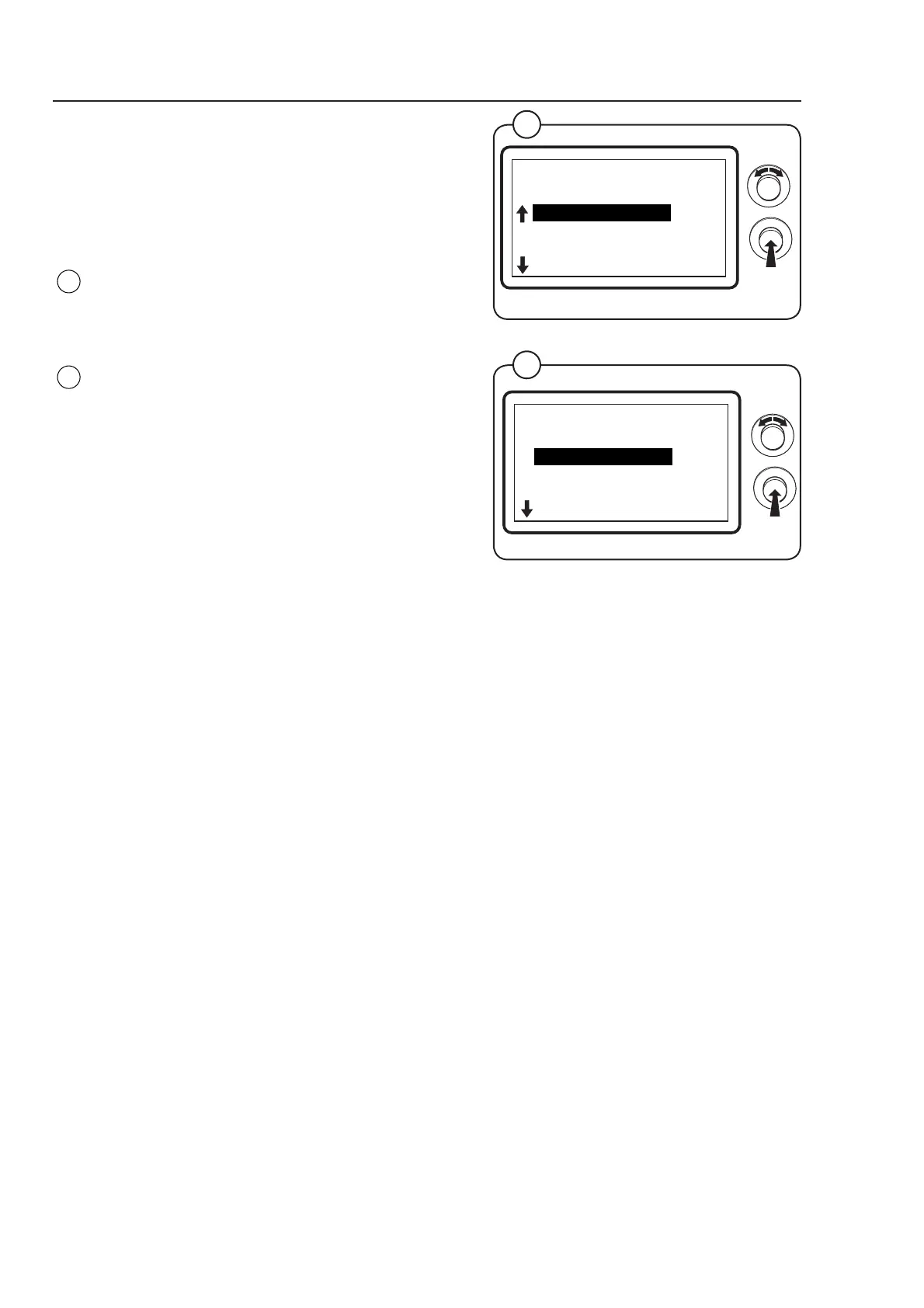
Select the row CONFIG 1 in the main menu and
press the knob.
In the display following submenus are now
shown:
• USER INTERFACE
• SHOW COUNTER
• LANGUAGE
• SPECIAL CONTROL
• I/O ADDRESS
Select a submenu and press the knob.
Fig.
20
Fig.
19
Program unit
6204
19
MAIN MENU
MENU 4
CONFIG 1
CONFIG 2
COIN VALUE
QUICK START BUTTONS
ADJUST DISPLAY
CONFIG 1
MENU 4-1
USER INTERFACE
SHOW COUNTER
LANGUAGE
SPECIAL CONTROL
I/O ADDRESS



 To Next Page