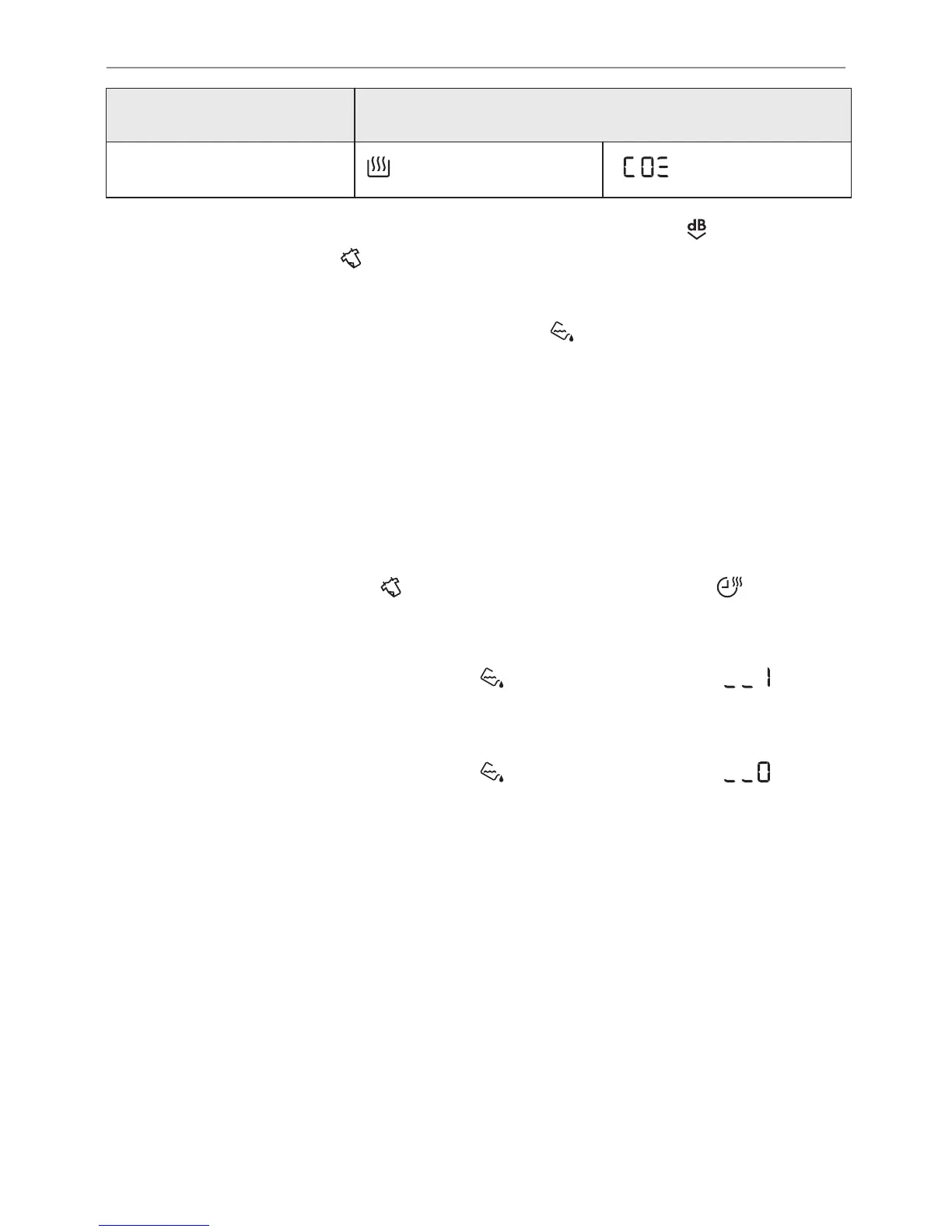
Dryness level Display symbol
Standard dryness
5. To memorise the setting touch and hold down the Extra Silent
(Extra Leise) and
Refresh (Auffrischen) buttons at the same
time for approximately 2 seconds.
9.3 Deactivating the tank indicator
The water container indicator is activated by default. It illuminates
at the end of the drying cycle or during the cycle if the water
reservoir is full. If the draining kit is installed the water container is
drained automatically and the indicator can be deactivated.
To deactivate the indicator:
1. Turn the appliance on.
2. Select 1 of the available programs.
3. Touch and hold down
Refresh (Auffrischen) and Time
Dry (Zeitwahl)
buttons at the same time.
One of 2 configurations is possible:
• the tank (Behälter) indicator:
is on if the symbol
appears - the water container indicator is permanently
activated
•
the tank (Behälter) indicator:
is off if the symbol
appears - the water container indicator is permanently
deactivated
29/48
HINTS AND TIPS



 To Next Page