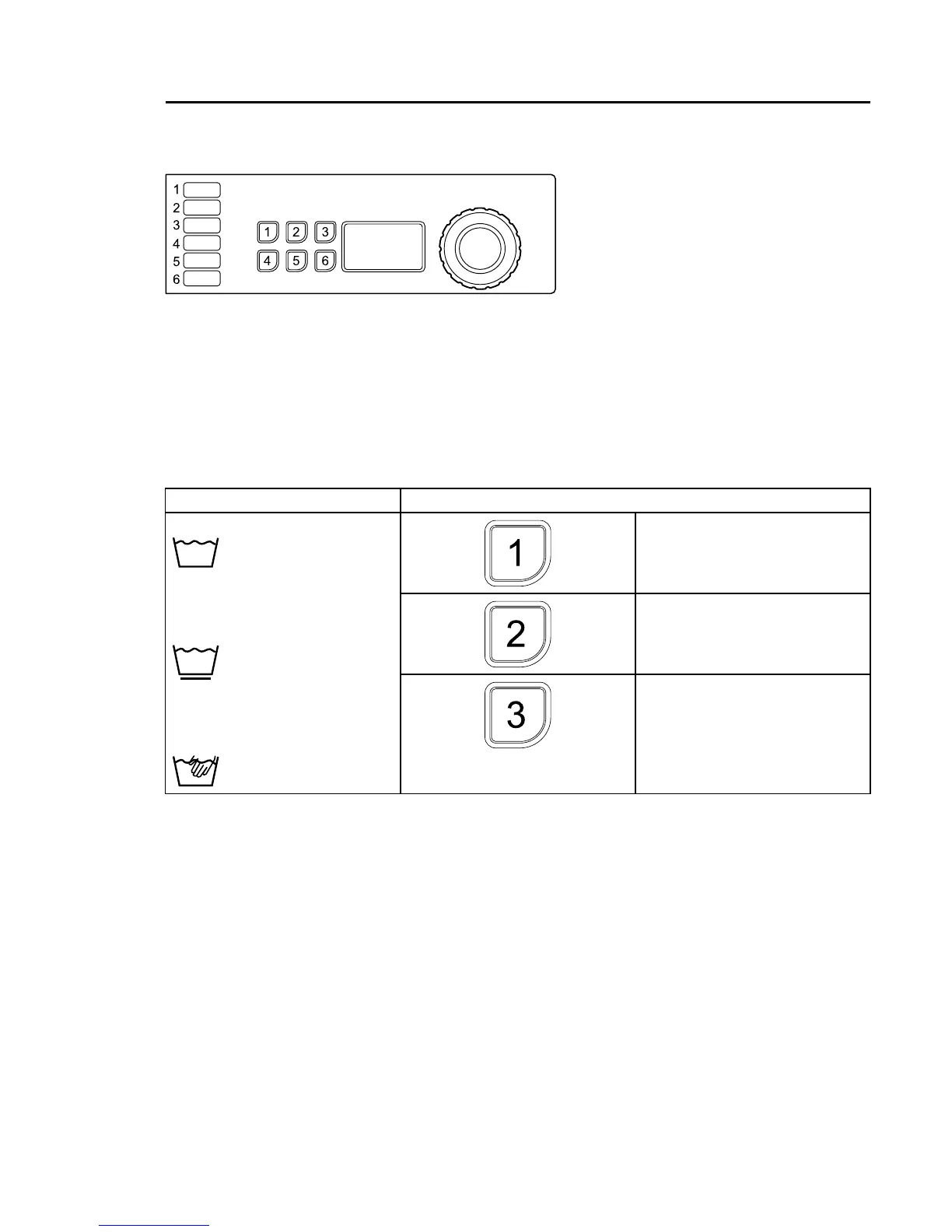
Selectprogrambyturningthecontrolknoborselectprogramwiththequickselectionbuttons(if
someofthebuttonsareprogrammedwiththisfunction).
Itisalsopossibletoselectoptions(ifsomeofthebuttonsareprogrammedwiththisfunction).
Note!
Someprogramsdonotallowoptions.
ExampleofprogramsExampleofoptionsprogrammedinthebuttons
RINSESTOP
Startthemachinebypressingthecontrolknob.
Buttons
Thebuttonsonthepanelcanbeprogrammedtobeoptionbuttons,quickselectionbuttons(usedto
selectaprogram)orboth.
Atdeliverythebuttonsareprogrammedtoworkasoptionsbuttons.
Wheninstallingthemachine,astickerisattachedateachnumbercorrespondingtoeachbutton
thatexplainswhateachbuttonisusedfor.
Thefunctionofthebuttonscanbechangedatanytime.Informationonhowtoprogramthe
buttonscanbefoundintheProgrammingandcongurationmanualandshouldonlybedonebya
skilled/authorizedperson.


 To Next Page