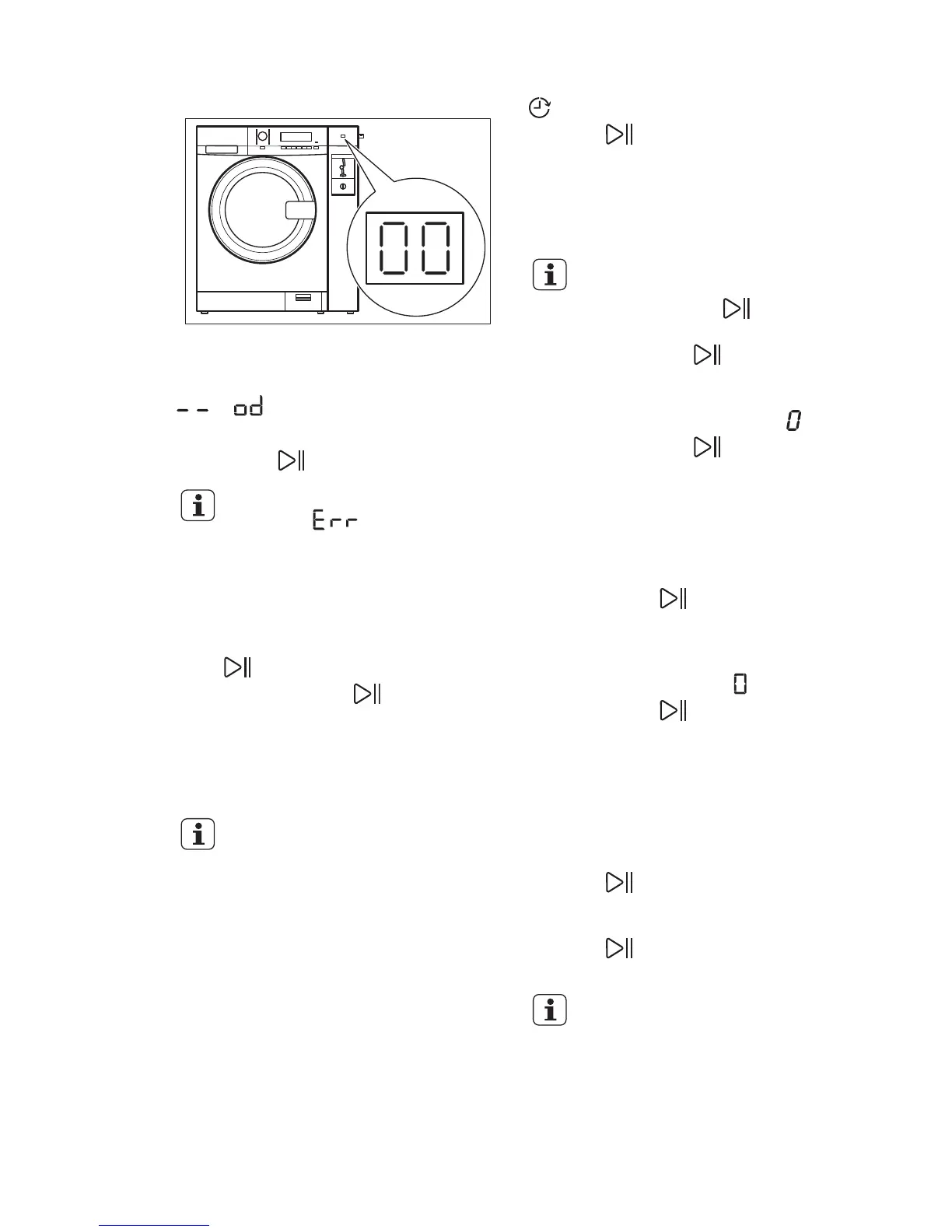
9.8 Coin operated machine
Insert correct amount of coins. When
inserting coins, the display on the coin
meter counts down to “00” (then it shows
or ) and the appliance is ready to
start.
Press button to start the appliance.
The display shows the
message if the
washing cycle has not been
paid yet.
9.9 Starting a programme
without the delay start
Press .
• The indicator of stops to flash
and stays on.
• The indicator of the running phase
starts to flash on the display.
• The programme starts the door
locks.
After approximately 15
minutes from the start of the
programme:
• The appliance adjusts
automatically the
programme duration
agree with the laundry
load.
• The display shows the
new value.
9.10 Starting a programme with
the delay start
1. Press Delay start repeatedly until the
display shows the delay you want to
set.
The related indicator comes on the display
.
2. Press :
• The appliance starts the
countdown.
• When the countdown is
completed, the programme starts
automatically.
You can cancel or change
the set of the delay start
before you press . To
cancel the delay start:
• Press to set the
appliance to pause.
• Press Delay start until
the display shows '.
• Press
again to
start the programme
immediately.
9.11 Cancelling the delay start
To cancel the delay start:
1.
Press button
to set the appliance
to pause.
The related indicator flashes.
2. Press button Delay start repeatedly
until the display shows .
3. Press button again to start the
programme immediately.
9.12 Interrupting a programme
and changing the options
You can change only some options before
they operate.
1. Press .
The indicator flashes.
2. Change the options.
3. Press again.
The programme continues.
If the appliance is connected
to a coin operated machine,
you can interrupt a
programme only 5 minutes
after the programme start.
After this time the child lock
automatically activates.
ENGLISH
19


 To Next Page