DGS-TDS-N 05.2006 © Electrolux 13 168 650
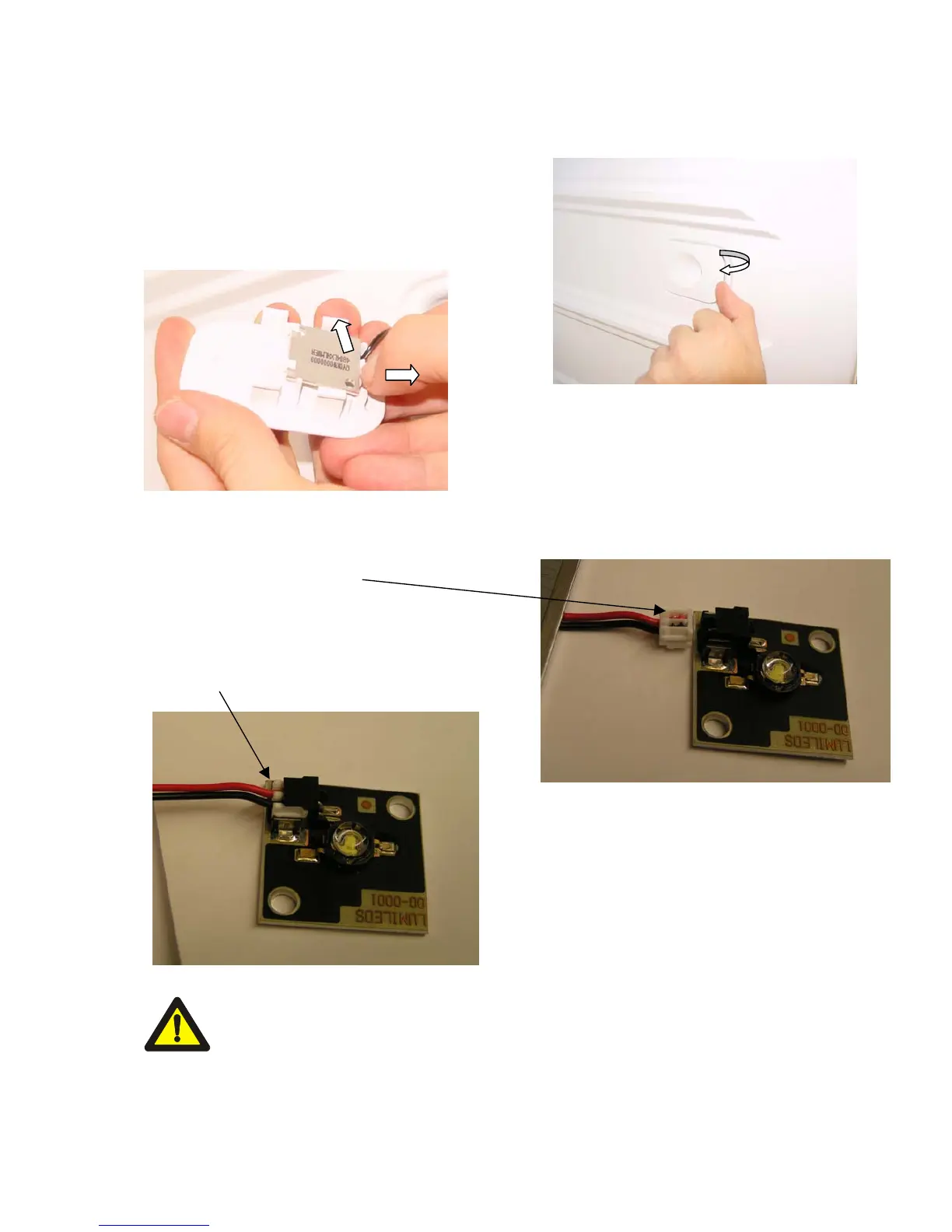
6.2.2 Replacing the lighting
1. Pull out the LED retainer with your fingers
2. Pull the clip back with your fingers and push the
board upwards
3. Push the LED-board out
4. Replace the LED-board
5. Carefully reinsert the LED-board
The LEDs are connected in series on the right-hand side, i.e. if a LED is
defect, the other LED on the same side is also not illuminated.




 To Next Page