Appendix A
Adding a Channel to the SR-8A
If you have an unused channel and would like to add an extension cable to your instrument, perform the
following steps:
1. Order an XCS Extension Cable at the proper length from Electronics International Inc.
2. Disconnect the Circular Connector from the back of the SR-8A.
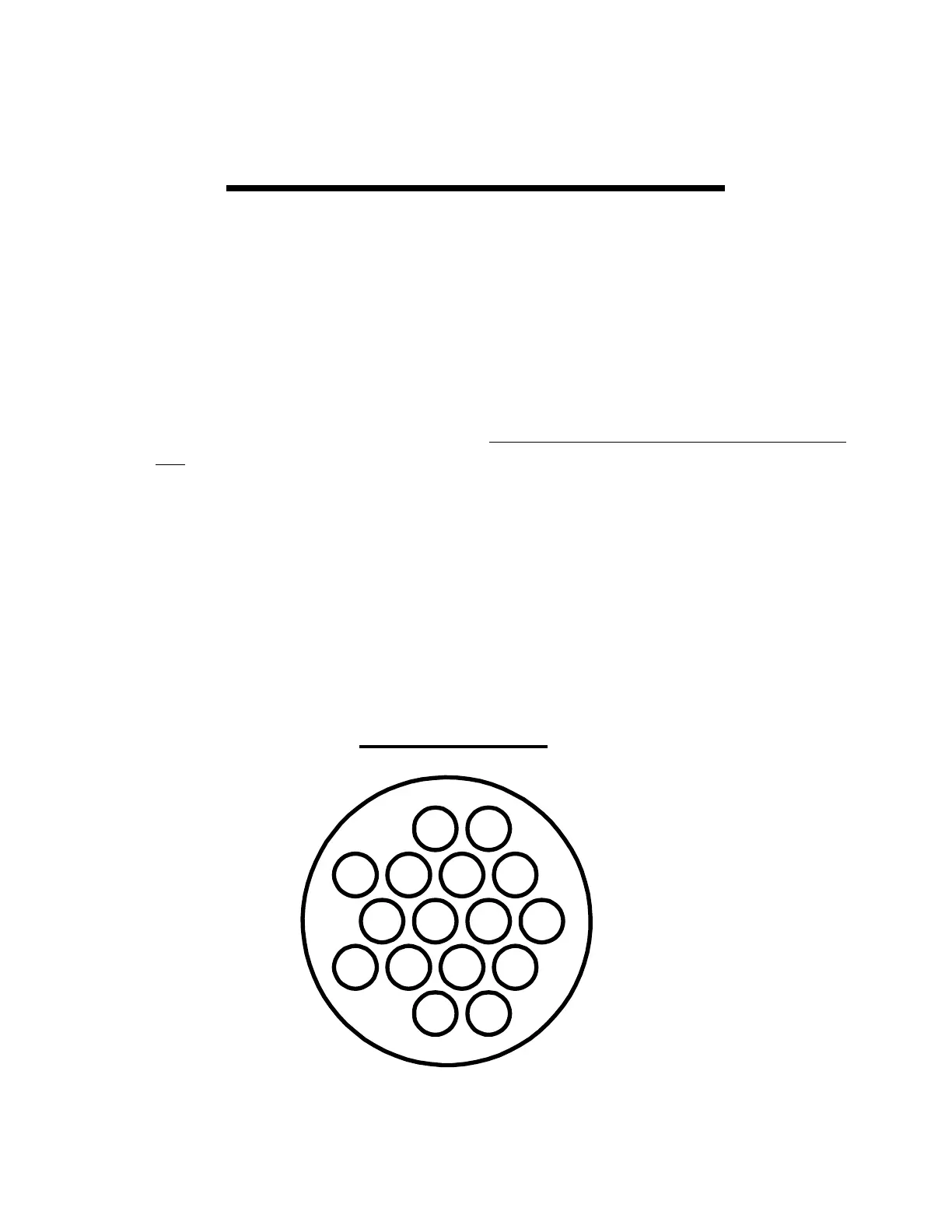
3. Insert the the XCS Extension Cable into the Circular Connector at the proper location (see
below). Once these connectors are installed do not try to remove them without an extraction
tool. Unless an extraction tool is used you can damage the Circular Connector. An extraction
tool may be purchased from Electronics International Inc.
4. Follow the appropriate steps in the Installation Instructions for mounting the probes and
routing the Extension Cables.
5. Reconnect the Circular Connector to the back of the SR-8A.
7
6
1
3
15
11
16
10
14
2
1
Yel
1
Red
2
Yel
3
Yel
4
Yel
5
Yel
6
Yel
7
Yel
8
Yel
2
Red
3
Red
5
Red
4
Red
6
Red
8
Red
7
Red
Extension Cable Harness
Back View (wire side)
Note: 1 Red = Channel #1 Red wire.
1 Yel = Channel #1 Yel wire.
21


 To Next Page