10
4.4 SWITCH MACHINE
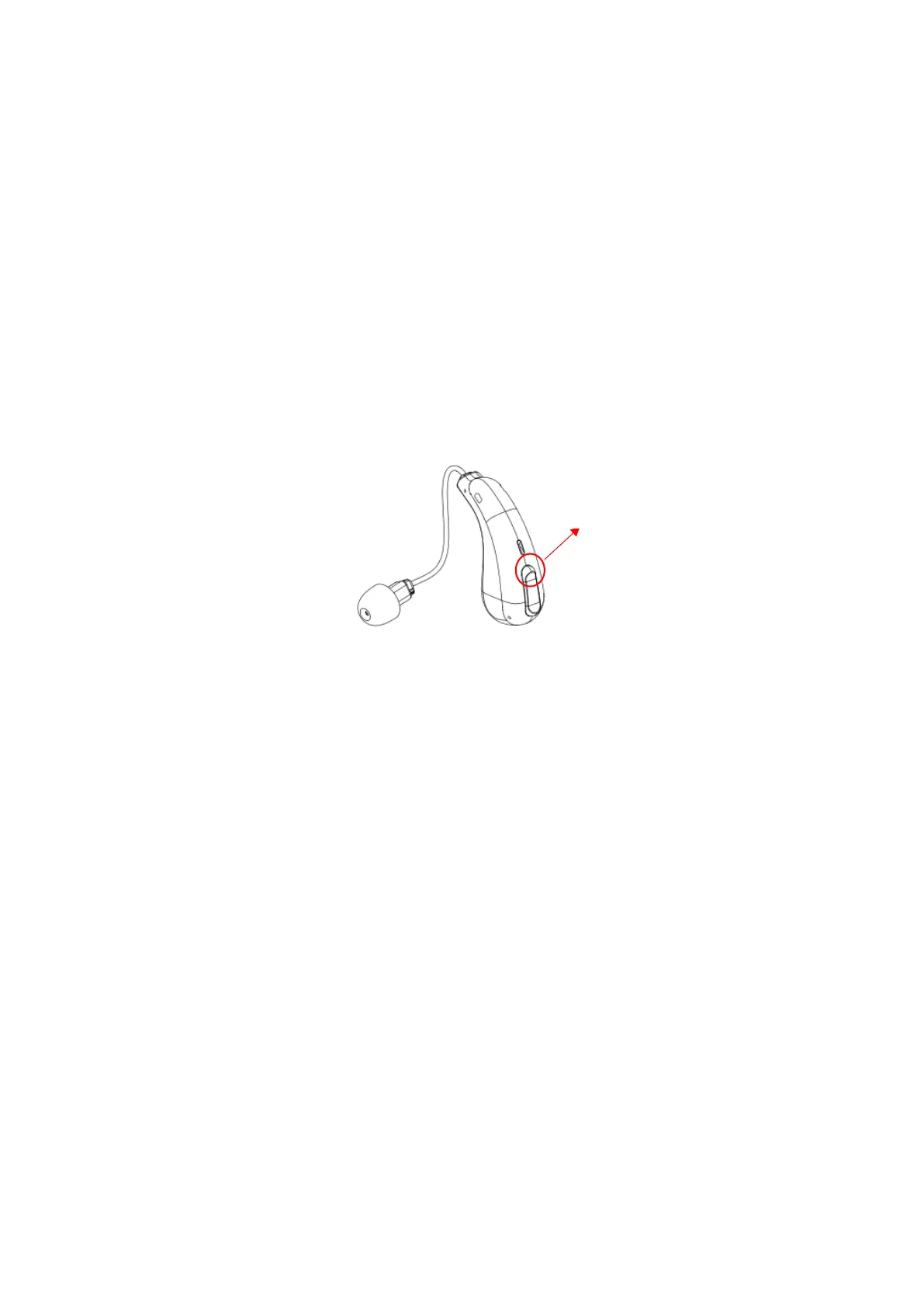
Start up: Open the charging box and take out the hearing aid, the hearing aid will
automatically turn on, or turn on the hearing aid by pressing and holding the volume up
button for 2~3 seconds in the off state .
Shutdown: Put the hearing aid into the charging compartment and close the cover of
the charging compartment , the hearing aid will automatically shut down, or turn off the
hearing aid by pressing and holding the volume up button for 2~3 seconds while it is
on.
4.5 VOLUME ADJUSTMENT
To increase the volume, perform a short press on the volume up bottom. This will
increase the volume by one level, out of total of six levels. Each time you increase a
level, the hearing aid will emit a “beep” sound. When the volume reaches its maximum,
you will hear a “ding ding” sound.
To lower the volume, perform a short press on the volume down bottom. This will
decrease the volume by one level, out of total of six levels. Each time the volume is
decreased by one level, the hearing aid will emit a “beep” sound. When the volume
reaches its minimum, you will hear a “ding ding” sound.



 To Next Page