12
4.7 BLUETOOTH FUNCTION
(1) Take the hearing aid out of the charging box and directly enter the Bluetooth pairing
state. During the Bluetooth connection process, the hearing aid will play the prompt
sound "Pairing".
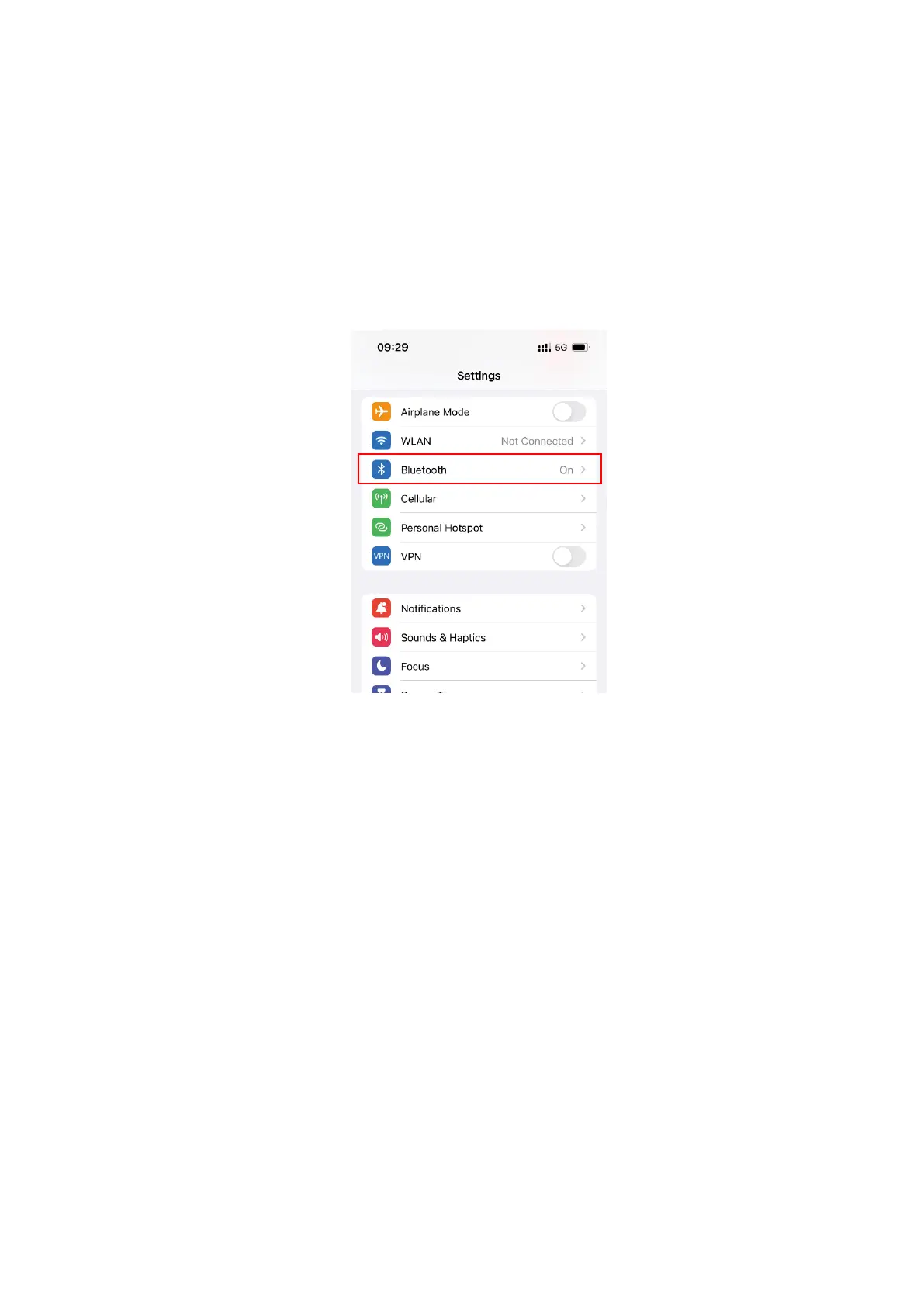
(2) Turn on the phone, tap the [Settings] icon, and select [Bluetooth].
(3) Go to the Bluetooth interface and turn on the switch. The device will search for
nearby Bluetooth device, and you need to select “ELEHEAR Alpha” from the list of
other devices.
After selecting “ELEHEAR Alpha”, the hearing aids will play the "Pairing" prompt
tone. If the connection is successful, the hearing aids will play "Connected". At this
point, the words "Connected" will appear next to “ELEHEAR Alpha” on your phone.
The Bluetooth connection is now established, and you can use the hearing aids to
answer calls, play music and etc……



 To Next Page