EasyManua.ls Logo

ELEHEAR Alpha - Troubleshooting Guide

Default Icon
25 pages
Print Icon
To Next Page IconTo Next Page
To Previous Page IconTo Previous Page
Loading...
16
6. TROUBLESHOOTING GUIDE
Fault
Reason
Solution
Howling
Loose ear caps
Take off the ear caps
and put them back on
The ear caps are not the right
size
Replace ear caps with
appropriate size
Excessive earwax
Clean ears
Hearing aid volume is too loud
Turn down the volume
or consult an audiologist
Receiver wire cracked or
damaged
Consult an audiologist
When the hearing aid is placed
in the charging compartment,
the charging contacts are not in
good contact
Cleaning the charging
contacts of the hearing
aids and charging box
The charging box is out of
power
Charge the charging box
Silent
Switch off
Turn on
No battery or low battery
Timely charging
The sound outlet of the receiver is
blocked
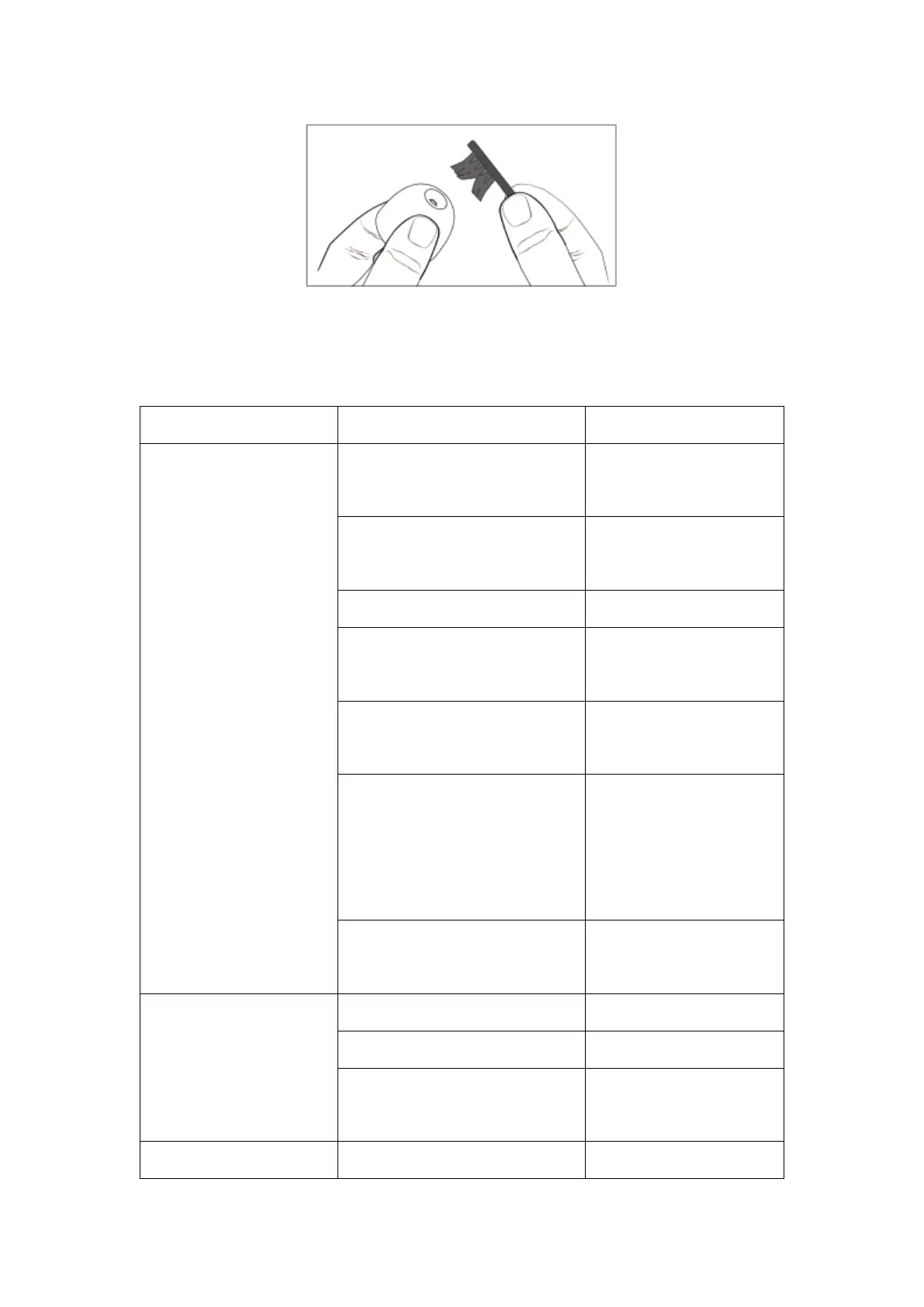
Cleaning the Receiver
Sound Outlet
Small Volumn
Volume set too low
Volume adjustment