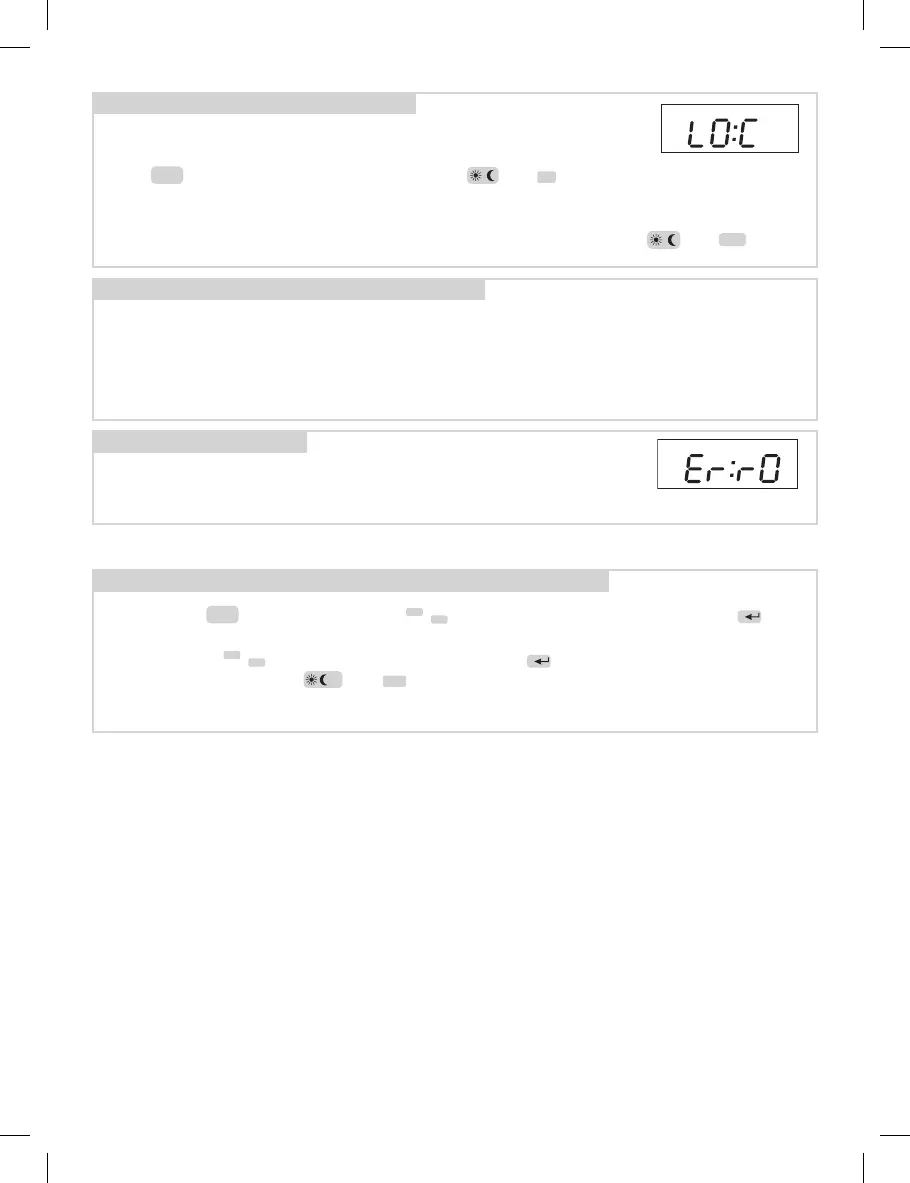
If following error message is shown on the display,
contact immediately the manufacturer
(it is dealing with a failure of temperature sensor)
(ERROR)
1. Connect TS10 in 230V/50 Hz socket.
2. Program it according to instructions.
3. Connect the heating body you want to control.
Installation:
Error messages:
It serves for keyboard blocking, as a protection against unauthorized
handling.
Press
Fce
button, then simultaneously press and
-
now the keyboard is
blocked.
Message LO:C (LOCK) is shortly displayed on the display. The function can be
cancelled, e.g. the keyboard unblocked by simultaneous pressing of and
+
.
Child lock:
6
• Press the
Fce
button, by pressing
/
-
+
select function PA:r and conrm by
i
button.
• By pressing
/
-
+
buttons select PA:r9 conrm by
i
.
• Simultaneously press
P
and
-
buttons, it will restore the factory settings!
Note: Use only when necessary, all saved changes will be deleted!
! RESET - restoring the default settings


 To Next Page